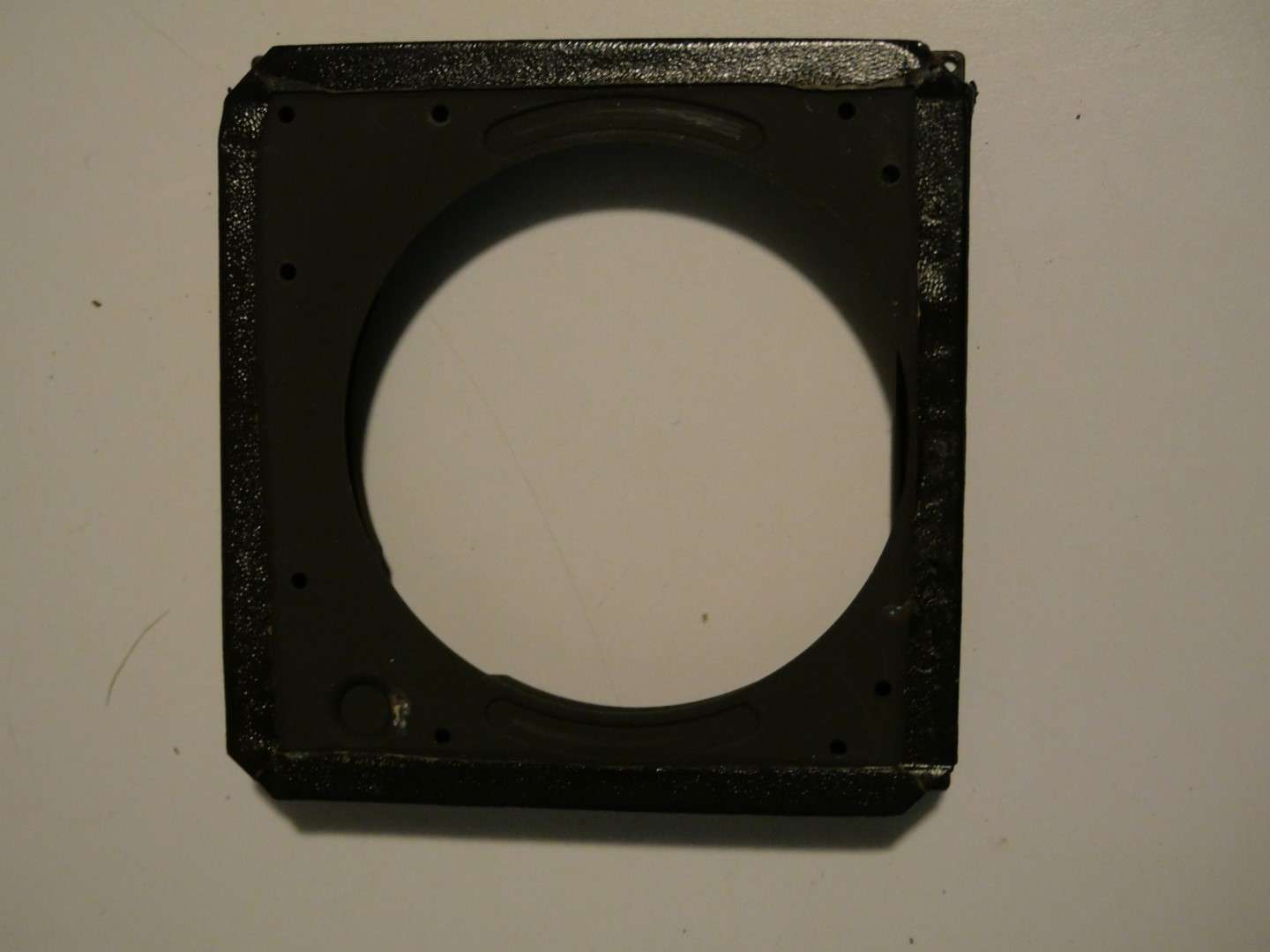
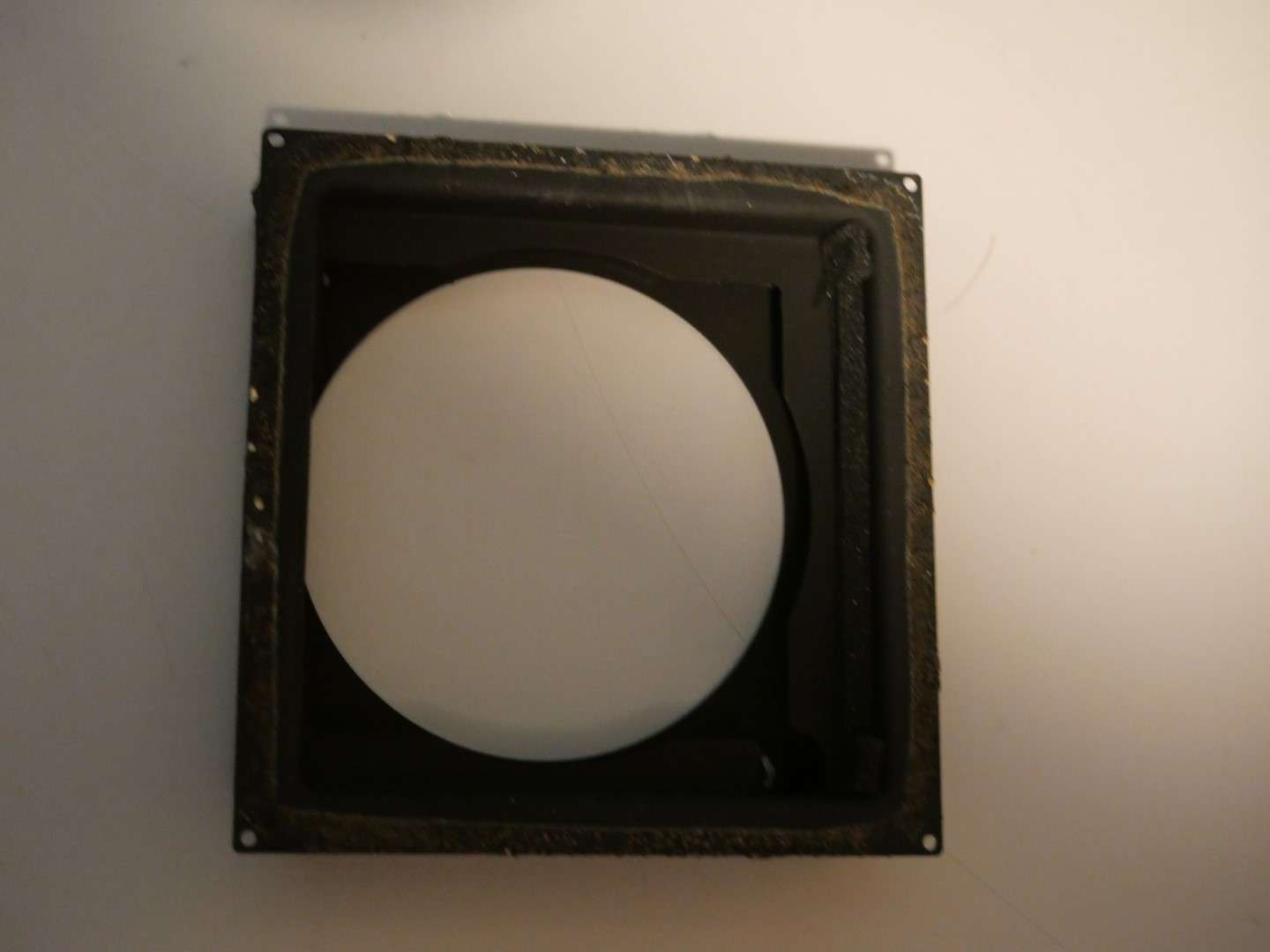
Replacing the bellows of the RZ67 camera can be broken up in two parts:
1) The actual replacing as taking it out and in again, where the steel plates that hold the bellows are taken out and in with the actual bellows attached to this. this procedure is described in the repair manual.n You will need a very long X screwdriver for this, with a small nose. And some patience, good lighting and (in my case) additional glasses. And- if you replace the internal cloth part of the bellows: You will require some special light-blocking foam when mounting the bellows back in again.
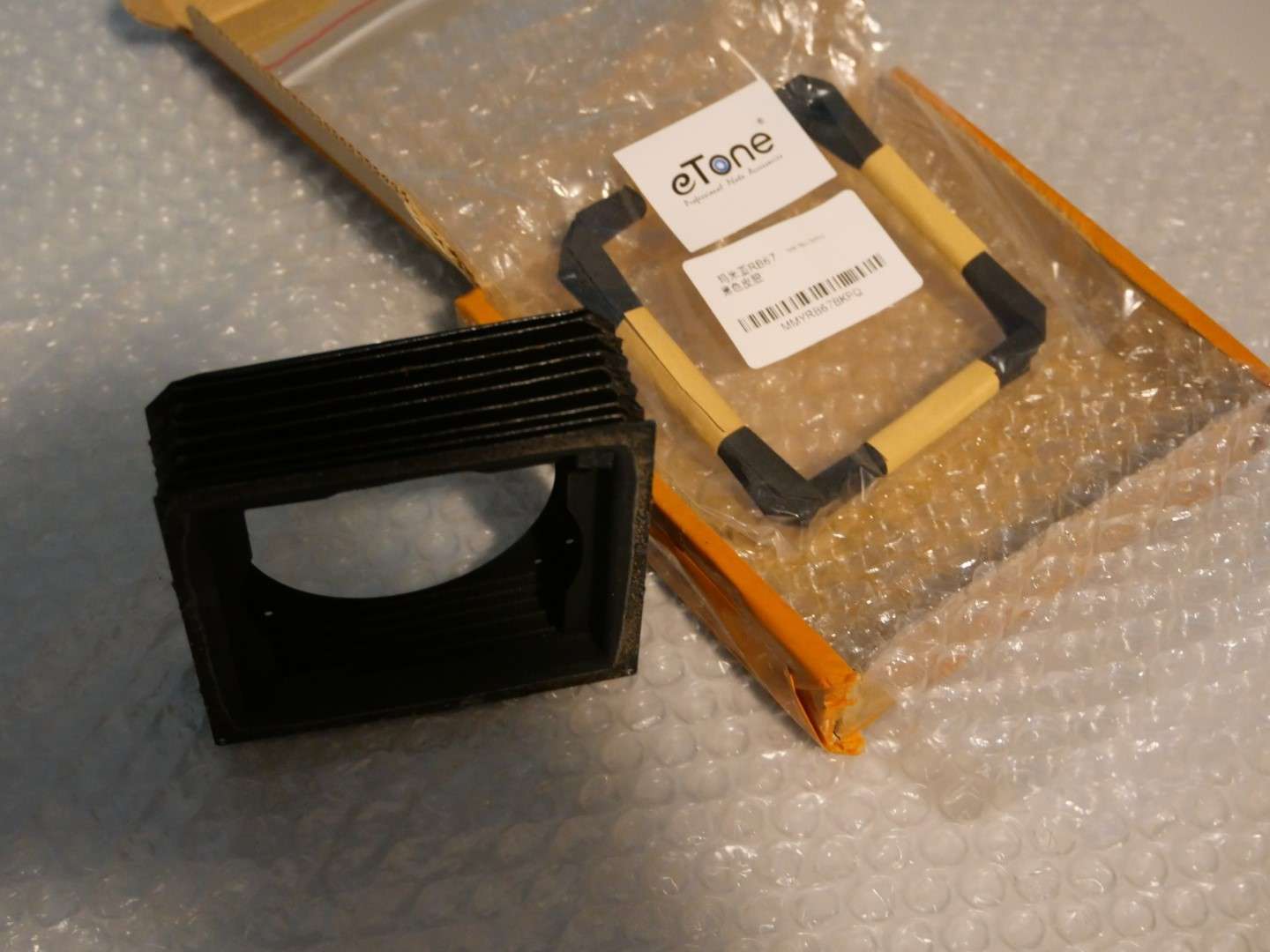
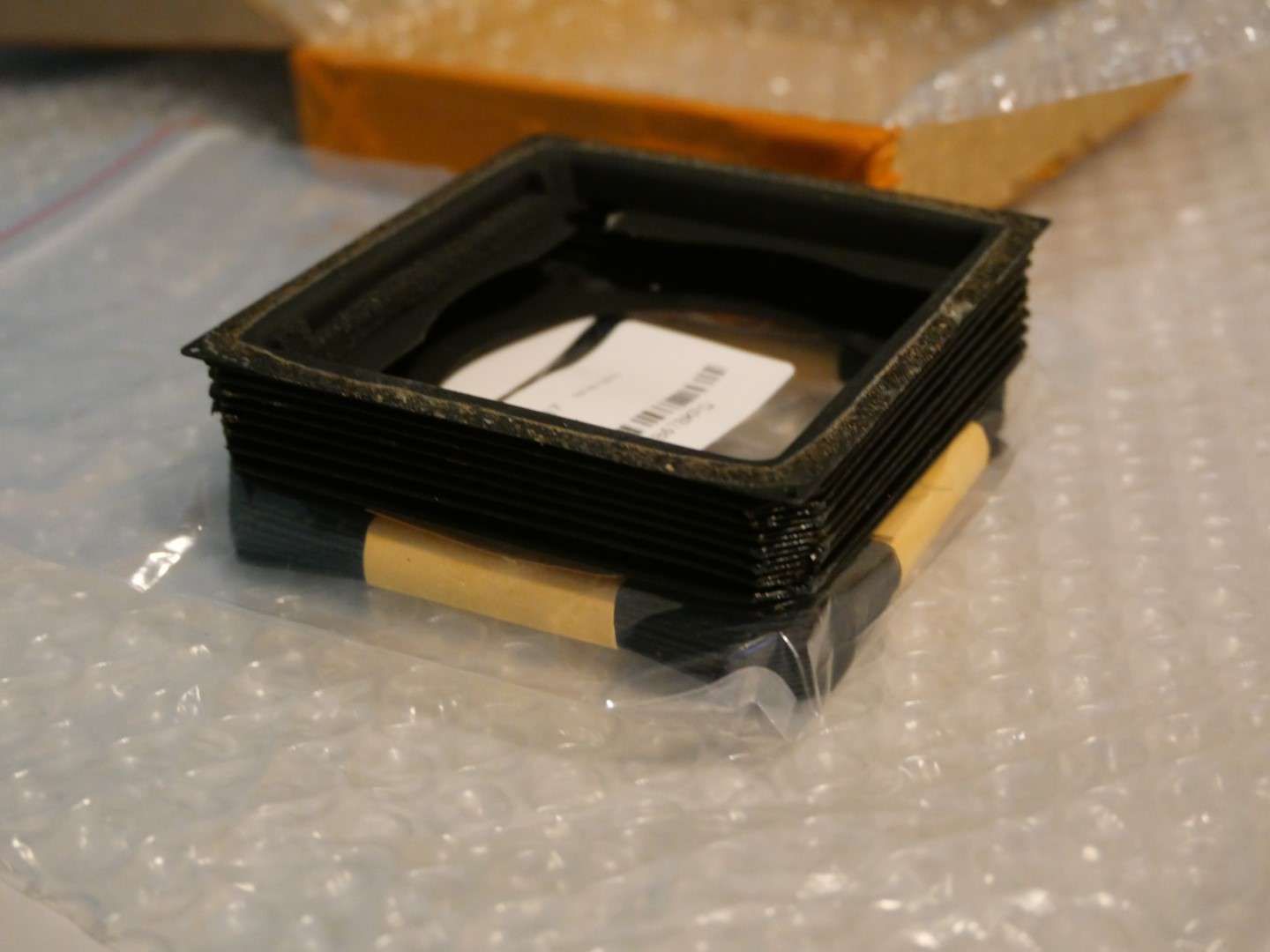
2)The more complex replacement is taking the in-between cloth part of the bellows off the steel plating and replacing this with a new bellows unit, as you can buy on ebay/ aliexpress et cetera. That’s what I will describe and show you in this post.
Steps to take:
Remove the cloth from upper-and lower part with use of dessicant, and tricloorethane or any other solvent that does not affect the paint on the steel plating. ‘debonding might do the trick here.
Clean the steel plating.
Test-fit the new bellows on the steel plates;
put some glue on the rear steel plate, where the connection was in the old situation.
Put the bellows on the glued plate and use a brush with a bit of glue to attach the bellows to the steel plate.
Let it dry.
Do the same for the other steel plate.
Let it all dry.
Mount some foam as lightshield on the connecting part of the steel plates
First, mount the bellow to the camera’s largest part with the 4 screw in the corners( only 4 screws on this side!)
Then, extend the front to maximum and screw the bellows with the 9 screws to the front, through the camera’s inside. Just screw the screws in a little bit, do not yet tighten. First do 3 or 4 on the outside, then the rest. After the last is in, tighten them all.
You’re done!
After the new bellows is glued on the steel frame, part 1 will be done.
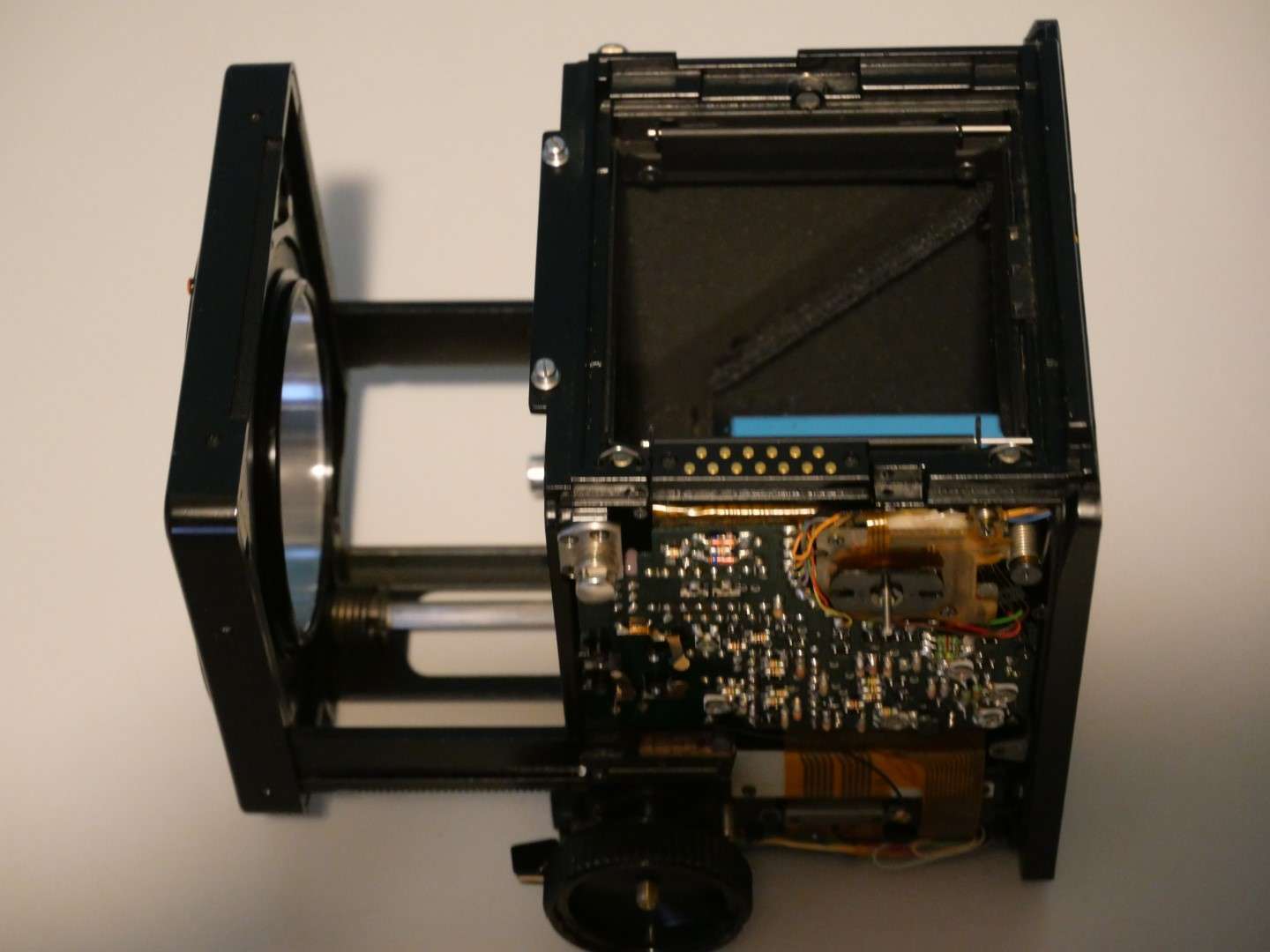
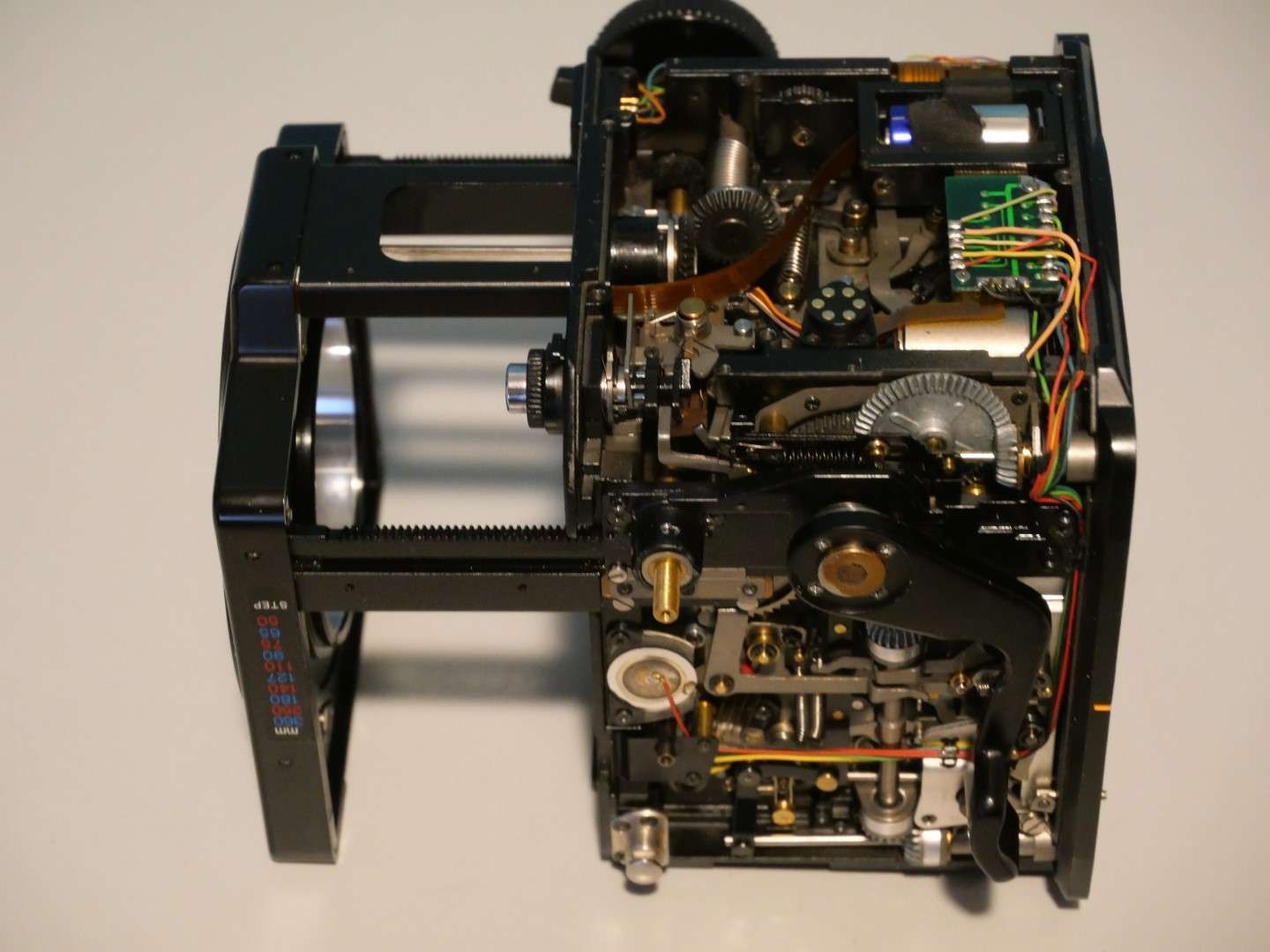
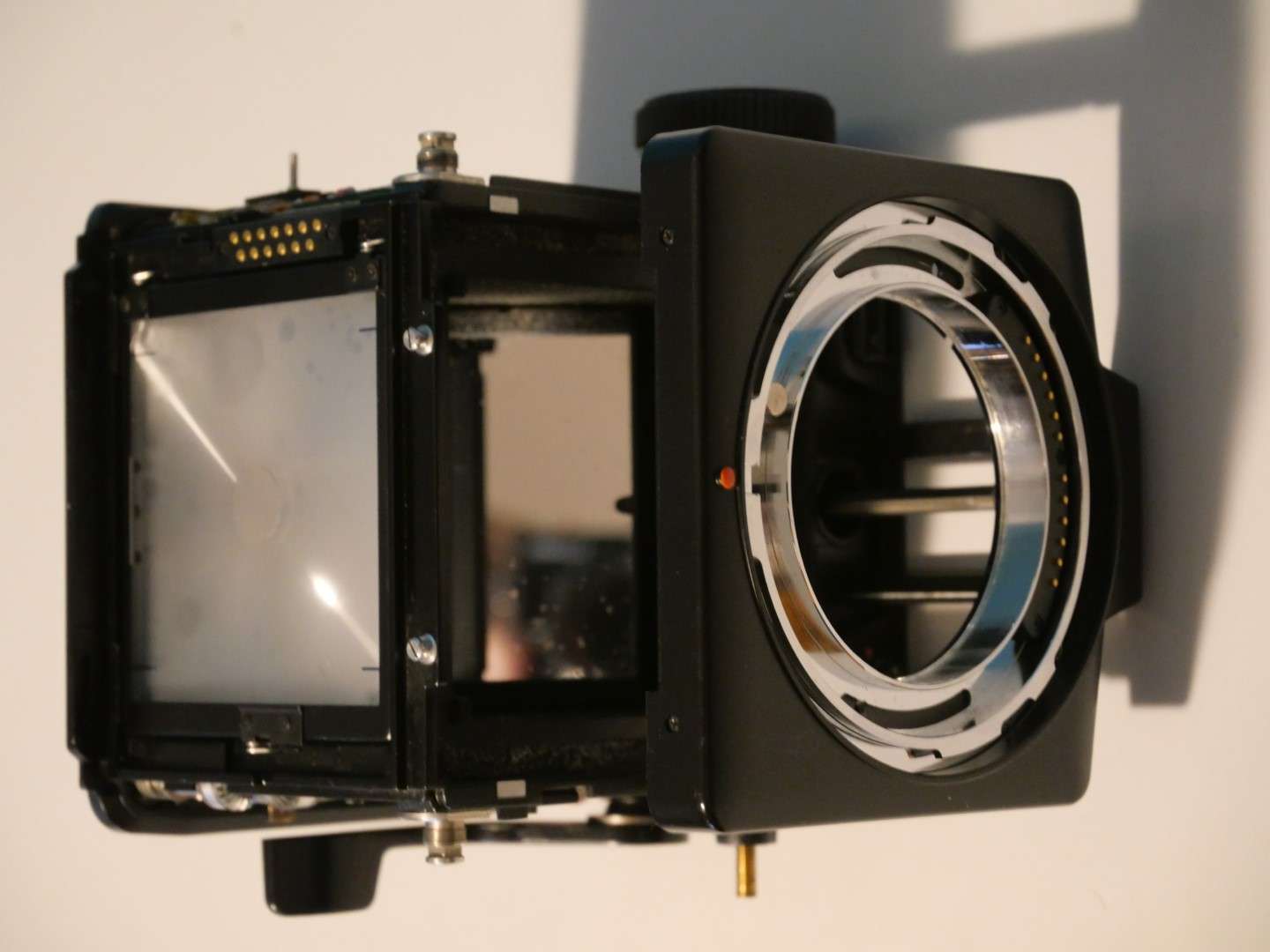
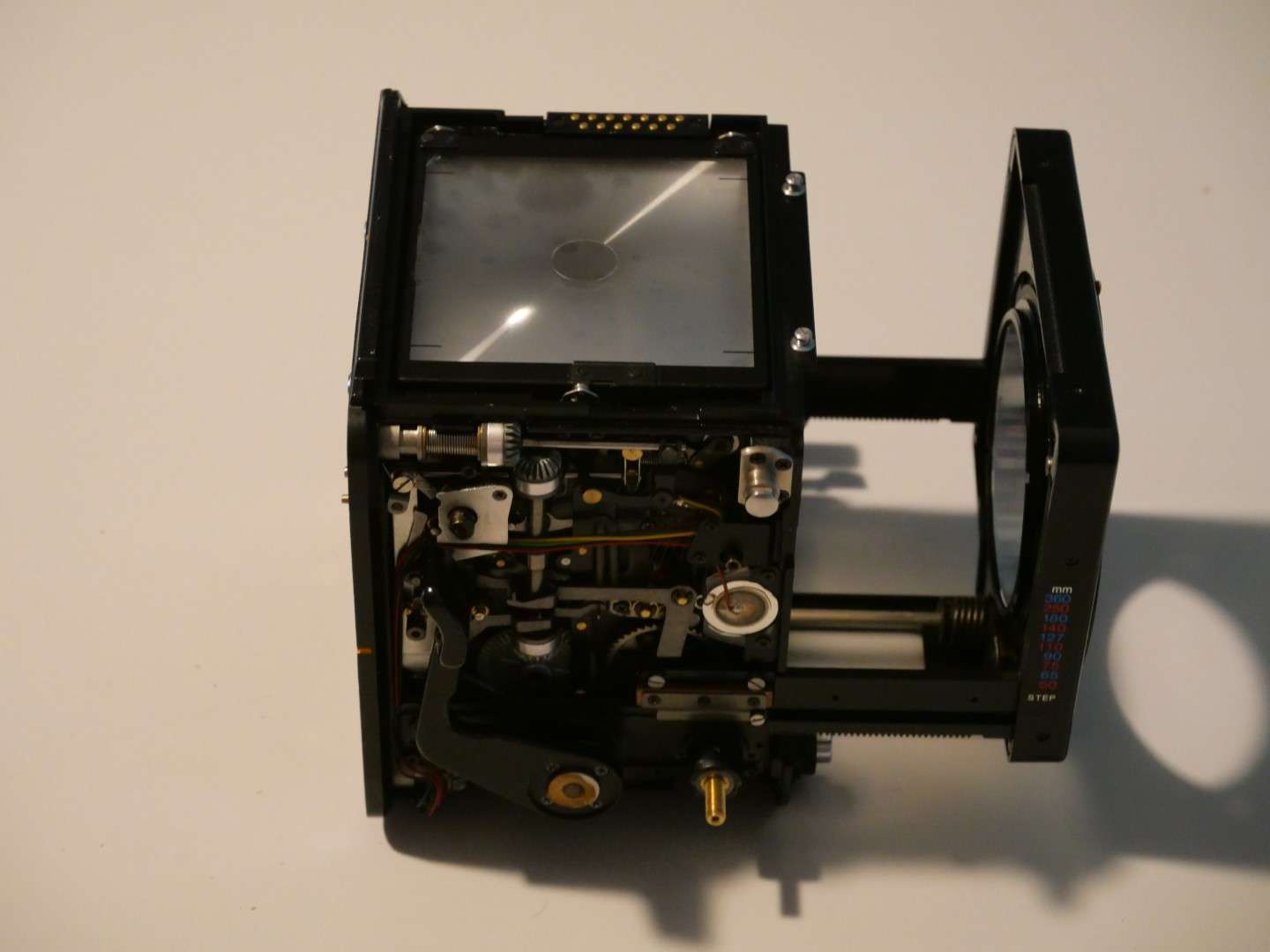
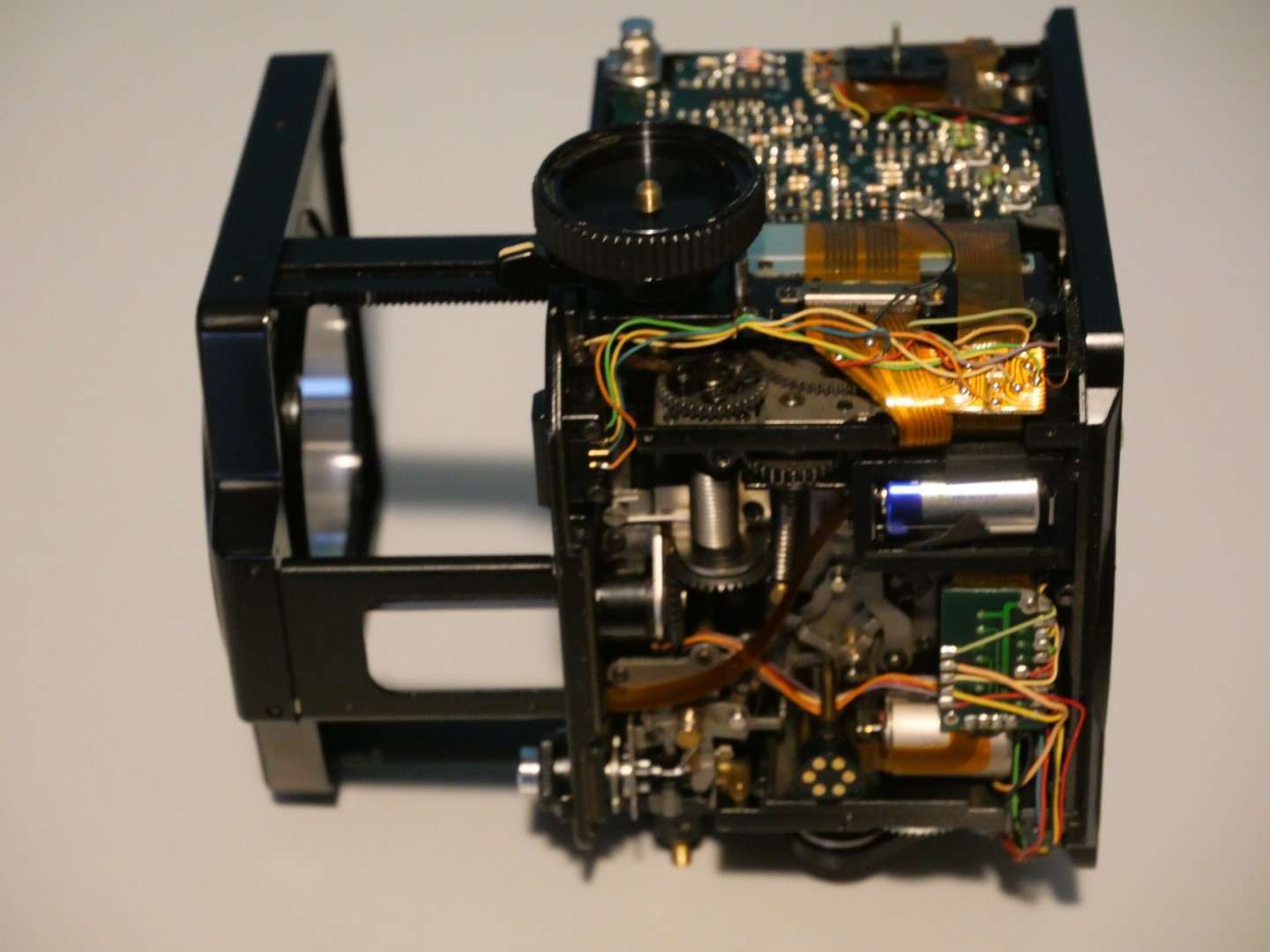
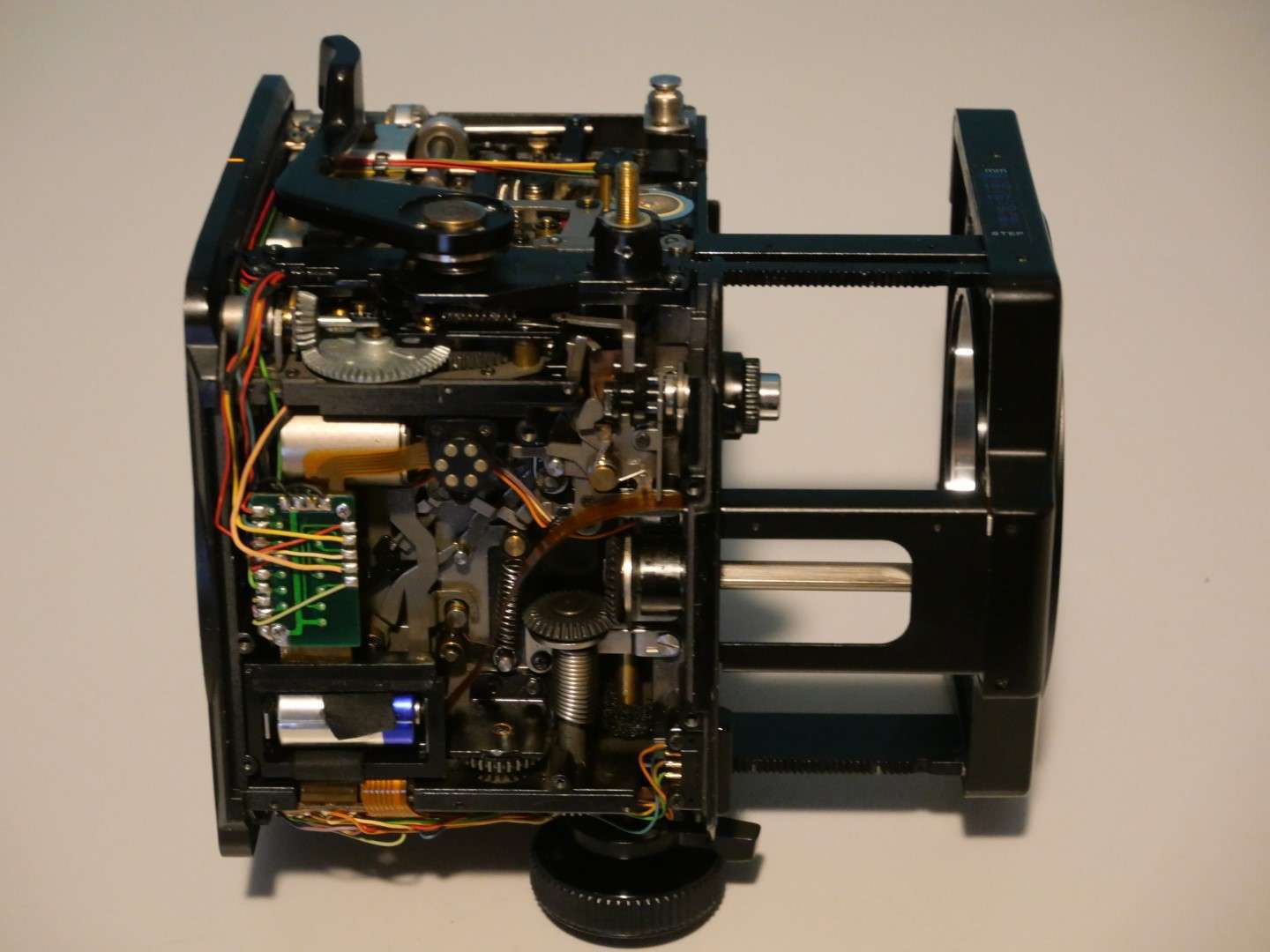
Now there is just a gap in the camera where the bellows used to be:
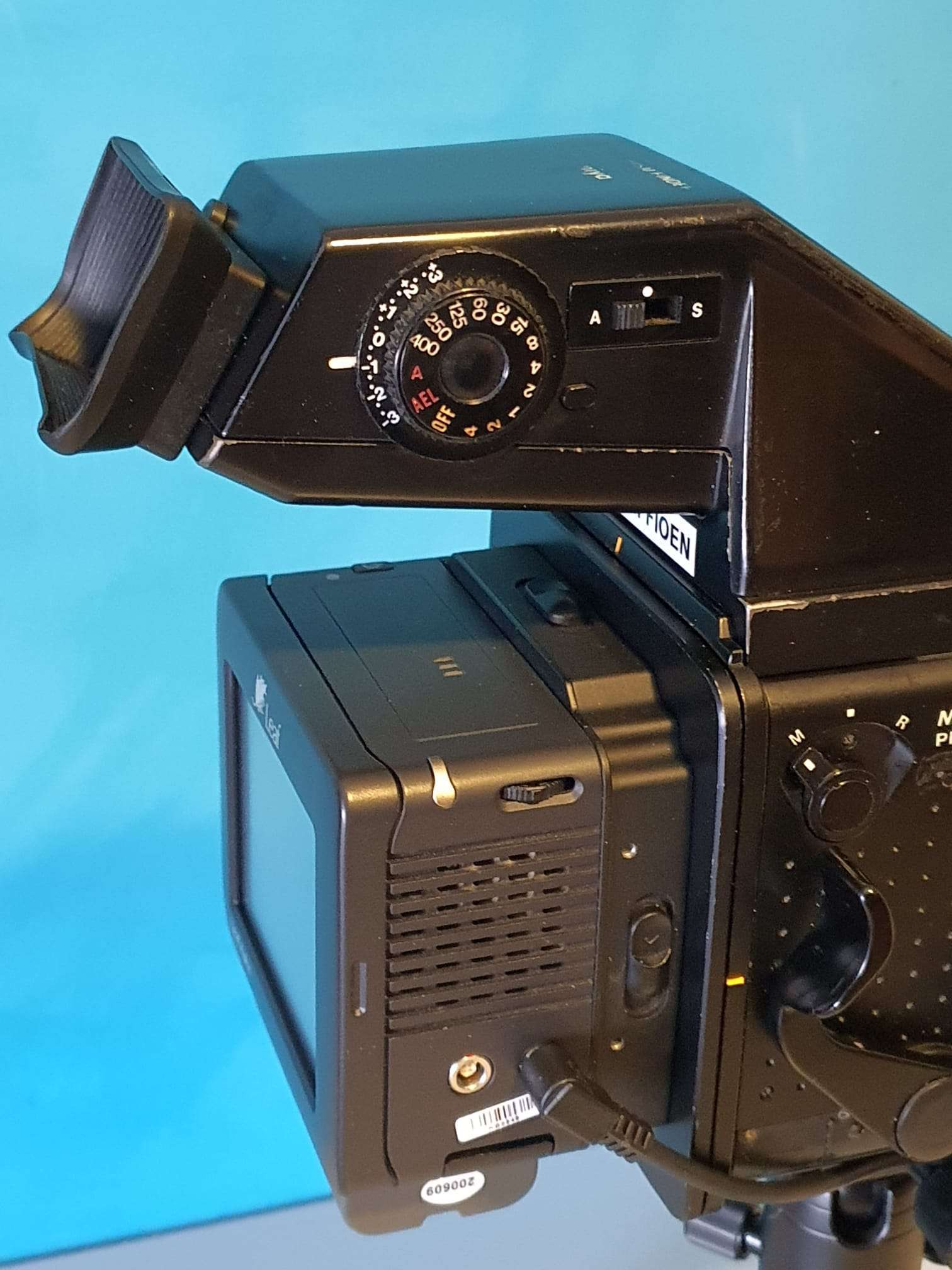
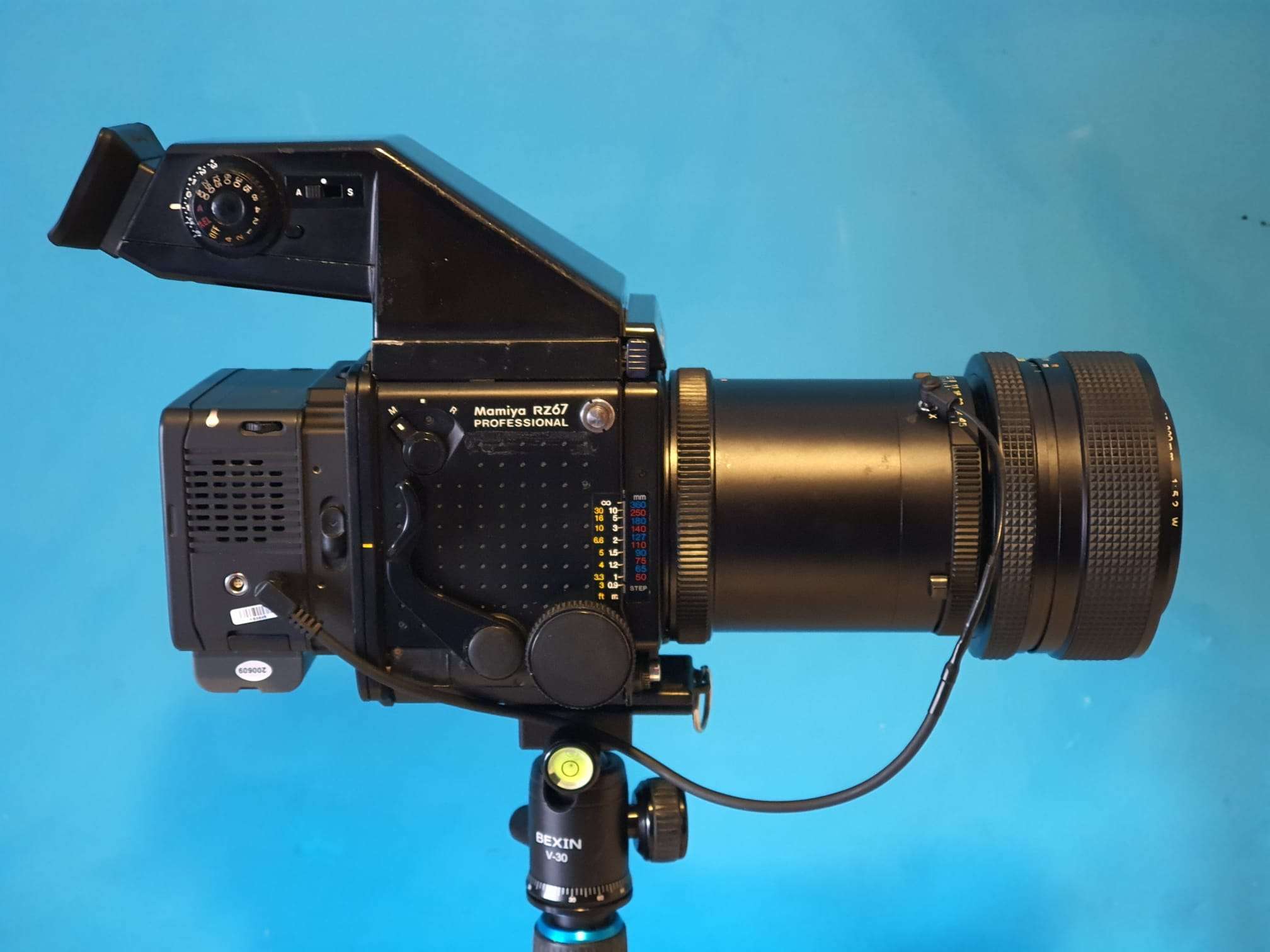
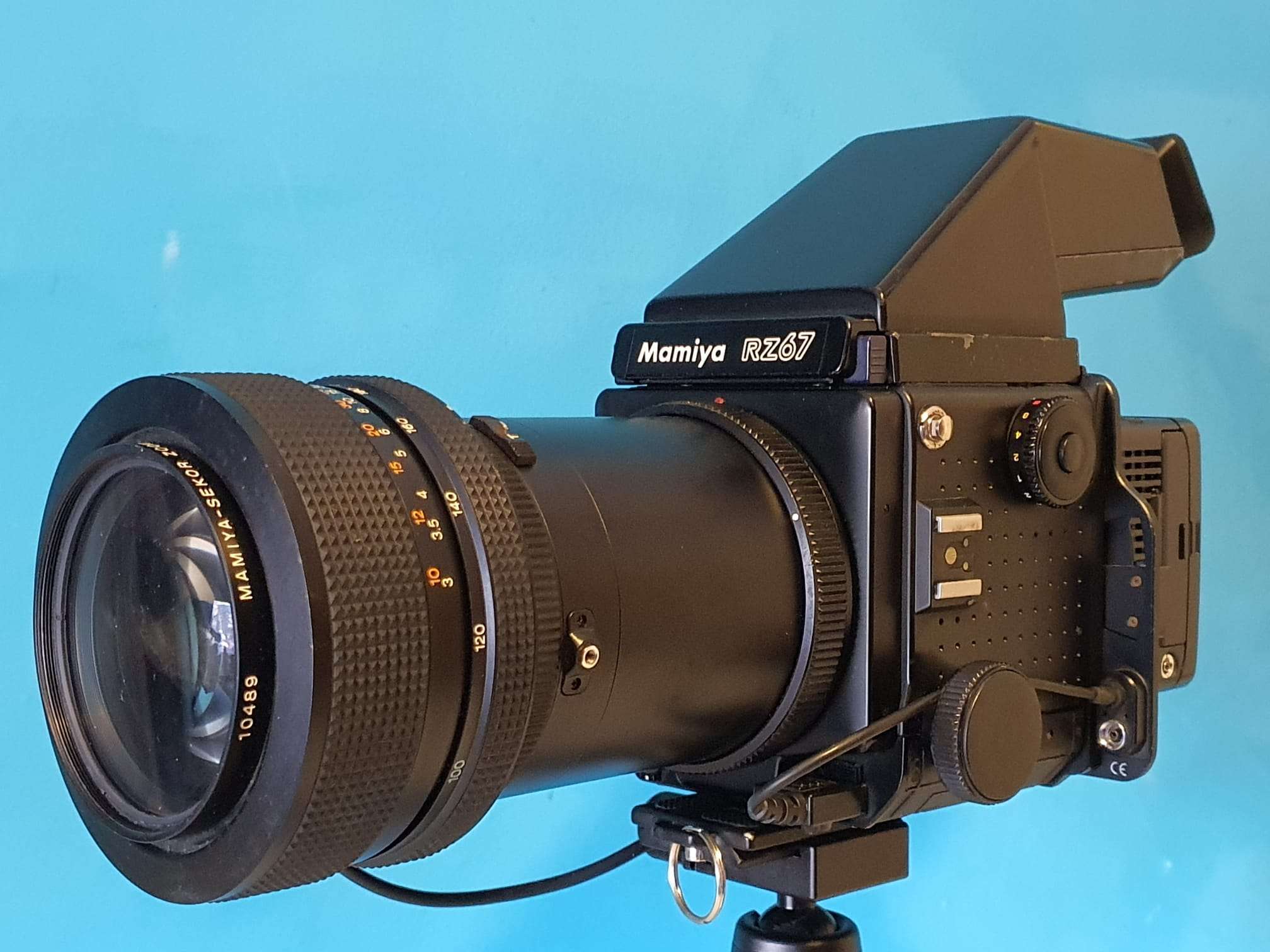
My Mamiya RZ67 Professional received a digital back recently.
After a long search, I decided to get a V-mount digital back (originally for Hasselblad, old version cameras) version since an original Mamiya adapter plate to a Mamiya 645 mount is extremely expensive.
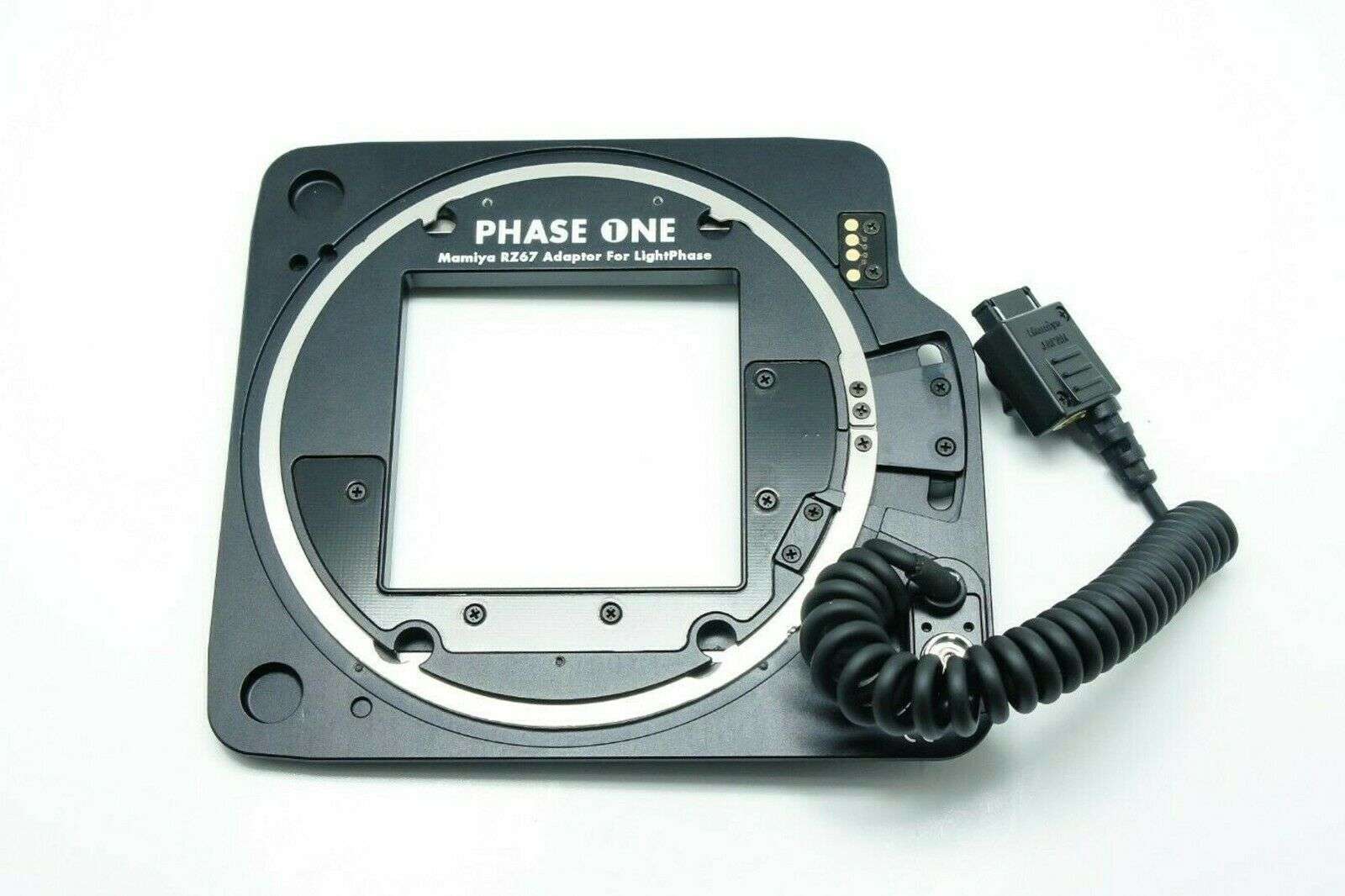
And an adapter for or a Hasselblad more poular H-mount is not very well supported, electrically. I know that shutter release will work BUT the Phase One adapter plate that connects the Mamiya RZ67 Phase 1 Professional to the V-mount digital back is around 300 US Dollars and was available on eBay .
This is the adapter plate I bought between my RZ67Pro I and the V-mount digital back Aptus leaf P65
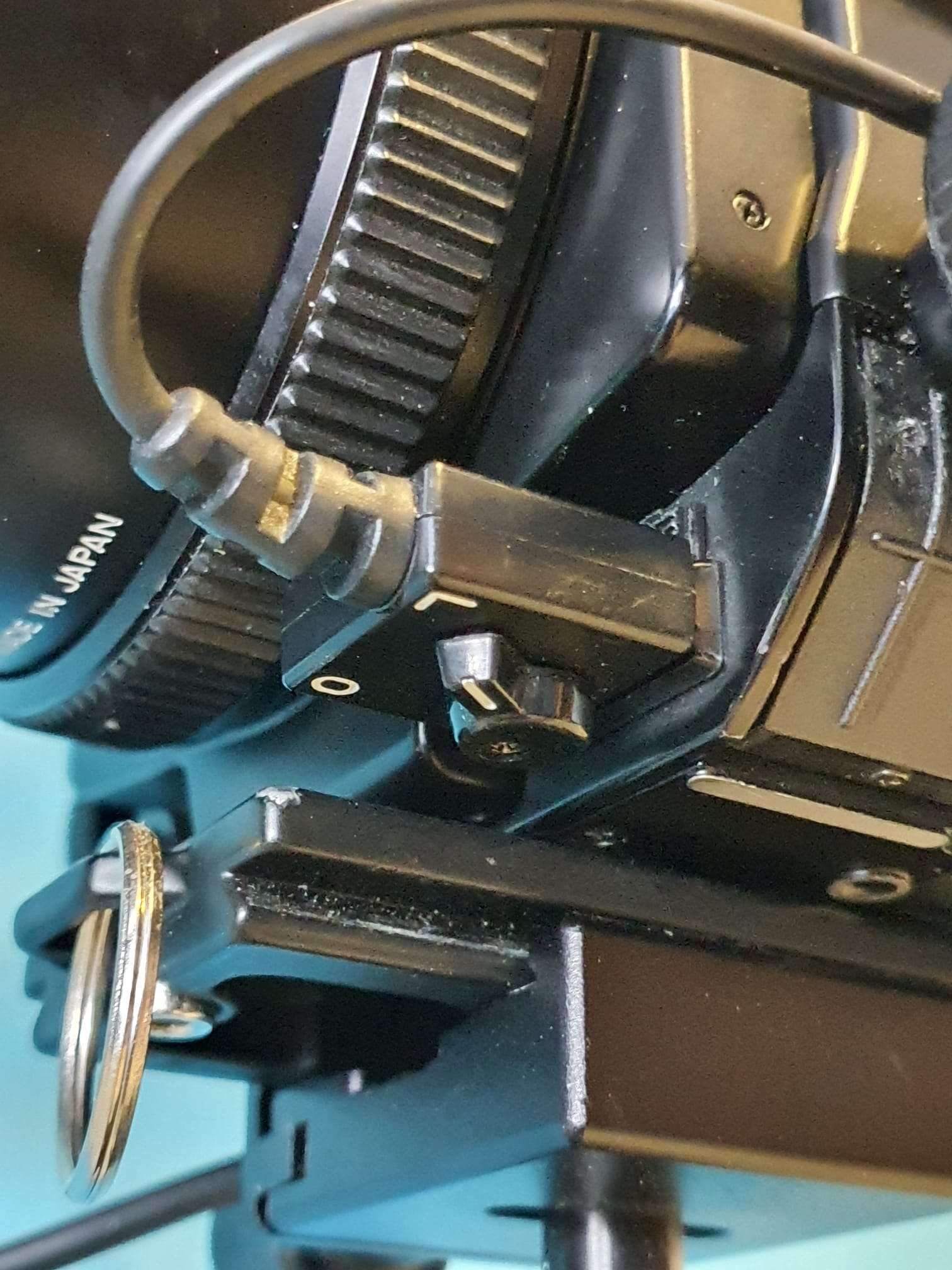
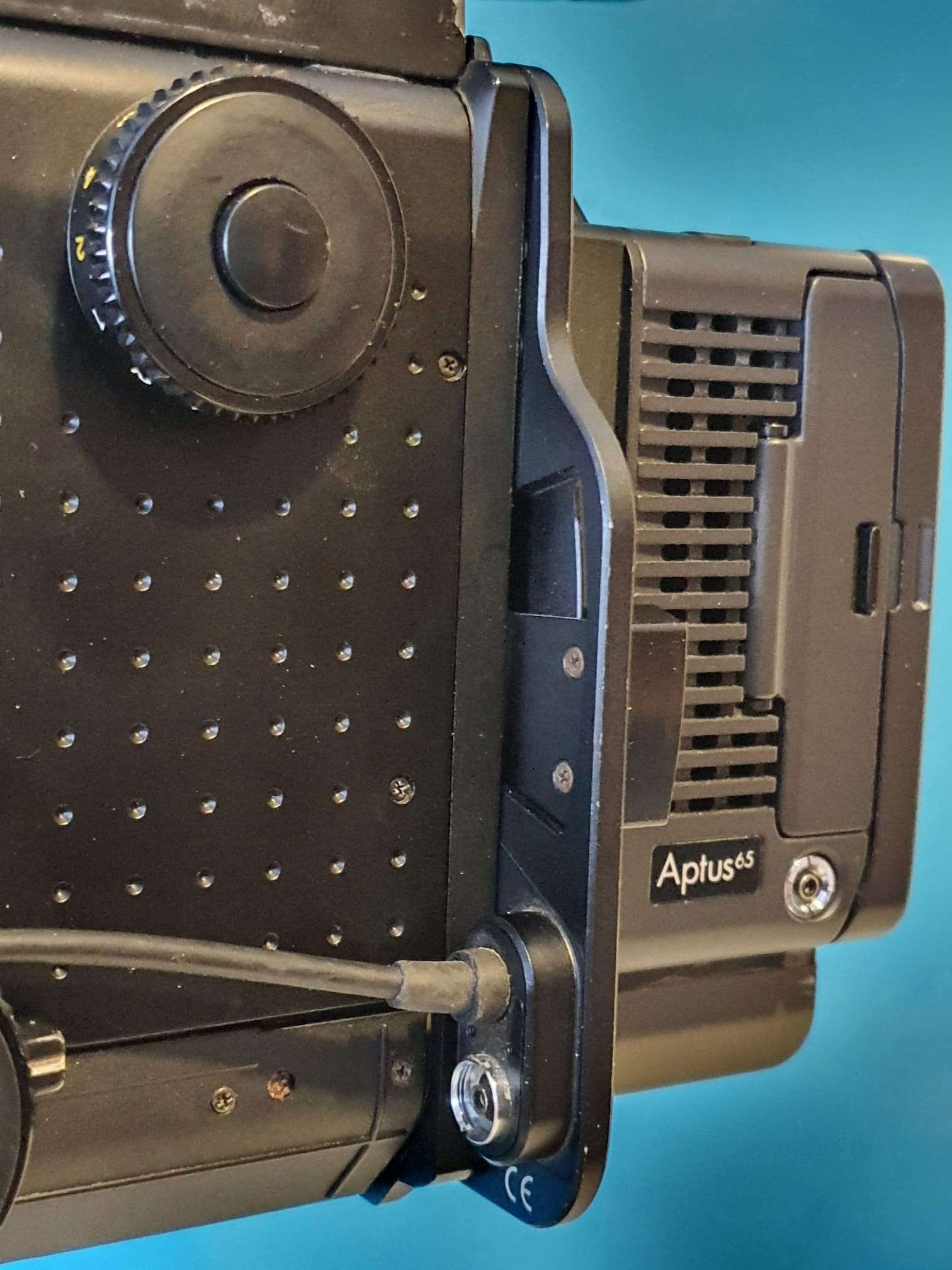
It took me some time to get everything working, since I did not have a P-P cable to connect the 2.5mm entry of the digital back to the shutter contact on the camera or lens. This is required to get the digital back triggered at the moment that the shutter opens.
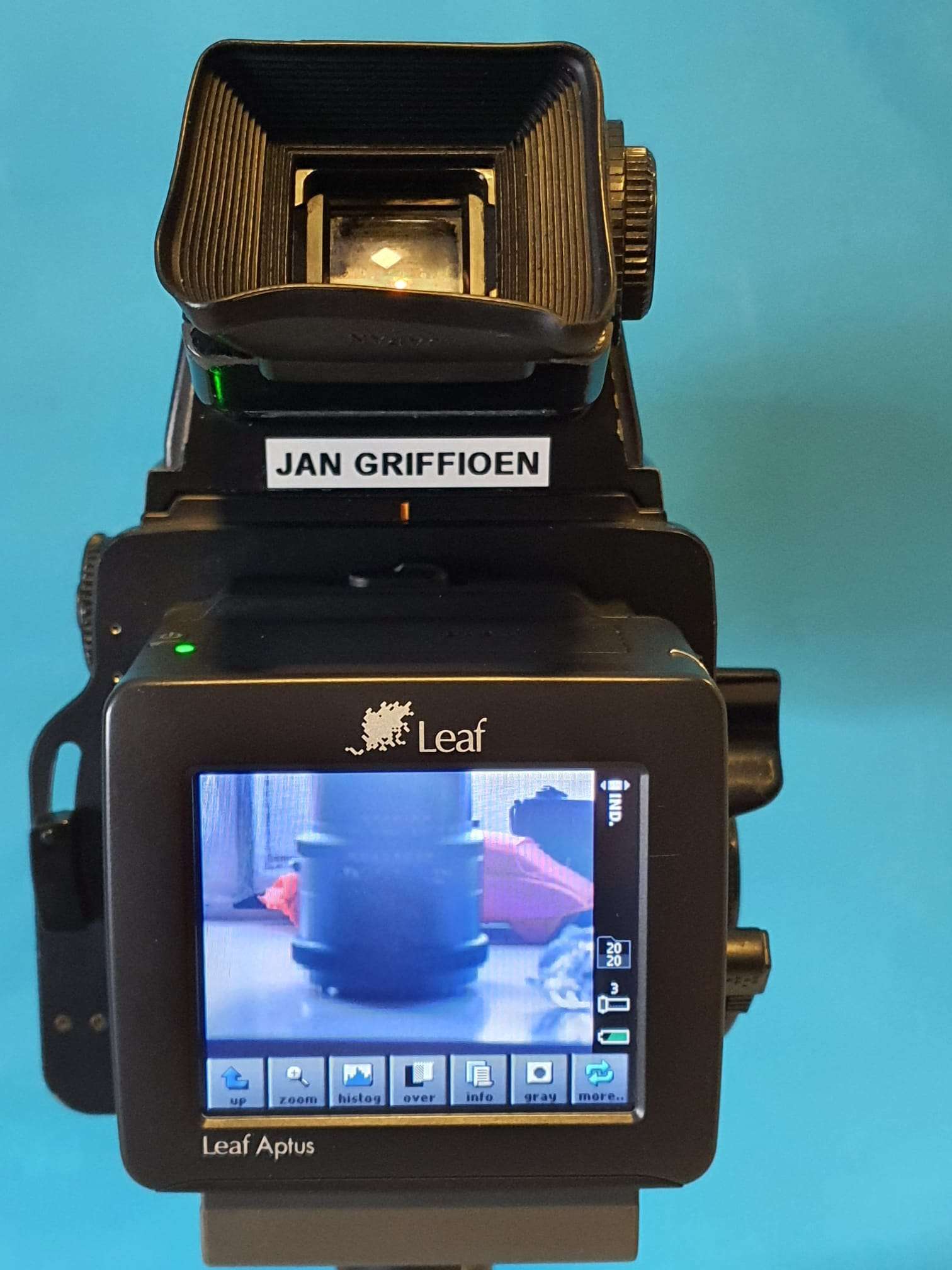
The setup looks like this:
The aptus65 works with standard samsung batteries of which I ordered a couple of the largest possible.
I also bought me a 64GB Compact Flash card, which works much better than the CF to SD adapter I used before.
Getting the pictures onto my PC works easy: put the card in the CF reader , copy the files. Then the tricky part begins: You must transform the imported files with a decoding program that is fortunately downloadable on the mamiya leaf website, but it is a bit hard to find.
Then, import the required app for windows to edit the .MOS files in the regular image viewer, save a copy as jpg and you’re done.
It is also possible to use lightroom, or any other good imaging software package.
I also have a firewire cable setup that I used before for my digital8 camera’s. This also works for the Aptus65, but I don’t expect to ever use this.
Firewire is btw the only way to power the Aptus65, if you don’t wanna use the batteries. But you will need a very good power source on the USB-C connector to get this to work.
The images are very good, as to be expected. the 28Mpix sensor is more tha adequate to get good results. BUT it is a pity that the sensor is only 44×33 mm while the POV of theRZ67 is 7×6 cm. This also means that you get only half the image (more or less) of what you see in the viewfinders’s image.
I printed a mask for the viewfinder at a crop of 1.3 vs. a 645’s normal view so the view resembles the taken pictures
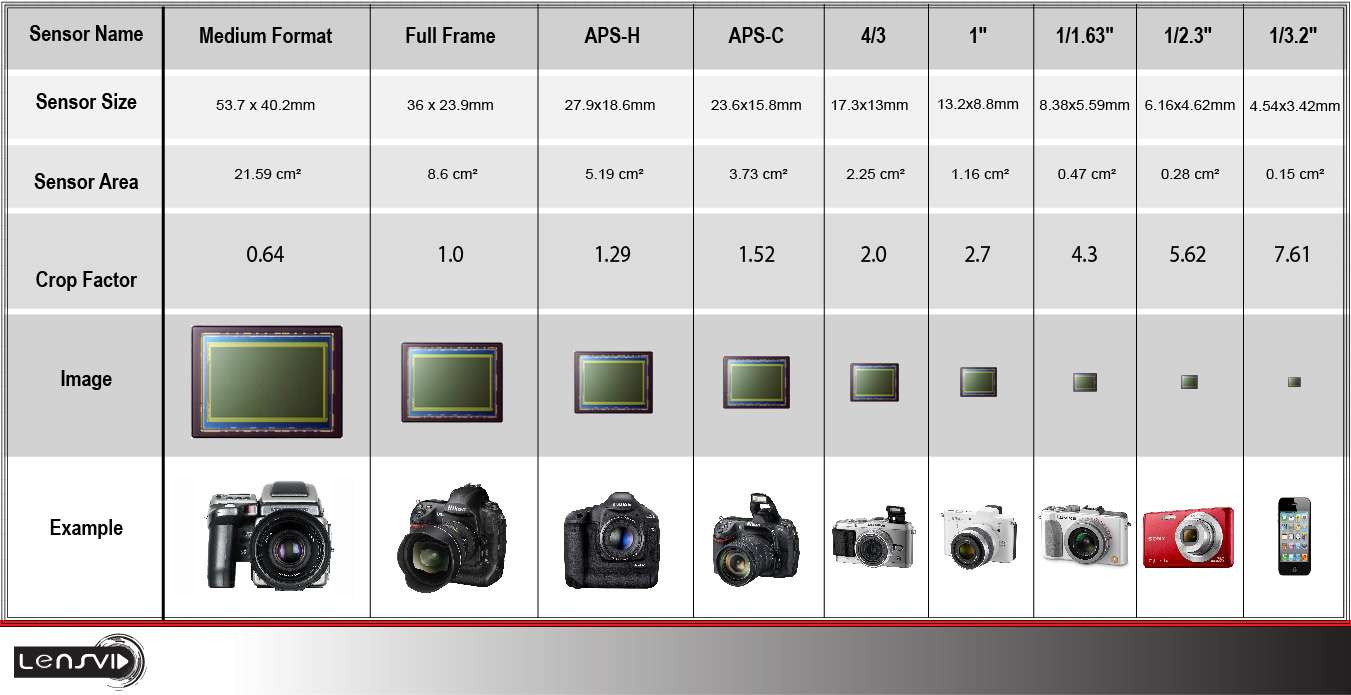
That is exactly what is needed here, since the Aptus leaf65 has a crop of 1.3 when it would be used on a 645DF camera (which this V-mount version cannot, obviously do) with an (almost) 60x45mm medium format.
Which in fact is quite a bit less (53.7×40.2) in real image size, see the below table.
44×33 relates to 53.7×40.2 as a crop of 1.3, as the seller states in the folder of the Aptus 65.
Negatives: Well, the rotating back does not work with the Phase One adapter plate, of course. And I still have some cleaning to do on most of my lenses before I attempt to do any serious shooting outside. And the entire setup gets quite heavy for outside use.
Positives: It helps me a lot to work and learn with the RZ67, using the digital back. I can shoot and shoot on, experimenting with light settings, flash, counterlights and so on without destroying any real film.
My intent is, though, to use the RZ67 with normal film and the full 7×6 capabilities.
And use it for architecture, mostly in Amsterdam.
I already have quite a lot of pictures, taken with my Sony A77RII &35 mm pro-lens and with my old Panasonic dual GX8 setup, but I am very much looking forward to get some great shots with the RX67 on large(r) format film in B&W!
[Update 2022-07-14: I got my Creality lizard today !
Extremely small and fast, I just tested it this afternoon and it is way faster and easier to use than the Creality CR-1!
More to follow soon, in a seperate post.]
Comparison of 3d-DIY hobby scanners versus Creality CR-1 3d scanner
Previously I built and extensively tested both versions of the Openscan scanners and the ciclop scanner. The openscan types are very different from each other but use simple firmware with an Arduino or a Raspberry PI contoller. The Ciclop is a simple 3d scanner with a rotating platform and a USB camera.
Openscan mini
The Openscan mini takes pictures with the RPI camera and rotates the camera around the object to be scanned. This indicates the limitation, you can only scan small objects. After scanning you have to import the photos into meshmaker or via the new free cloud solution from Openscan’s developer Thomas Megel. The mini is fully controllable via the web-based software available for download on Thomas Megel’s website, where you can also use it to upload and process your photos and then download the 3d files.
Openscan mini + Raspberry PI (2-4)
Openscan classic
The classic version of the Openscan scanner can handle larger objects and uses an external camera. I used my Canon 5D Mark2 for this, with a ring flash. This solution works pretty well and uses the same software as the mini for processing and rendering. In the separate Arduino unit that controls the rotors of the scanners you can set the number of steps vertically and horizontally and you have to transfer the pictures from the camera yourself to a meshmaker-like processing to construct a 3d image. Quite cumbersome but it can be done for free and gives a pretty good workable result. Provided you spend some time on it.
Openscan classic 3d scanner with on the left the Arduino controller, with small buttons you can set the steps and on the LCD you can see what you are setting. Below is the connection for the remote to your camera. It is recommended to use a good flash or at least extra lighting. The advantage of an external camera is that you can make razor sharp images, for example by using follow focus or, as I did on my Canon5DII, using continuous focus.
Ciclop 3d scanner
The ciclop scanner works with a fixed platform and no vertical movement. It is very similar in operation to the Creality CR-1 scanner but I have never had good results with it. There are 2 red diode lasers on the sides and 1 USB camera in the middle. The result in terms of photos is fine, but it is ultimately about the rendering software and the processing of the photos taken, just like with the Openscan classis. and that is for the hobby environment just in my experience not (yet) sufficiently well developed with this ciclop 3d scanner.
The Creality CR-1
I purchased the Creality CR-1 scanner in late 2021 because I saw a few projects coming up where a good scanner would come in handy, and I didn’t want to spend extra time on it. Besides, I was very curious about the results of this ‘all-in one’ scanning solution.
The scans made are very useful, and the rotating plate on which you can place the object also works well.
My experience is that hand scanning is very laborious, and you have to scan all parts of the object to be scanned carefully. This means that you have to pay attention both to what you are scanning through the screen, where you can follow the construction of your scan live, and what you are doing towards the object with the scanner in your hand. That takes some getting used to, but after a few scans it is much easier.
Very nice is the way it works with this scanner: The live-view of the accumulated scan tells you where you need to scan even better and if you forgot something you scan again and let the included stitch software make one merged scan of it. That also works very well.
What do you need besides the scanner: Saving the data is done on your PC or laptop, rendering is done via a GPU, and the control and power for rotating table and the scanner itself is done with a separate PSU.
It helps when you have a fast GPU with quite a bit of memory. I have a 3600 GPU in a Thunderbolt3 external casing attached to my Dell XPS13 i7 for on-the-go use with 5 meter extension cords for the scanner. This works very well, but really the 13 inch screen is too small for this work. Carrying an external screen is not an option so I have to make do with this. And the external Thunderbolt casing is actually too big to carry as well.
Another possibility would be to use a gaming laptop that already has a fast GPU in it, with a 17-inch screen. Might get one anyway, when more work on the go comes along. For now, I mainly use the scanners at home/business so I just use my hi-res 27 inch IIyama screen to the Thunderbolt / 3600 GPU, that works fine!
Experiences: This scanner works completely differently than the Openscan versions. The camera needs more distance from the object to be scanned and therefore the whole setup requires more space. I had to get very used to the fact that you have to have more than a meter all around to get a good view of your object, even with small objects.
I am still going to try using a front lens or zoom lens, need to check what fitting this scanner uses for the lens-to-sensor.
Summary and overall rating from 1-10:
The Openscan mini (7) works fine for small objects, is easy and good to use with the web-based software and with the online rendering service.
The openscan classic (6) works well but requires a relative amount of setup work, knowledge of and experience with the setup an you can use the same online rendering service from Thomas Megel.
The Ciclop (3) is in my opinion too immature to use seriously.
The Creality-CR1 (8) is a valuable professional solution for medium size projects up to large projects (10-200cm diameter), good local interface via PC/Laptop with fast processor and fast modern GPU.
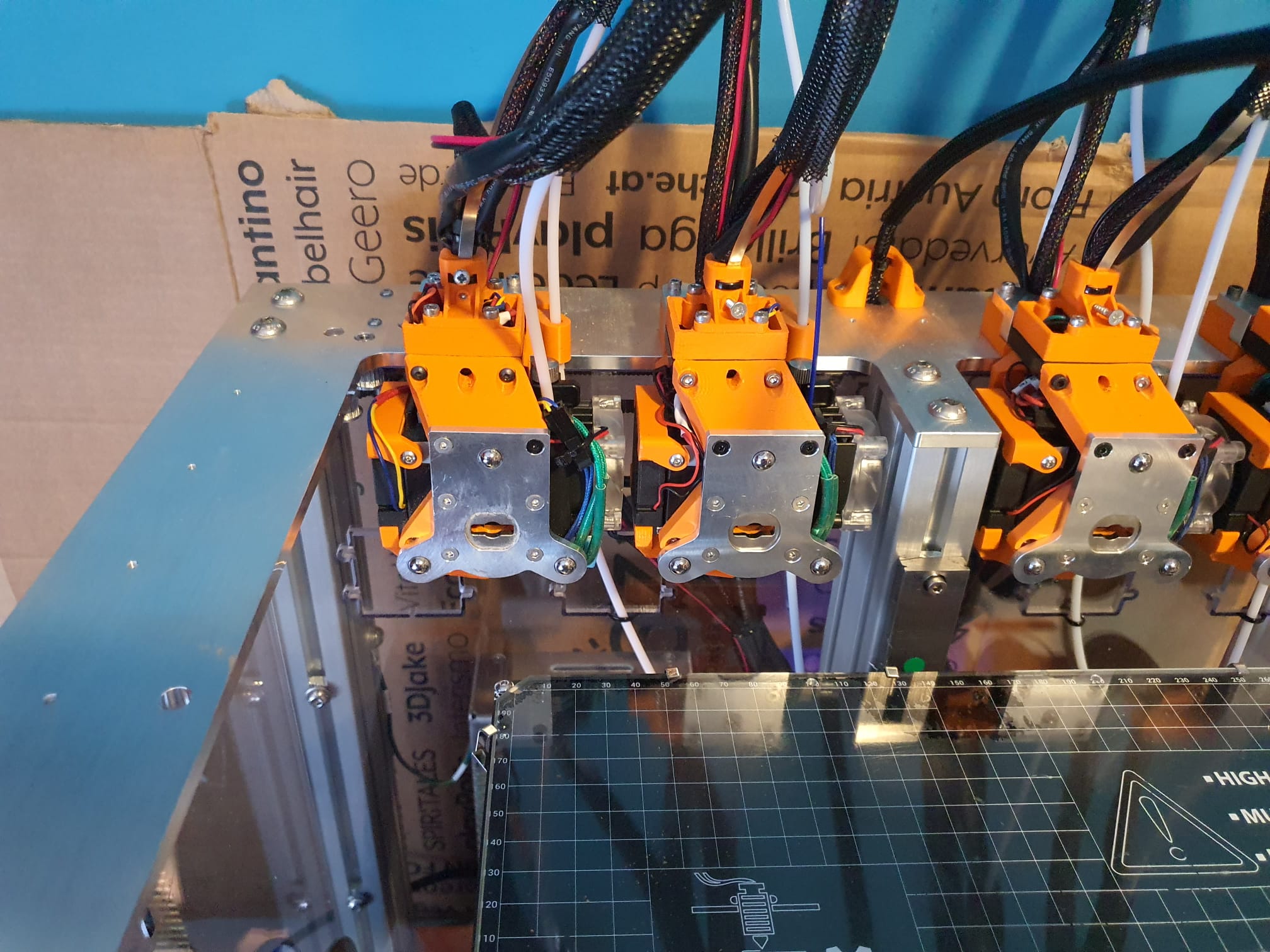
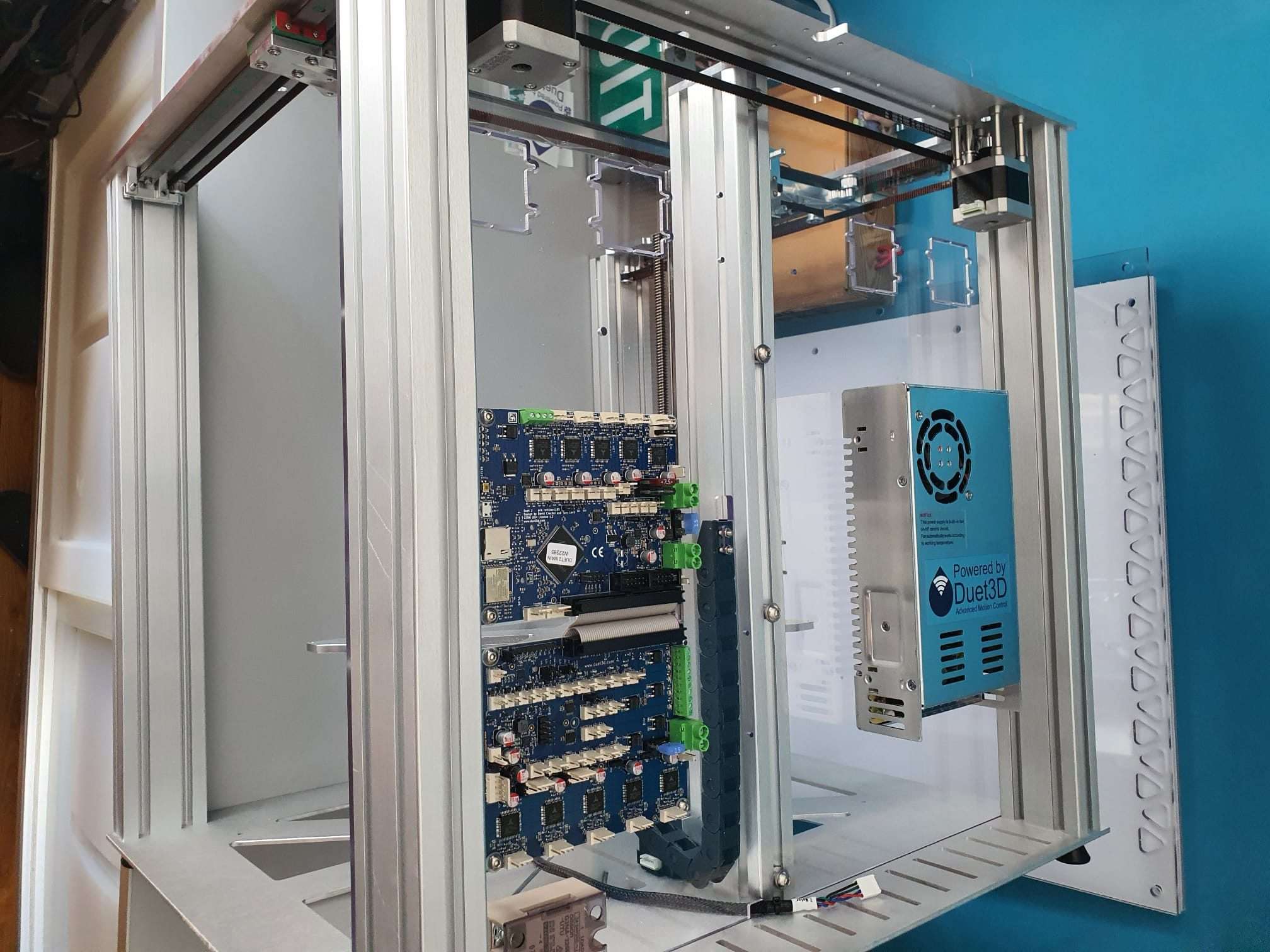
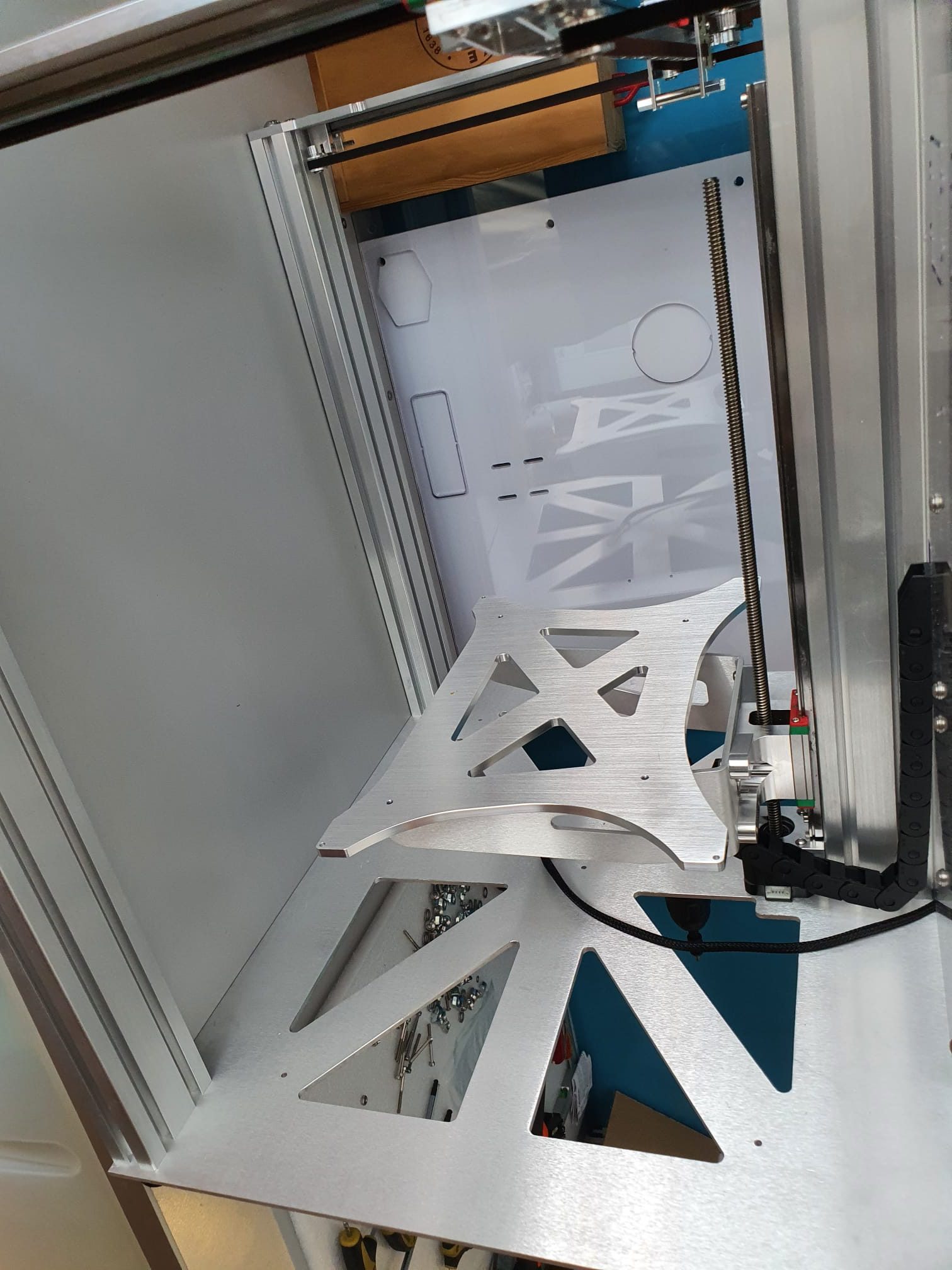
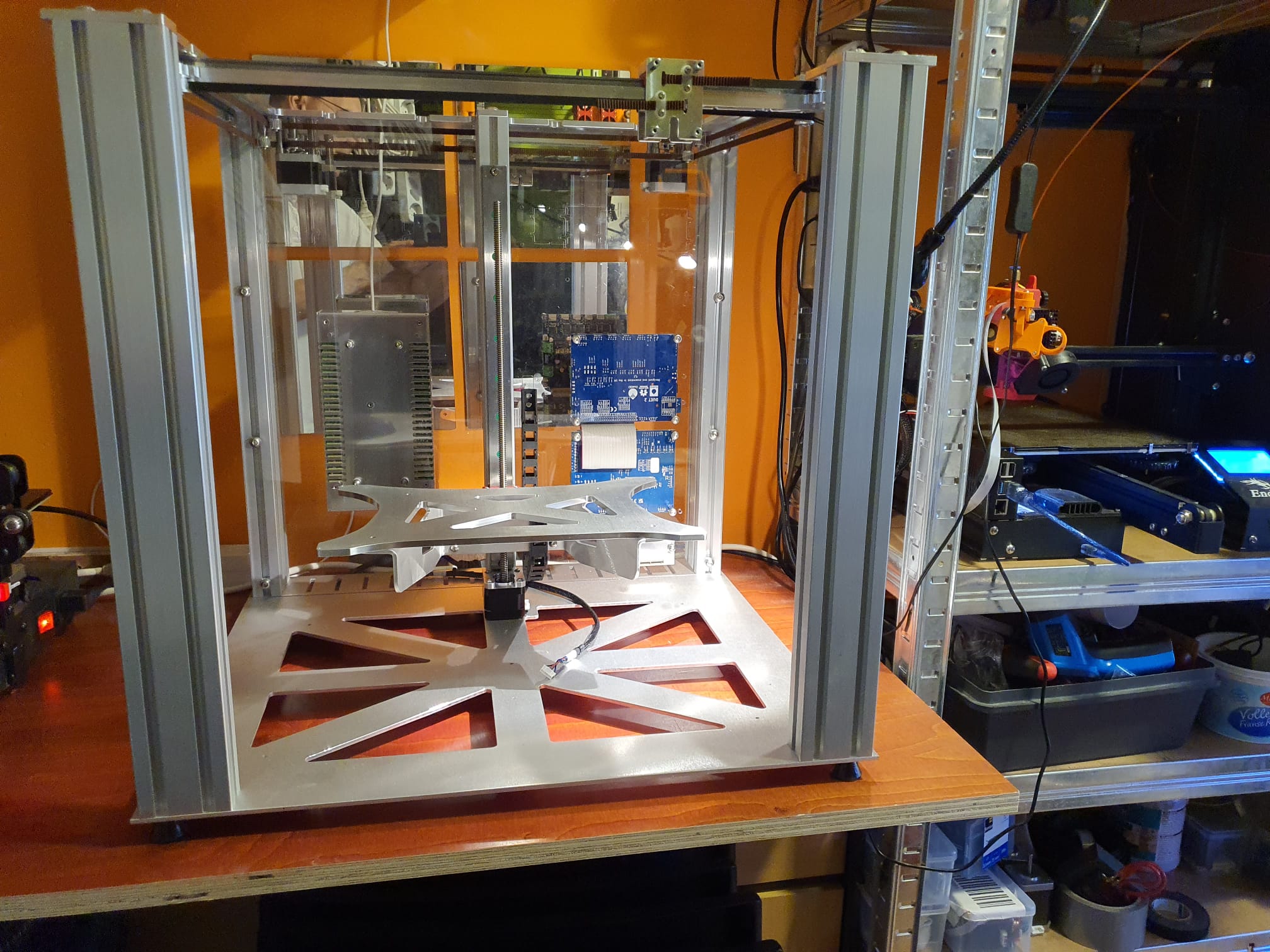
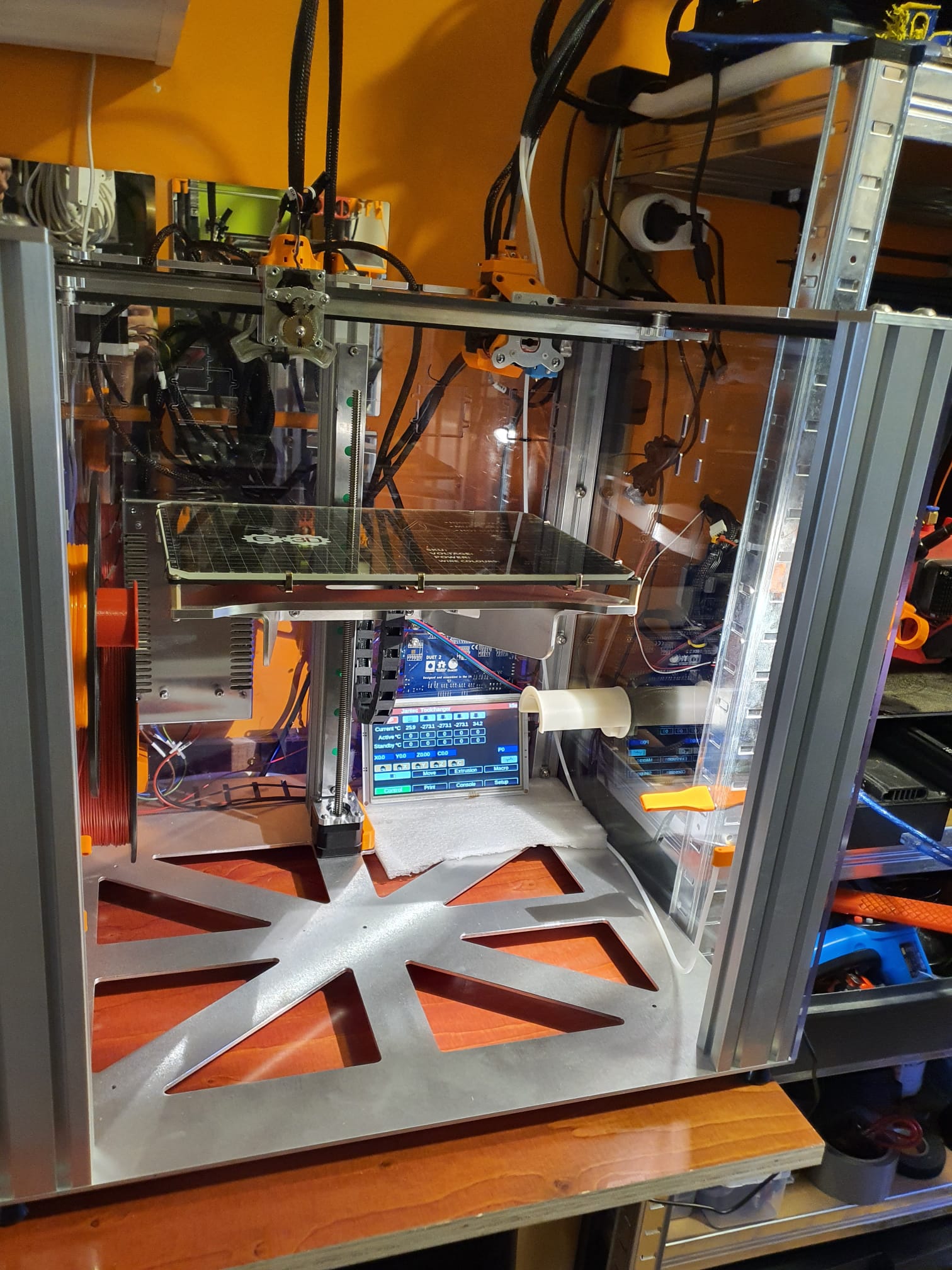
Last week I ordered the E3D toolchanger 3d printer kit and today I built it (almost completely).
The delivery went a bit awkward from England, because of the VAT and clearance fees you have to pay in NL.
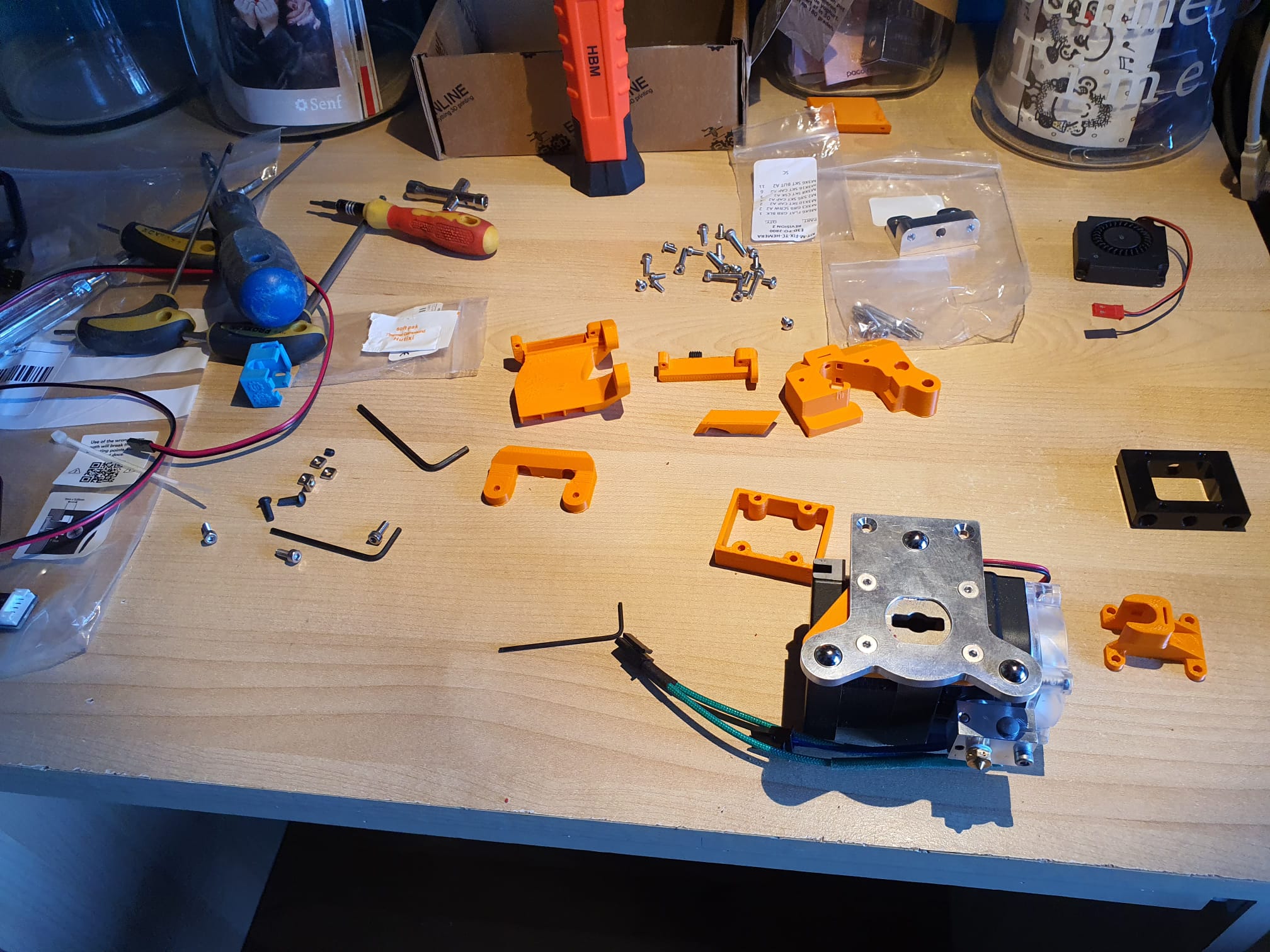
Because my Voron 2.4 is fast, but could not print everything in one day, I have to assemble 3 more extruders.
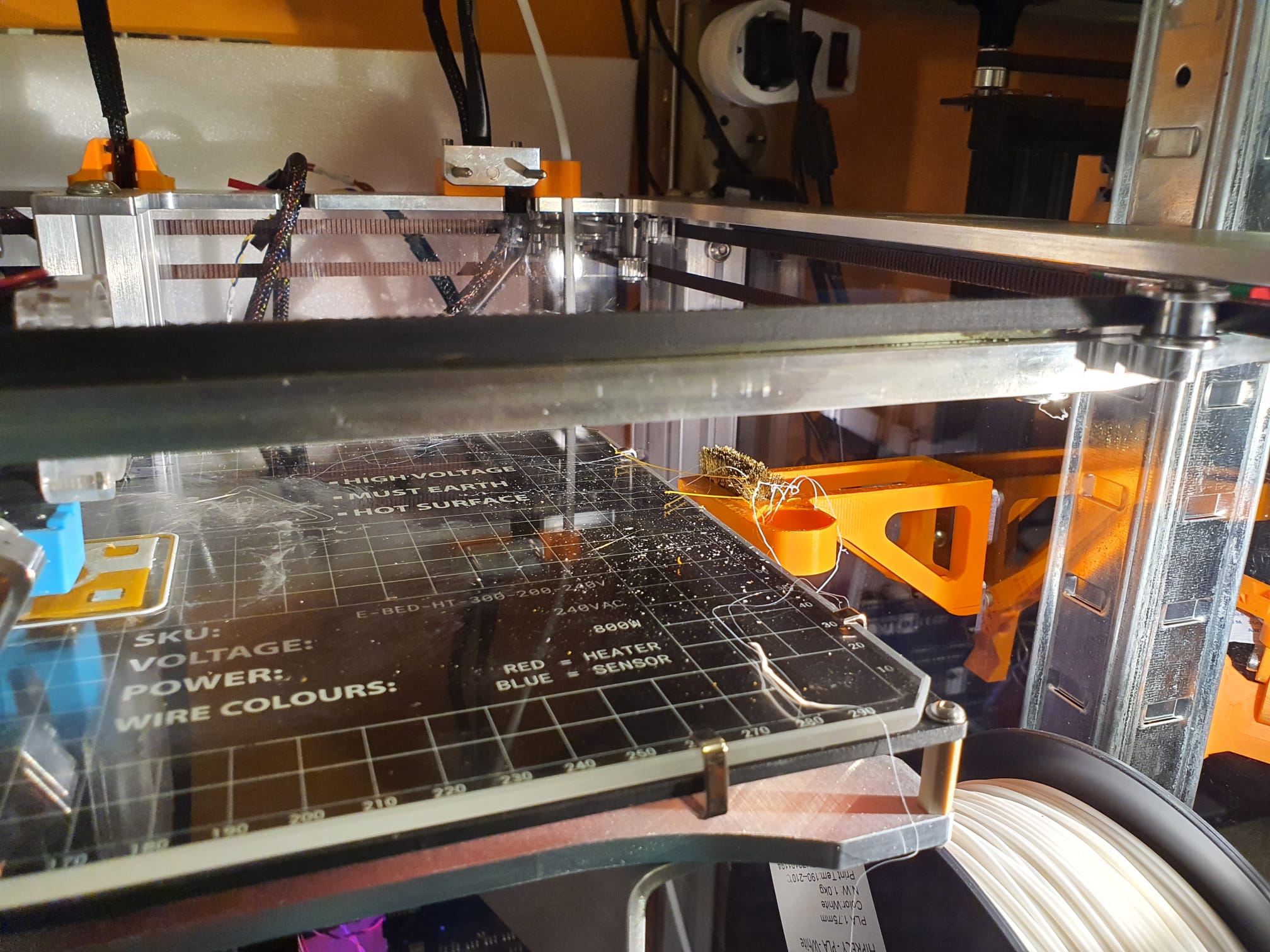
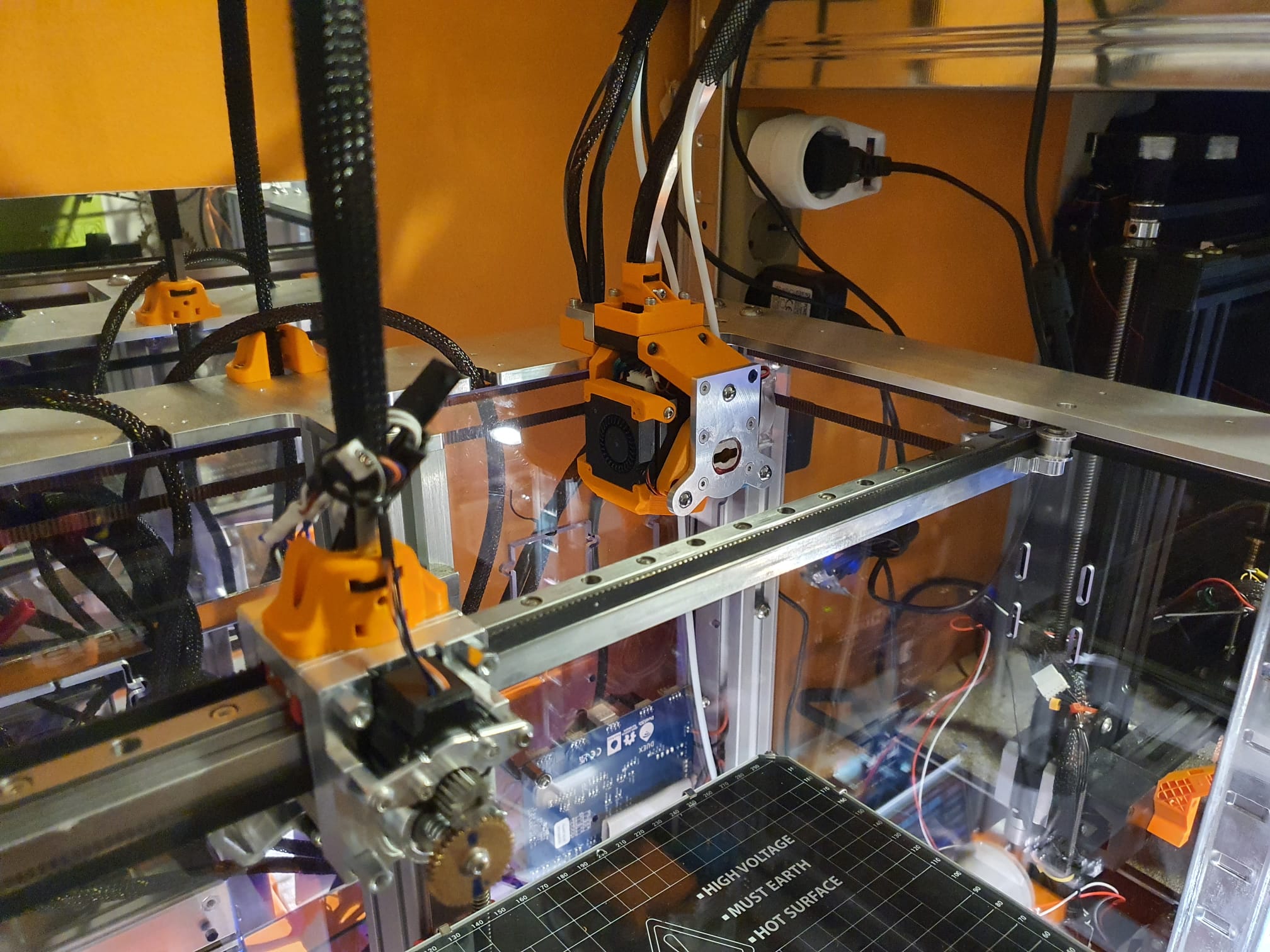
Below you can see my shot with a Hemera direct drive extruder mounted on the right side.
To be able to follow everything on the video, I set all of the tool change speeds to 10x slower for a moment.
After the first day of test runs I swapped the original Duet2wifi board for a Chinese clone.
From the clone the wifi is impeccable, but the new updated wifi module on the original Duet2wifi is also with all the updates not working properly.
Every time I perform a remote reboot after a config change the wifi crashes and the board eventually connects fictitiously to IP address 255.255.255.255.
Searched all sites for help but found nothing.
Lack of experience can hardly be it, I have plenty of printers running fine on duet2wifi.
Just to be sure I have ordered an original Duet ethernet board, then I can convert the original board to duet2ethernet and I can at least still use it.
I ordered the version with 4 tools, the direct drive hemeras. I also want to work with soft filament.
The nice thing about this experimental printer is that everything works with Duet, and I have quite a bit of experience with that.
The E3D TC will be my first semi-pro multicolor printer.
I have an Ender3 pro with MMU2S, an A30M with Chimera dual nozzle and an I3BearV3 with dual magnetic carriages.
But out of these 3 systems there is no one that really makes perfect prints. They each have their specific qualities and features.
The Ender3/MMU2S can quickly print PLA and PETG with 5 colors but requires a filament spillage tower on the bed and is very cumbersome and slow to use.
TheA30M with Chimera is nice and fast and large (300x300x400mm) in build volume. But the print quality is reasonable at best. The dual nozzle Chimera with the nozzles at the same height hits with each movement just with the unused nozzle the tip of the filament deposited by the active extruder. This results in smudges and a less beautiful print. Yet I use this reasonably often, especially for quick test prints and at 0.2 0f even 0.3 mm layer height. That works fine.
First impressions:
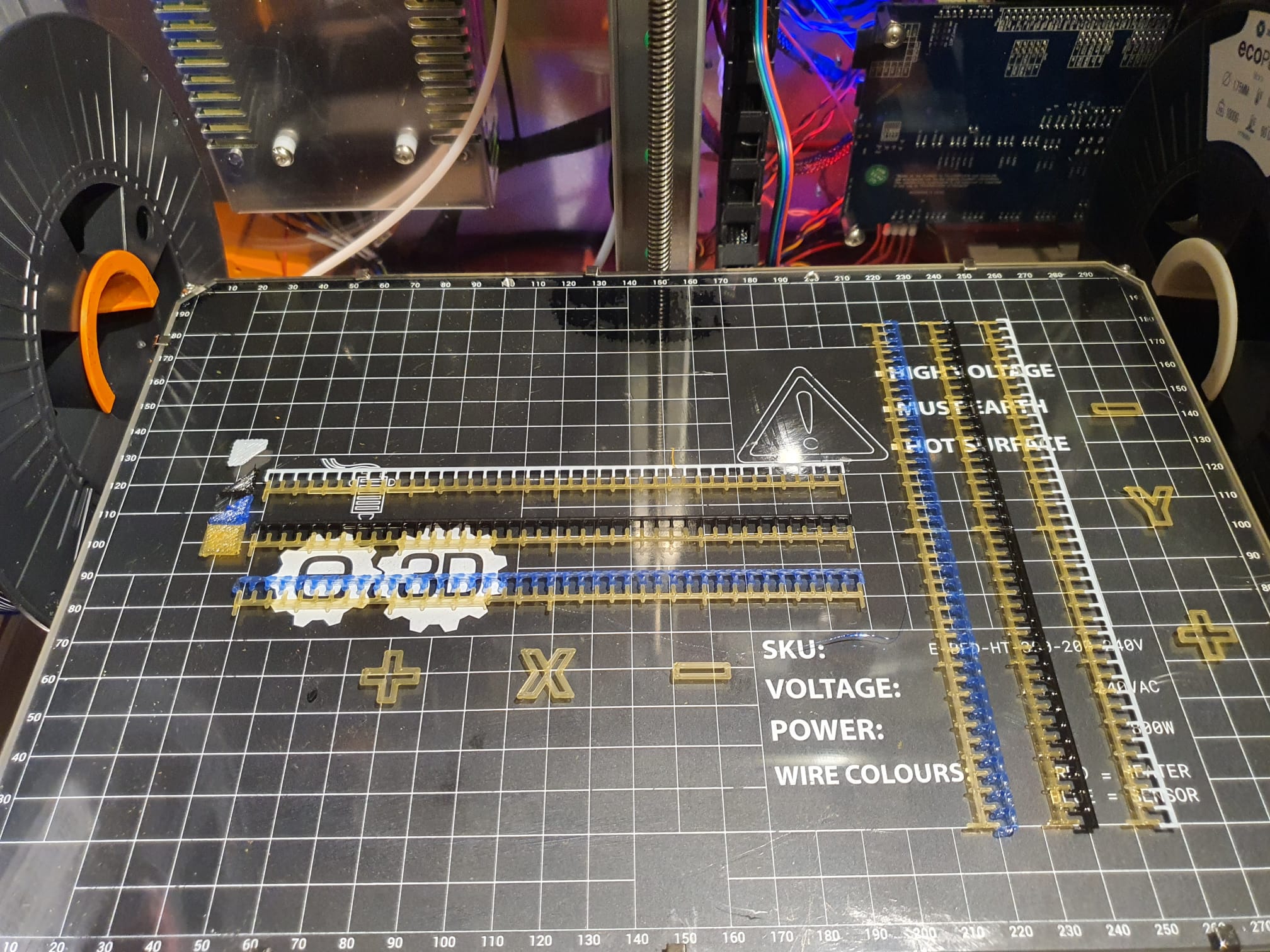
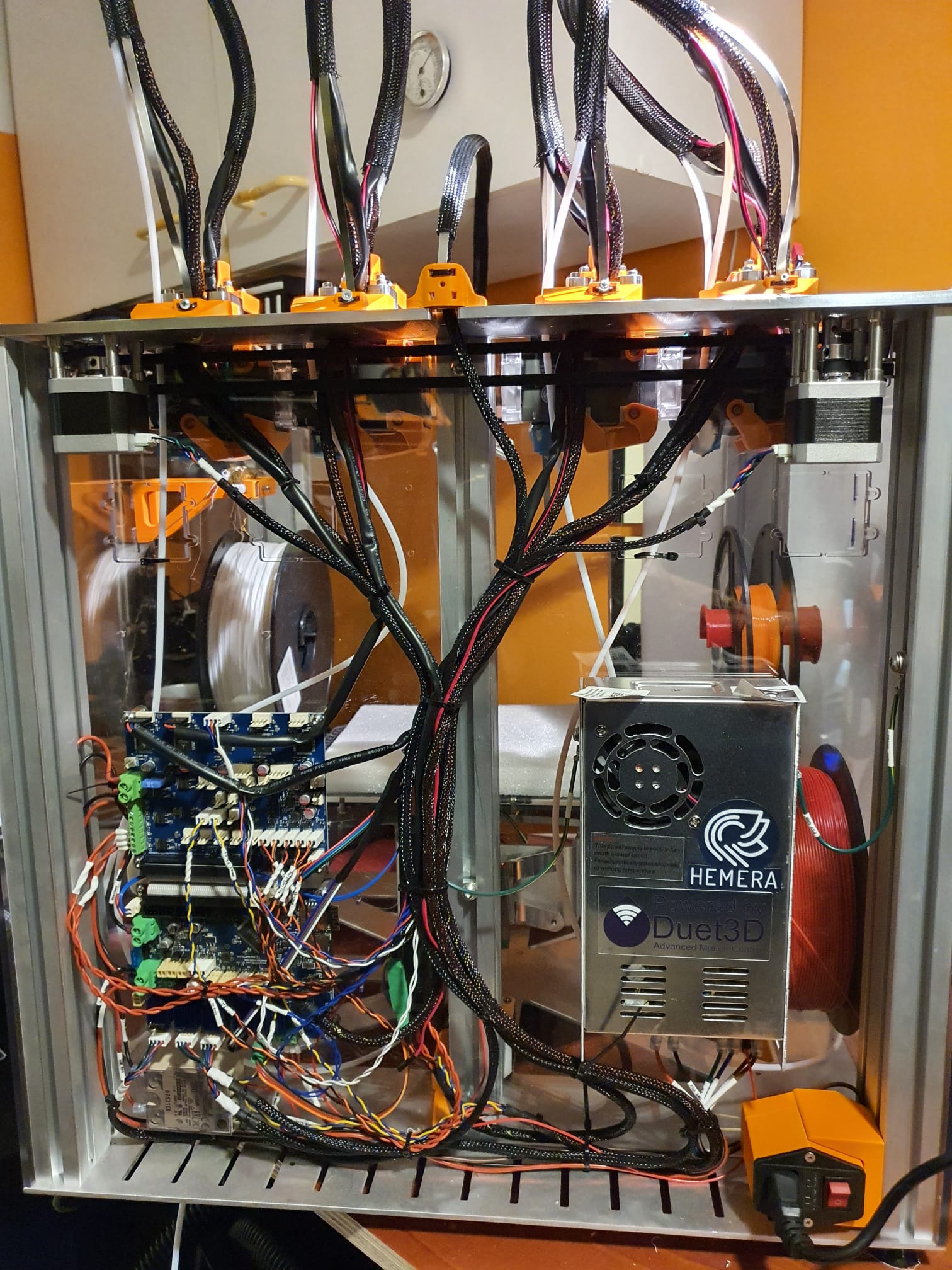
Please note that the Duex5 and Duet2wifi are initially incorrectly mounted here! The Duet must be below the DUEX5!
Here the object fan duct of the original version is used, I will update this later to the new version with the surround air ducts.
I printed everything with orange ASA on the Voron 2.4 at 150mm/s and 0.2mm with the E3DV6 direct drive Voron extruder and a 0.4mm copper nozzle. Again, that went great!
By the way, there is something to note about this kit.
It is definitely not an ‘out of the box’ working system.
The hardware is outstanding, so are the manuals, better than anything I’ve ever seen.
The Duet and Duex combination is perfect and all the cables and screws, nuts, pins, gears and so on are nicely labeled and of fine quality.
The available config files, macro files and example print files are also great to start with.
And therein lies the problem for non-experts: All values are set to the best possible configuration.
And depending on your choices of extruder, bowden or no bowden and so on you have to make some adjustments here and there.
I had to recalibrate everything in terms of pickup Y values in the tool changer files before the tool was actually picked up and returned nicely.
In addition, it turned out that the tool pickup has to be adjusted very accurately to get the slot in and out of the extruder plates.
You have to understand how this is built, especially in the firmware.
Then you understand that the system has to reset to the start position every time at the start, and then the system makes that the reference point. Then you have to measure where 1) the open position is and 2) the locked position is. Those values must be entered as C values in the pickup and return macros.
What I also find difficult is that there are no sensors (yet) to check whether the tools are in use or parked.
That means that you can just give a command to do a homeall while there is still a tool hanging on the pickup.
I would like to know that because then you program around that.
And so there are some other things like no filament sensor on the tools, no LED lights on the pickup but I’ve already seen a handy bracket for that.
So a very nice and good system, worth its money and high quality material, design also beautiful and still much to tinker with. Thank goodness!
In any case I’m going to reuse my Z-homing files from the previously built mullti- extruder machines with Duet.
Because this E3D works with a pre-homing without the tools hanging from the pickup, you will have to calibrate a Tool at Z distance relative to the pickup value every now and then.
And also the mutual differences in X and Y of course, relative to Tool0.
I have some nice macro tinkering for that too!
Next week onwards!
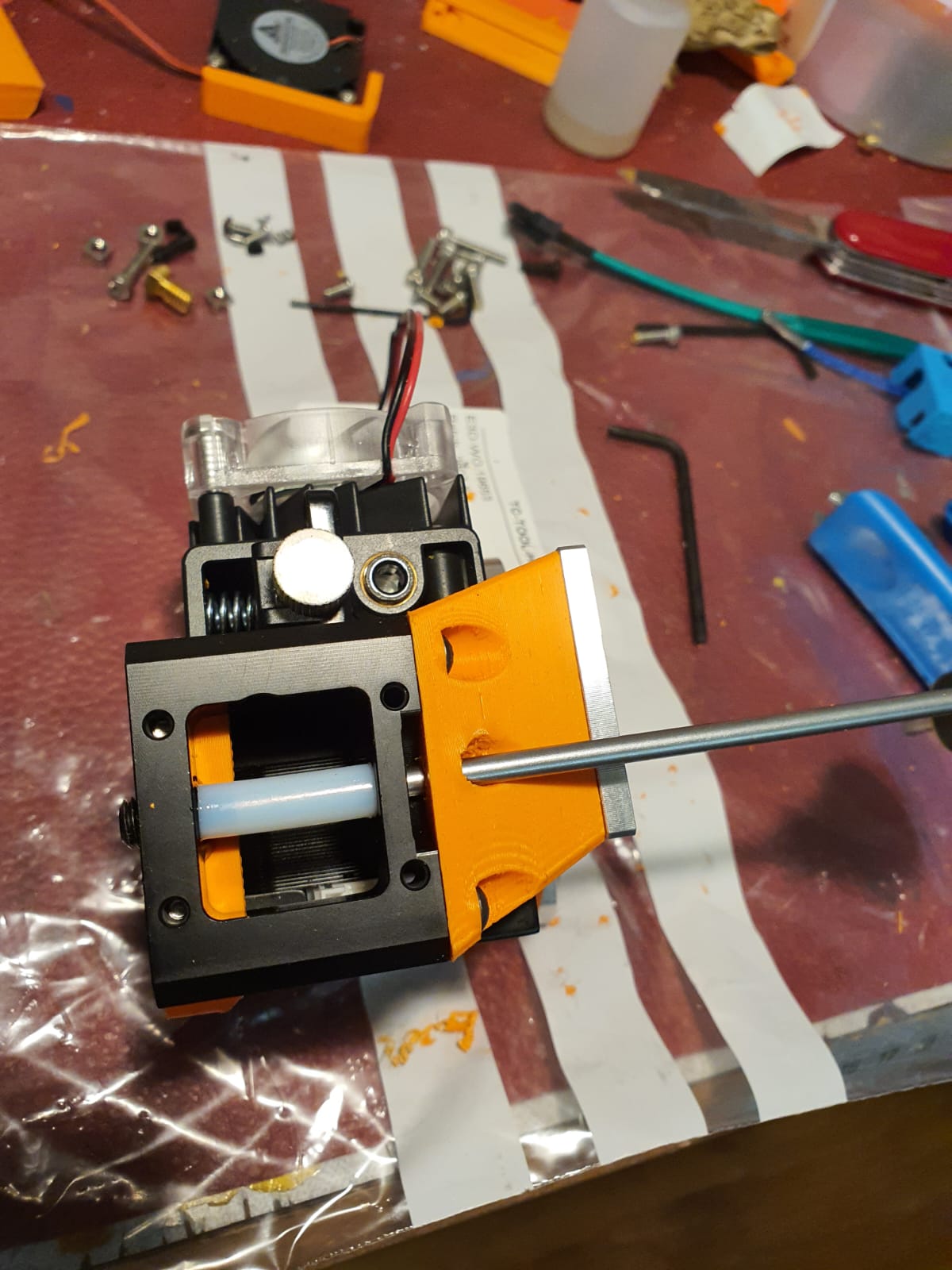
hole and pipe placed to adjust the magnetic coupling with the socket screw
In the Netherlands, City councils usually forbid to put charging cables for electric vehicles on public pavements.
And- to charge your electric car, of course you want to use your solar panels and connect your EV directly to your own domestic power grid.
But what do you do when your municipality forbids you to lay the charging cable across the sidewalk to your car?
My municipality has passed a council resolution whereby you can order a charging station through an external party, and so then you can have a public charging station installed nearby. Provided there isn’t already a charging point within a reasonable distance. In my neighborhood there are hardly any charging points, and the only one I have been able to find niche about 400 meters away, consisting of 2 AC charging points where two cars are always charging.
In my search for possible solutions to still make it possible to get to the car via the public sidewalk so that I do get to charge the car at home, I have come across several solutions. Of those solutions, only one is really useful, because all solutions with cable trays or cable protection over the sidewalk can still lead to liability issues if someone trips over the cable or is otherwise inconvenienced by the cable over the sidewalk.
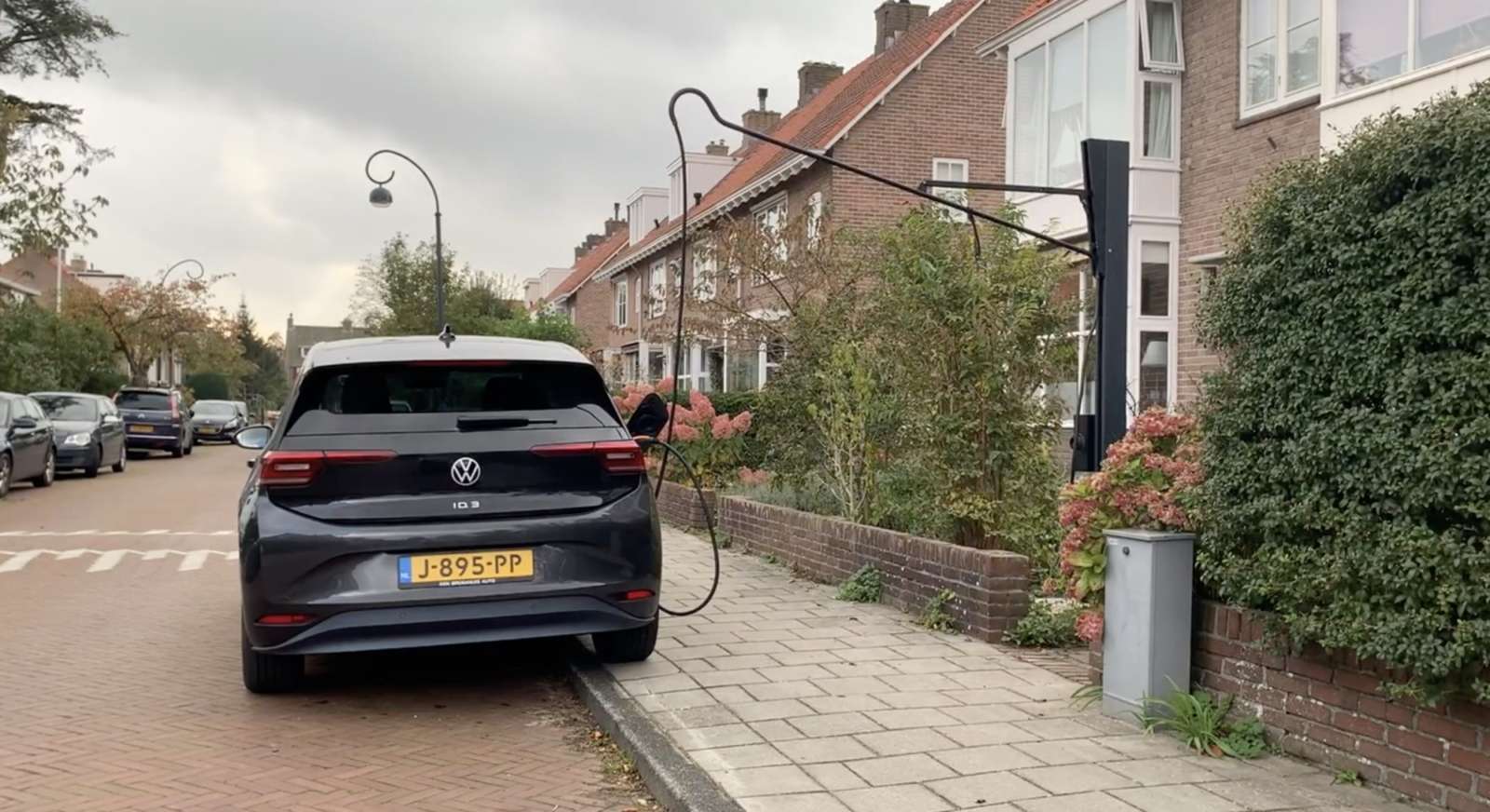
The solution of using a hinged cable tree placed high on your facade to get the cable across the public sidewalk directly to your car is a pretty eye-catching solution. But- the sidewalk remains free of obstacles and no one is bothered by it. Except perhaps for the fact that it doesn’t look very pretty. I wonder how the municipality would want to and can- prevent this solution. After all, similar things like flags on the public sidewalk at a sufficient height are not enforced either. If that is even possible by law.
In terms of principle, it looks like this:
The lever can be moved upwards after use. Then the whole tree falls away into the vertical holder. Very nice, just a pity that the link to the supplier doesn’t seem to work anymore.
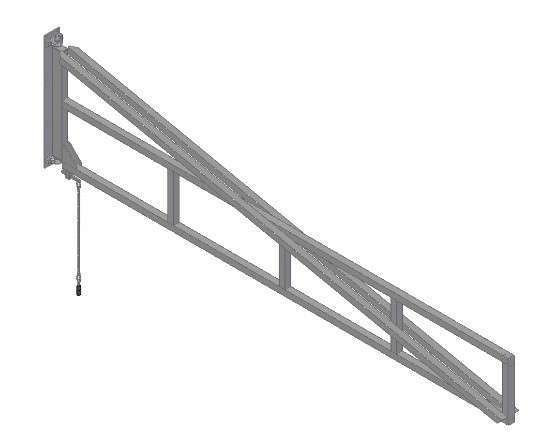
For my home situation, I prefer to place the lever on the facade. With a hinge point, the lever can then be moved away nicely against the facade after use, where you can attach the lever.
Below is an example of a company that makes these levers for hanging welding shields in factory halls. They also exist in extendable versions up to a length of 6 meters.
When you create such a solution, it must of course comply with all the rules and regulations, and the design must be such that it fits in with the surroundings. The choice of color and material is also a matter of concern, and it must not cause any inconvenience, such as clattering against the facade, etc. And the structure must be professionally grounded.
I do expect resistance from the local authority because they assume that electric vehicles are still in the minority and that there is therefore no need for a serious solution for home charging in public parking spaces.
The world is changing so fast towards electric personal transport, the sale of new cars already consists for 10% of electric cars. Of course the subsidy schemes help with this too, but all those cars sold are just going to drive and need charging spots.
Given the fact that people that already installed solar panels at their home are also the first people to drive electric cars, these people also want to use their installed solar panels for their electric transport. And as long as the net metering regulation for the return of energy is still in force in the Netherlands, the pressure on necessarily wanting to charge the electric car at home will not be very great. But with the rising energy prices suddenly making public charging much more expensive than charging at home, the pressure on wanting to charge at home using one’s own solar panels could become much greater.
VEHICLE TO LOAD
In addition, the latest development to run your home on your car battery is suddenly serious, because all brands now supply electric cars with a vehicle to load connection, which means that you can also use your charging cable to feed energy back into your home. This means that during the day you can charge your car from your solar panels and in the evening you can use the energy from your car battery. An average family consumes 8kWh in the evening and the car usually has about 50-70 kWh available. Most private solar panel installations start at 8 panels and that is exactly enough to fully recharge the car for the use of 8kWh per day on an average day during the 8 so-called sunny months of the year. And the months of November through February? You will still have to ‘buy’ electric energy during these 4 months. Preferably with wind energy from a green supplier, of course. When you drive your electric car to and from work every day, recharging your EV from your solar panels for those days is obviously not true. But when you regularly work at home, the story does apply for those days, as well as the periods during the weekends when you are plugged in at home.
Conversion of a 1955 Traction Avant 11BN from 3- to 4 gears
-By marrying a 1964 Citroën ID gearbox with a Traction differential-
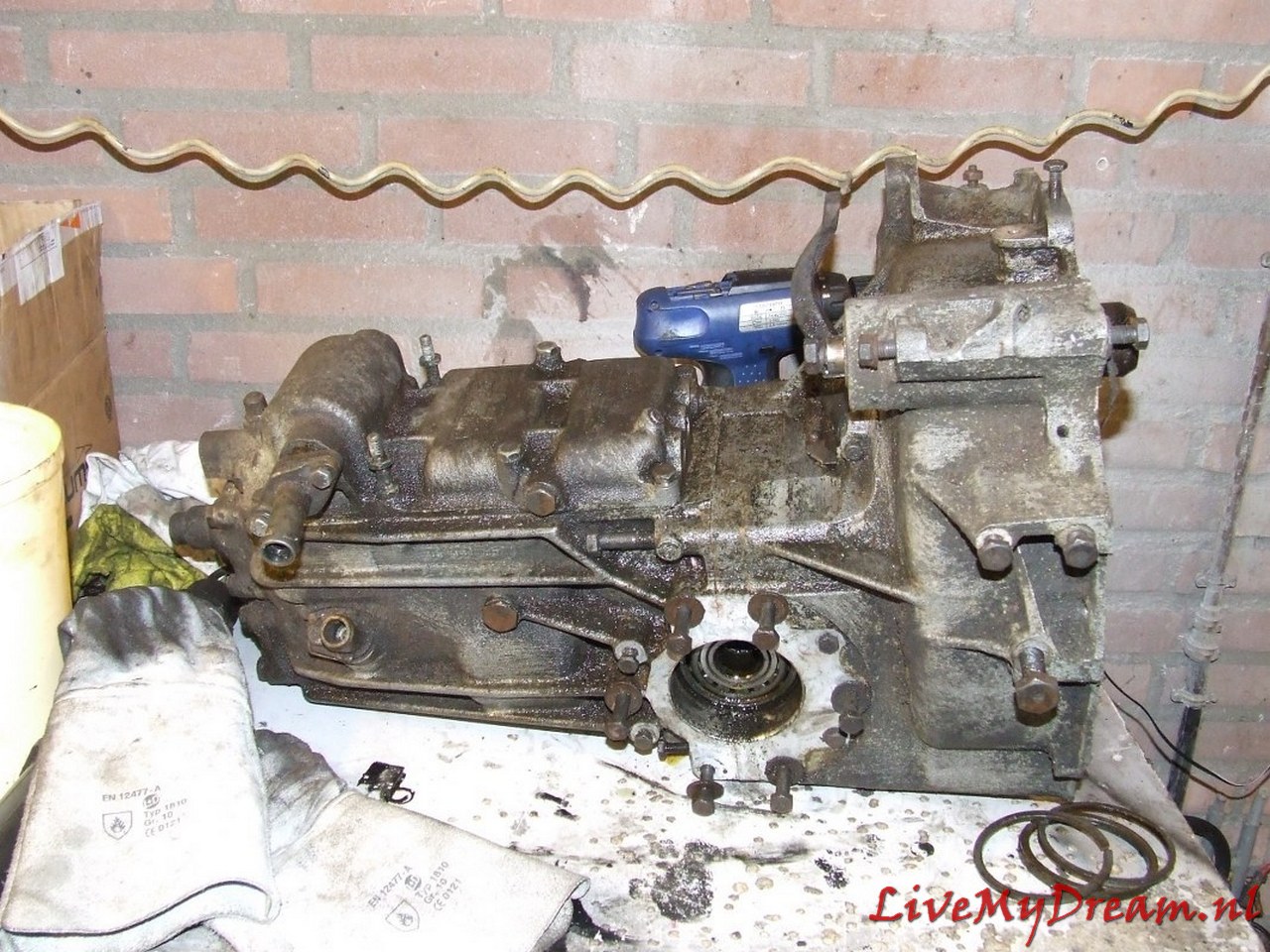
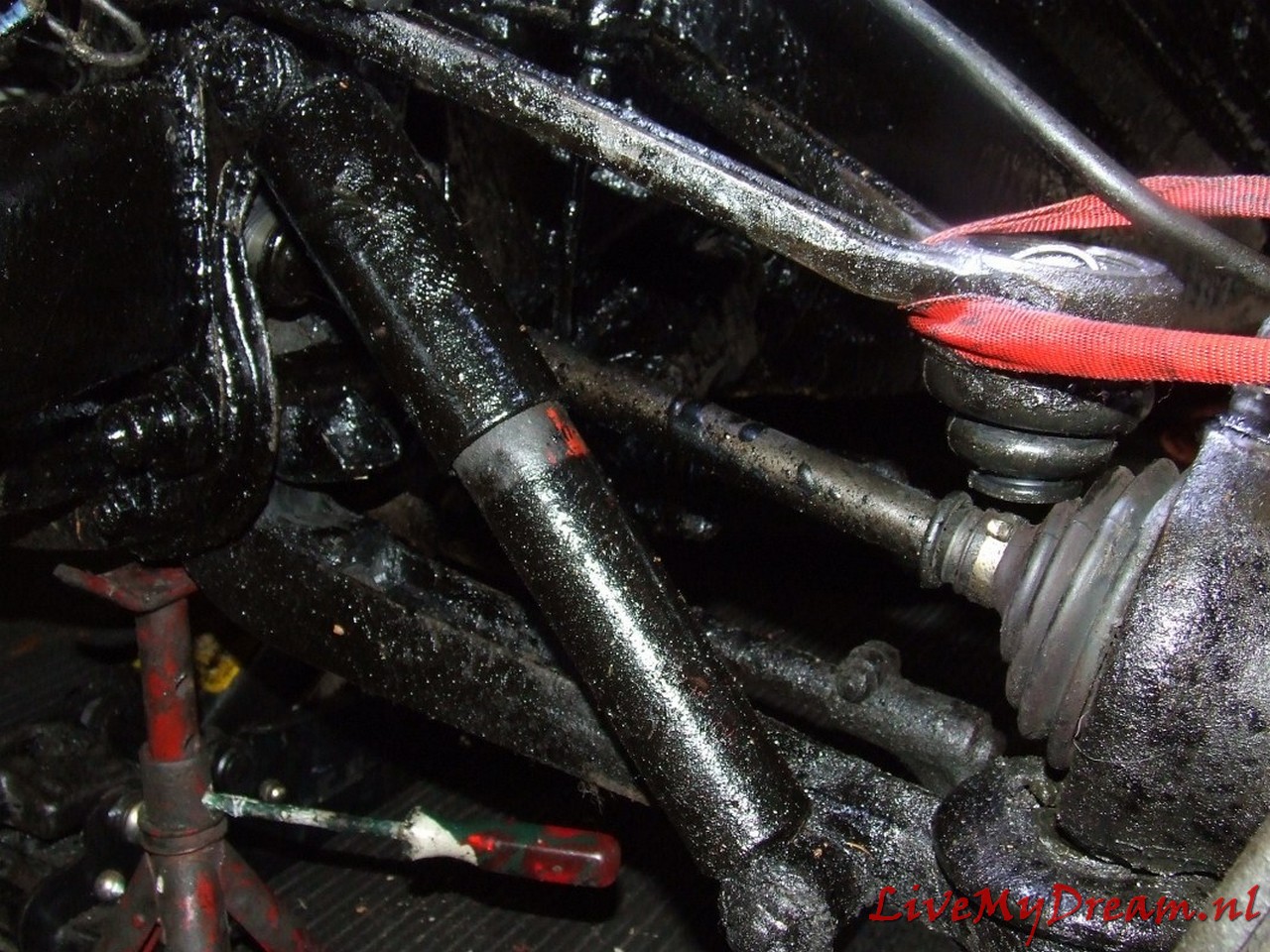
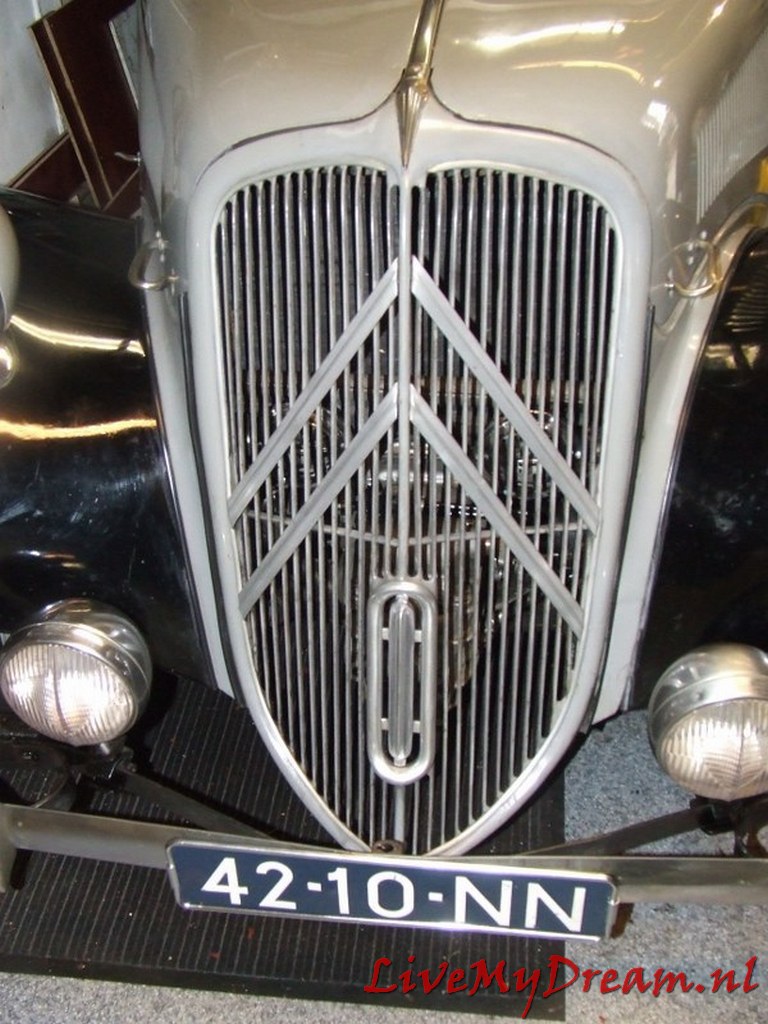
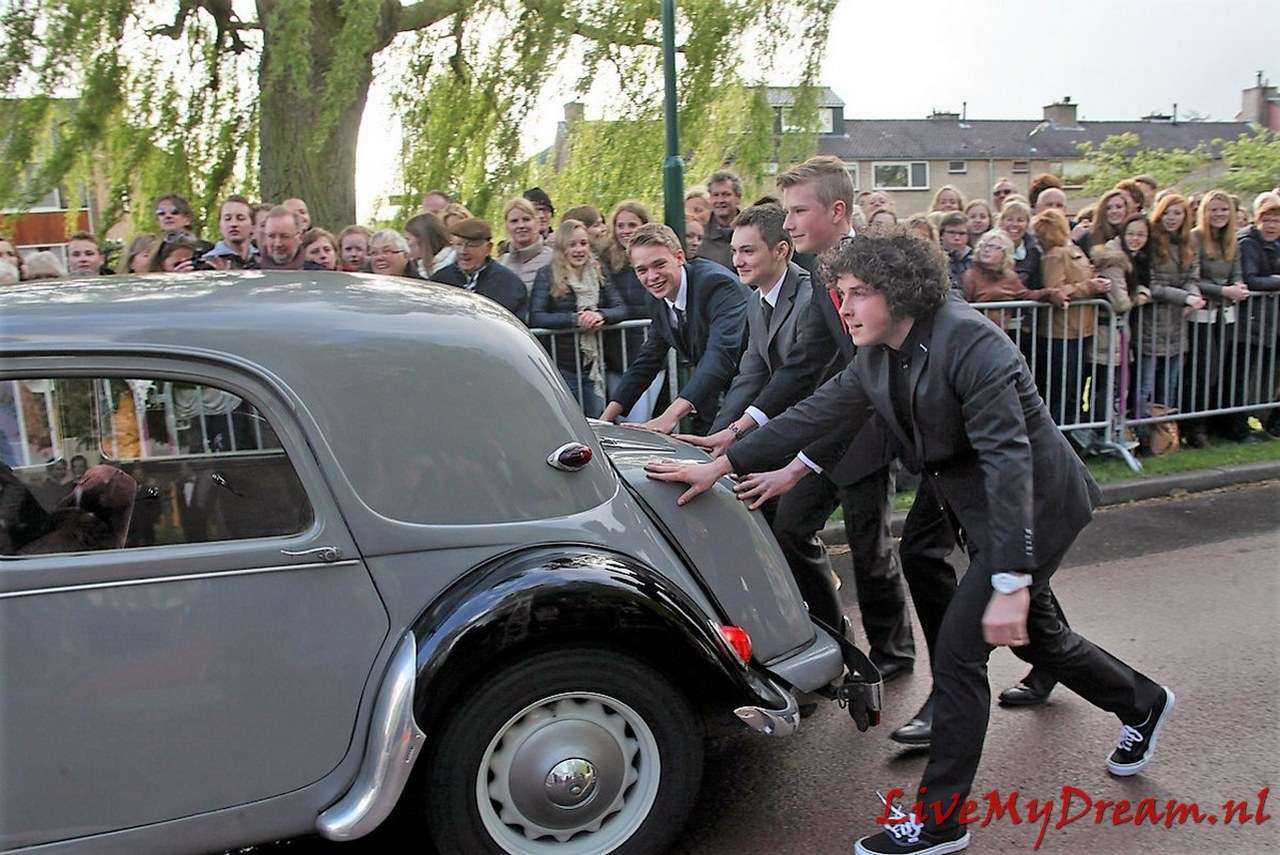
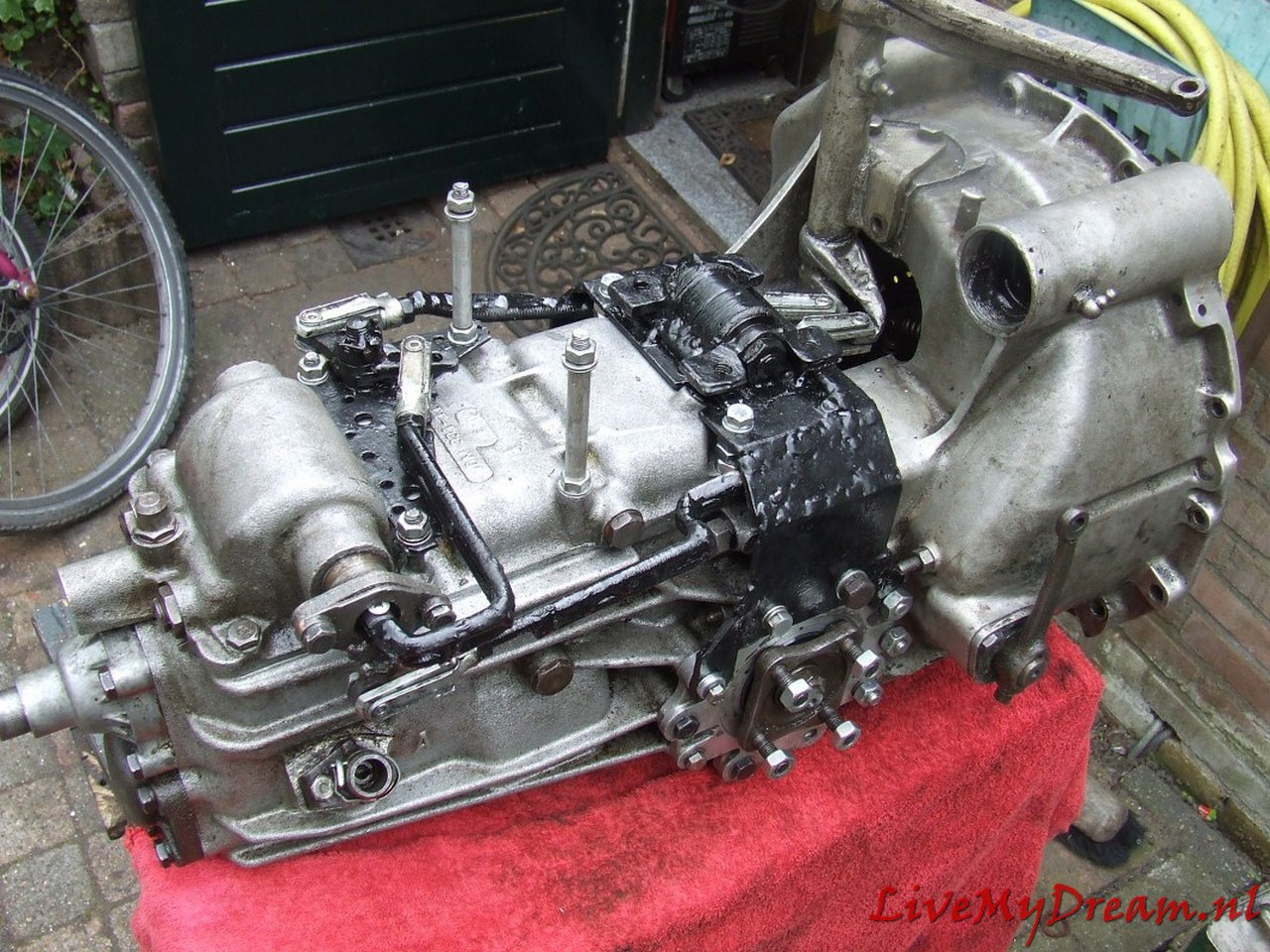
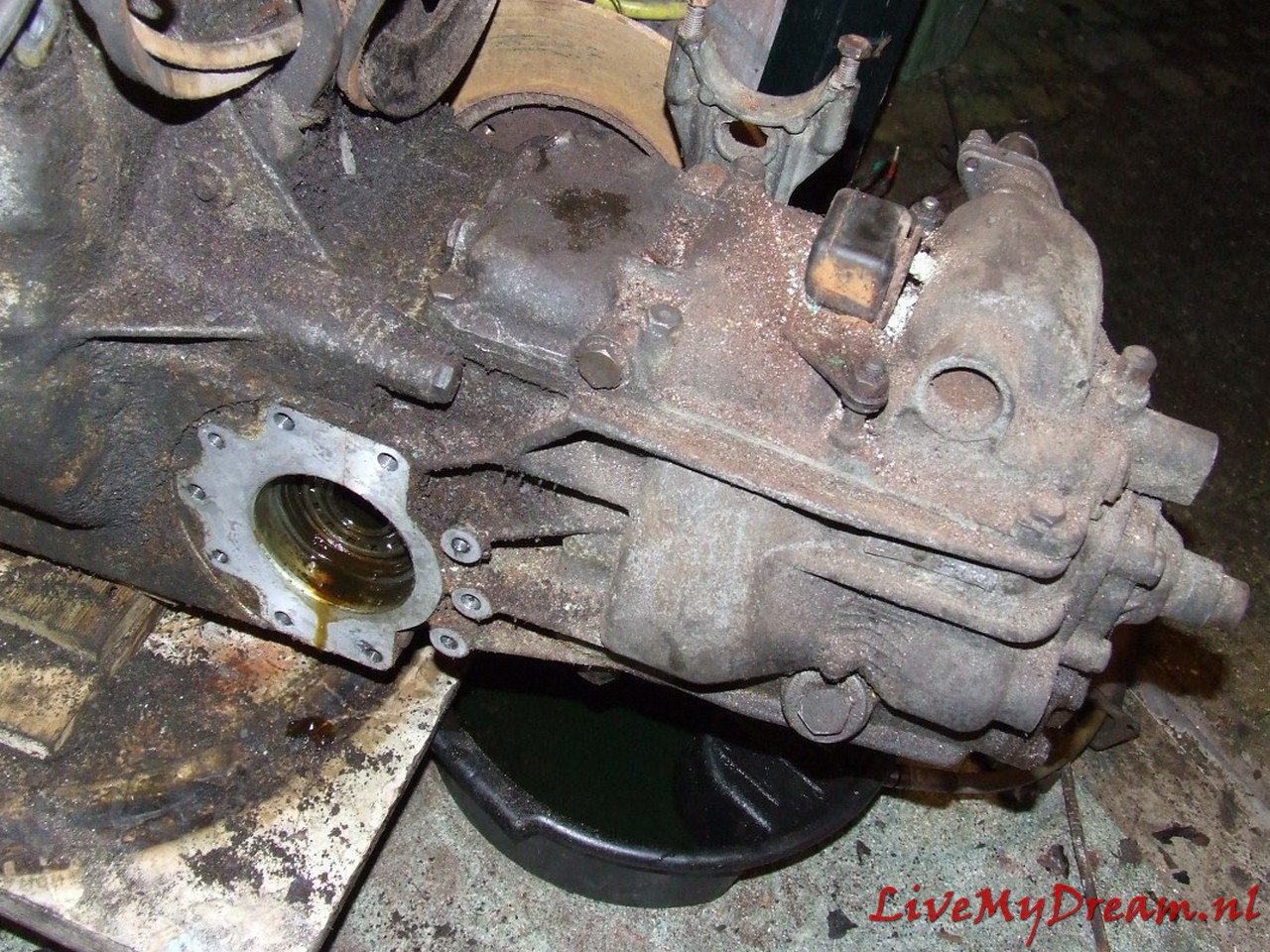
The picture shows what happened with my original 4-gear built when I stepped a bit too much on the gaspedal. One of the drive axles broke and I had to be pushed by the youths I was driving to their ‘end of school’ party.Here you can read how I discovered by trial and error what I think is the best way to provide my Traction Avant 11BN with 4 gears .The Citroën Traction Avant has standard 3 gears of which the first gear is not synchronized.In my experience, this gearbox is the biggest stumbling block for this car to come along smoothly in modern traffic.Therefore, from 2007 to 2016 I worked intermittently on adapting an old Citroën ID/DS19 4-speed gearbox so that it works in my Traction Avant 11 BN.As basis for this project, I used an ID donor gearbox from a 1964 Citroën ID19.The ID 4-speed gearbox has full synchronization on the 4 forward gears but won’t fit my Traction Avant in width easily. .The tear-down, modifications to the ID gearbox and the installation in my Traction Avant are all described in this article, including pictures.
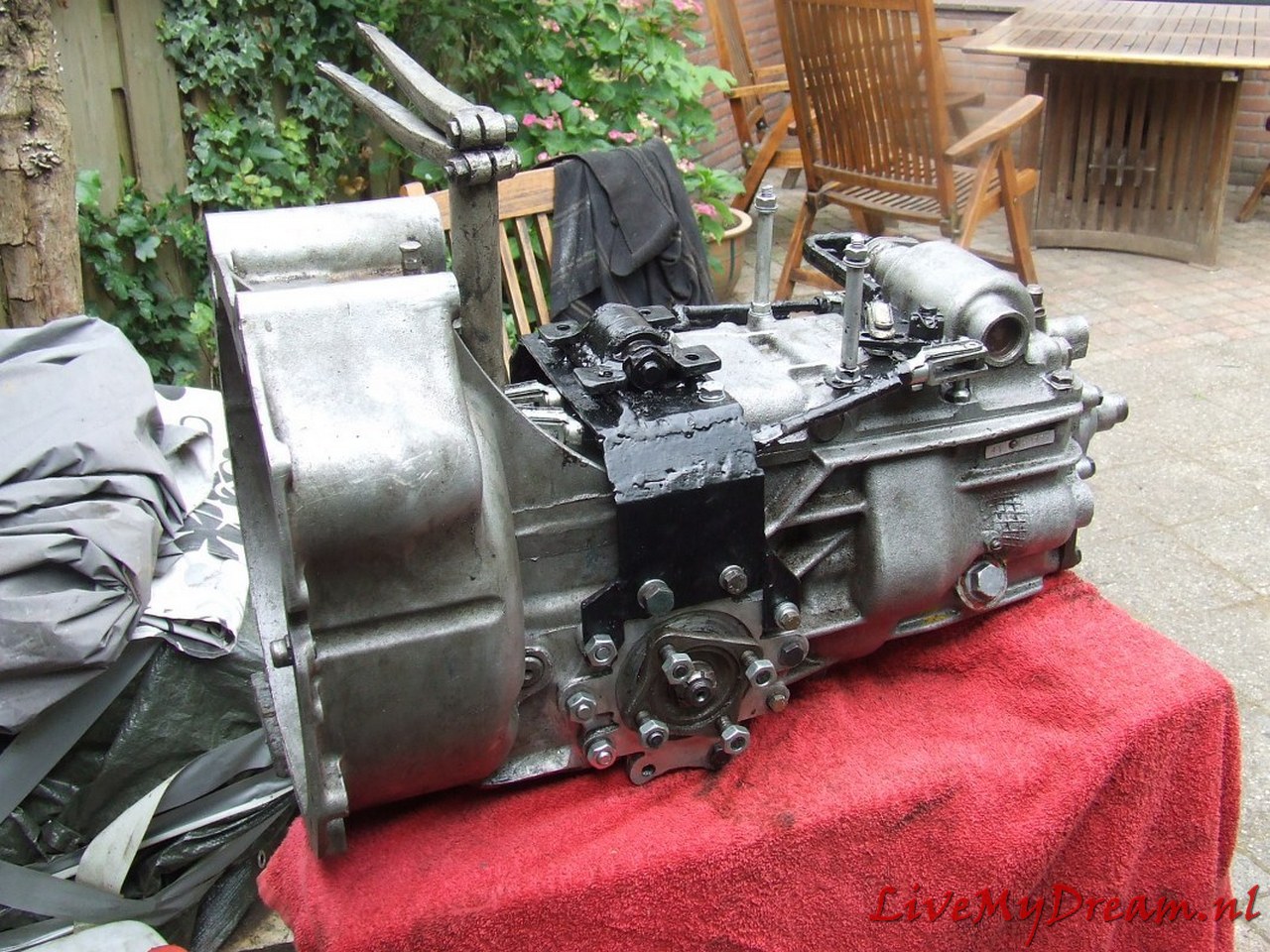
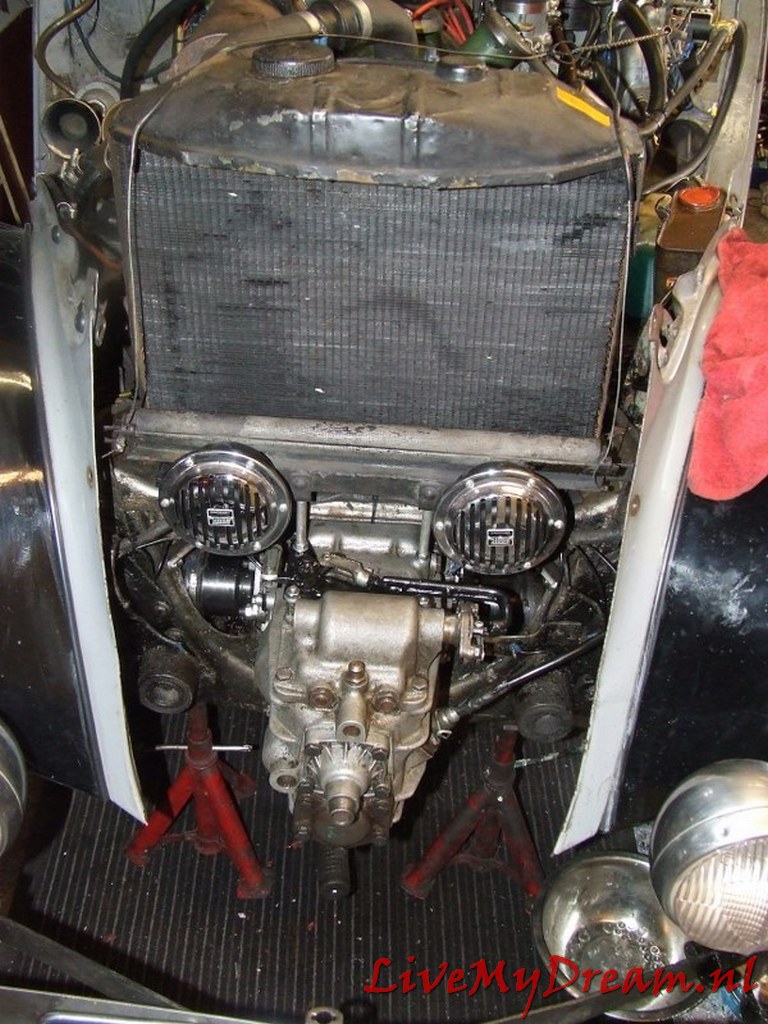
Above you can see the rough end result with which I have now (2022) already been able to travel a few thousand kilometers.
In the end it has been a valuable project.
Driving the TA is perfect, shifting up and down is smooth and the car behaves very well.
An important advantage of the new gearbox is that the engine makes far fewer revolutions when driving at cruising speed.
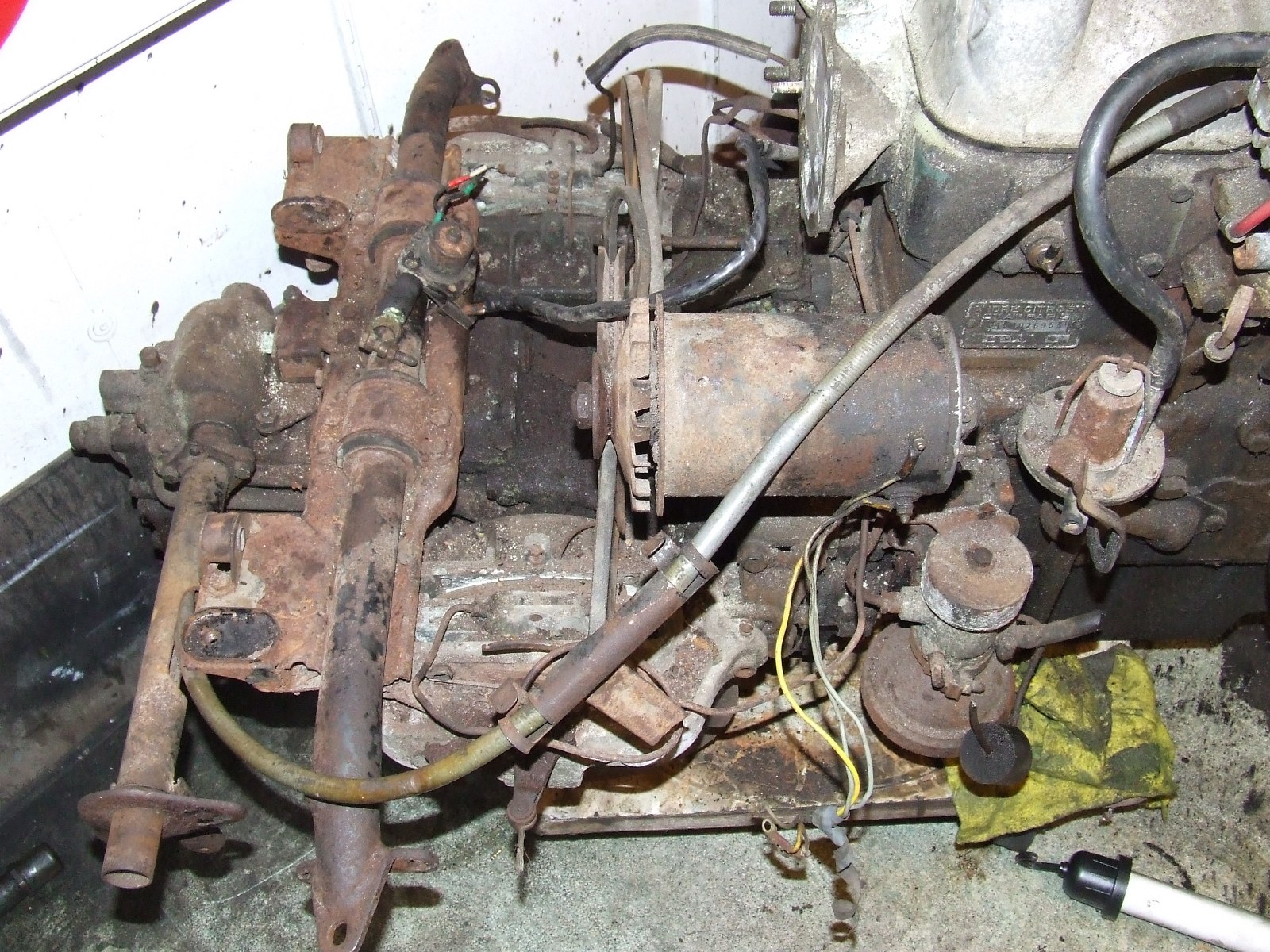
Above you see the overview of the donor long-stroke ID19 engine with the 4-speed gearbox.
At the time of purchase everything was still attached: brakes, suspension, shift sleeve, HD regulator, fuel pump, alternator and so on!
The water pump had already been removed by someone else.
The donor car had serious side damage and was declared total loss.
It was a pity but I was lucky with it.
The approach
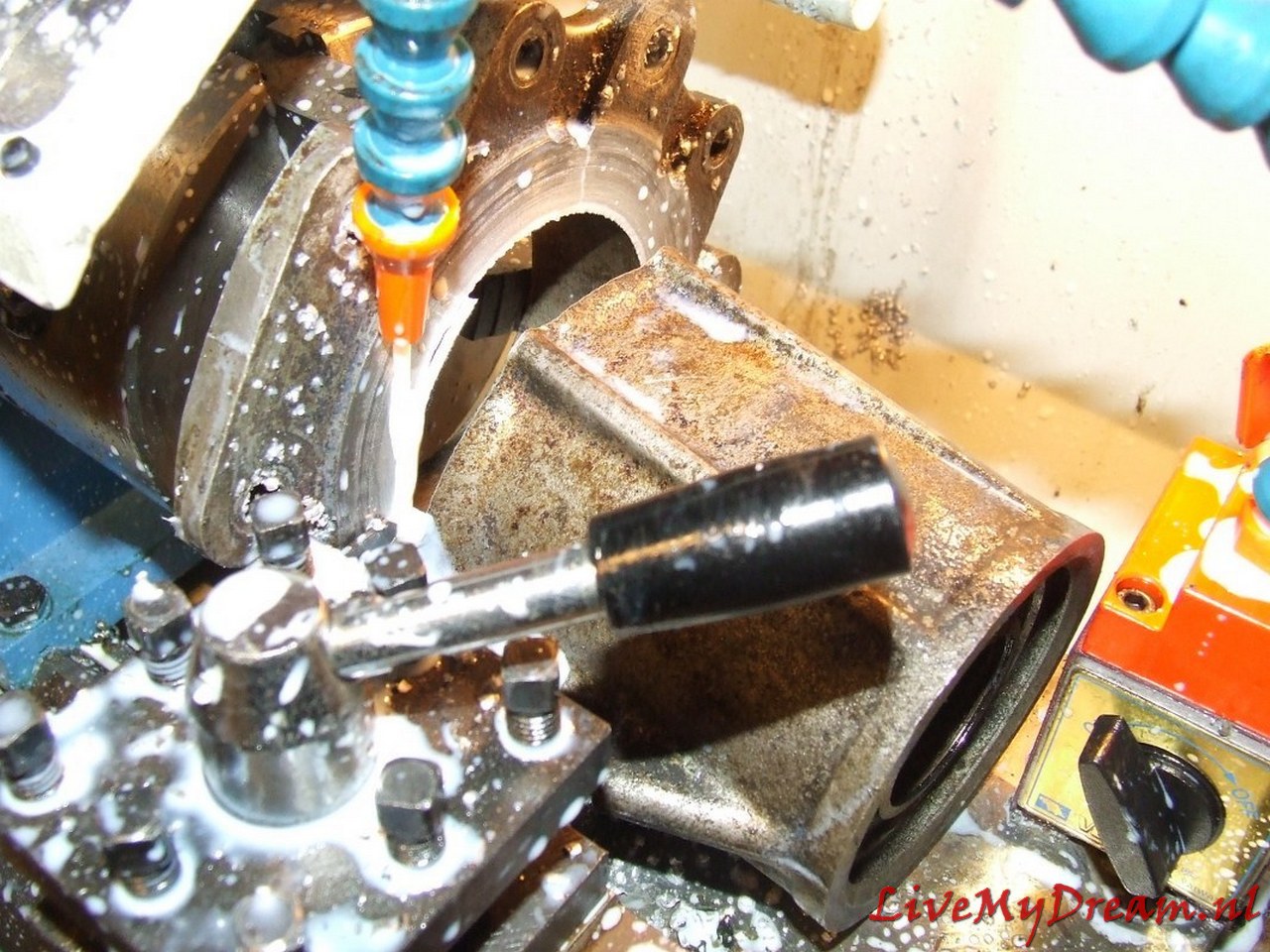
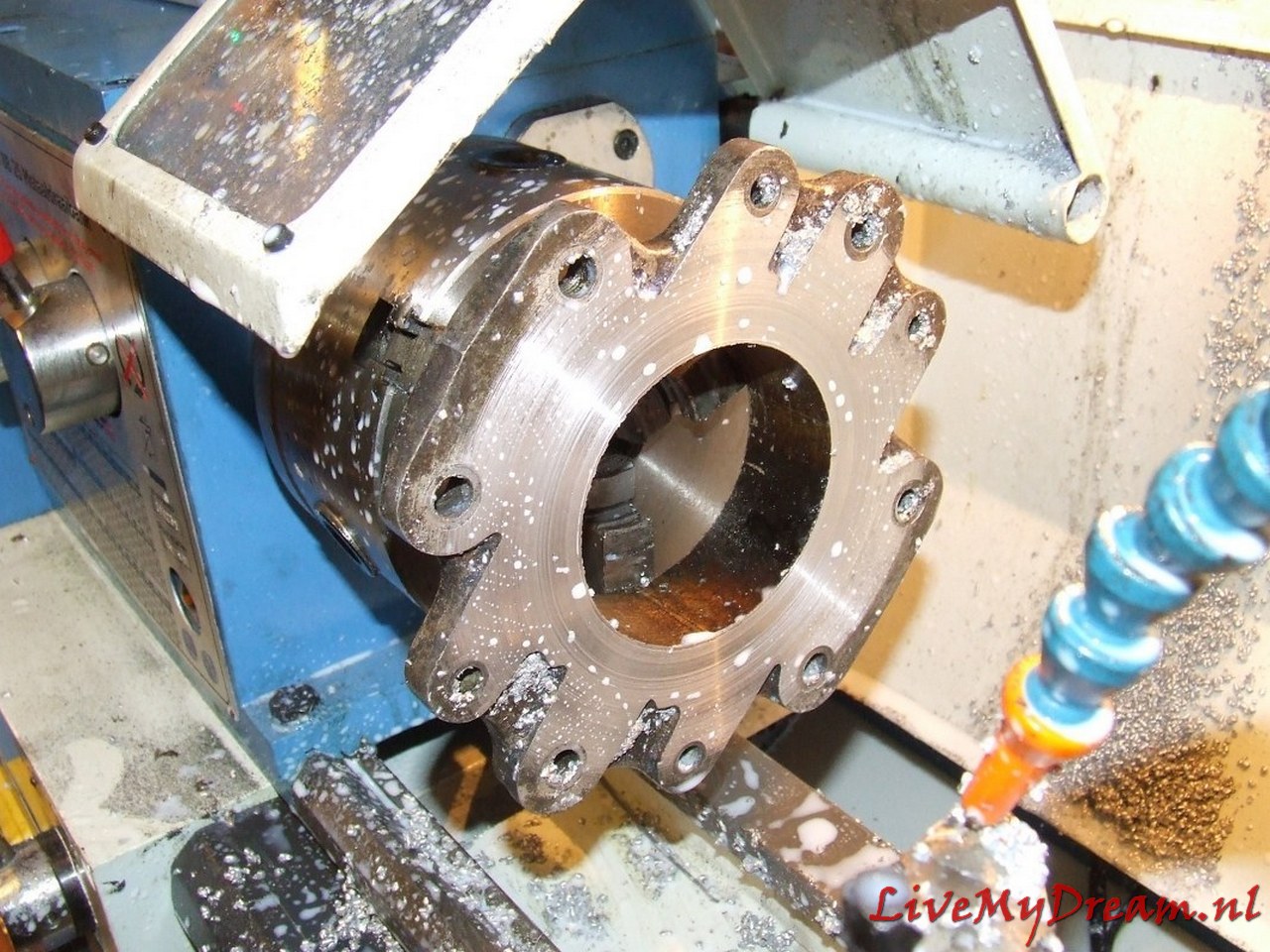
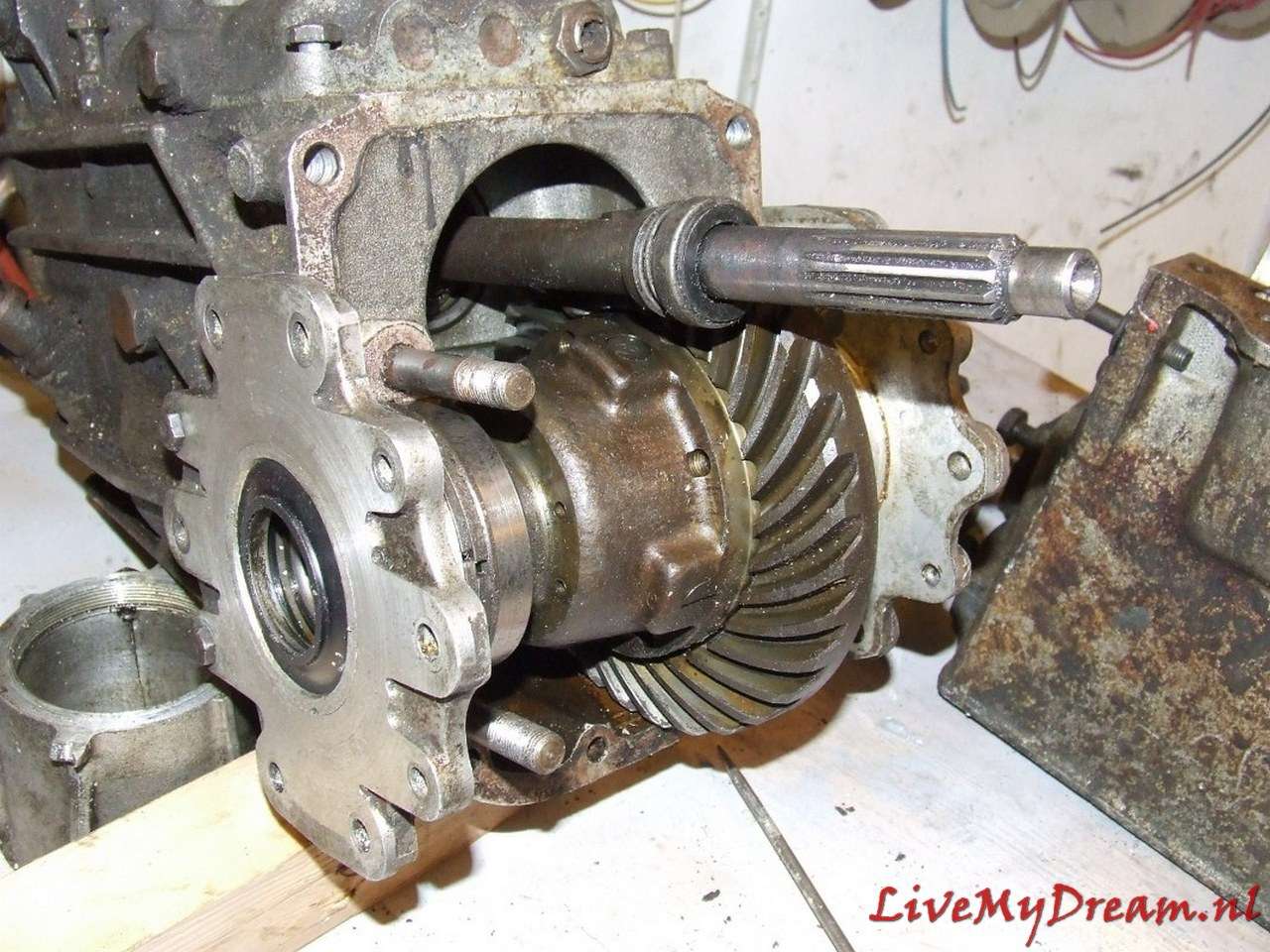
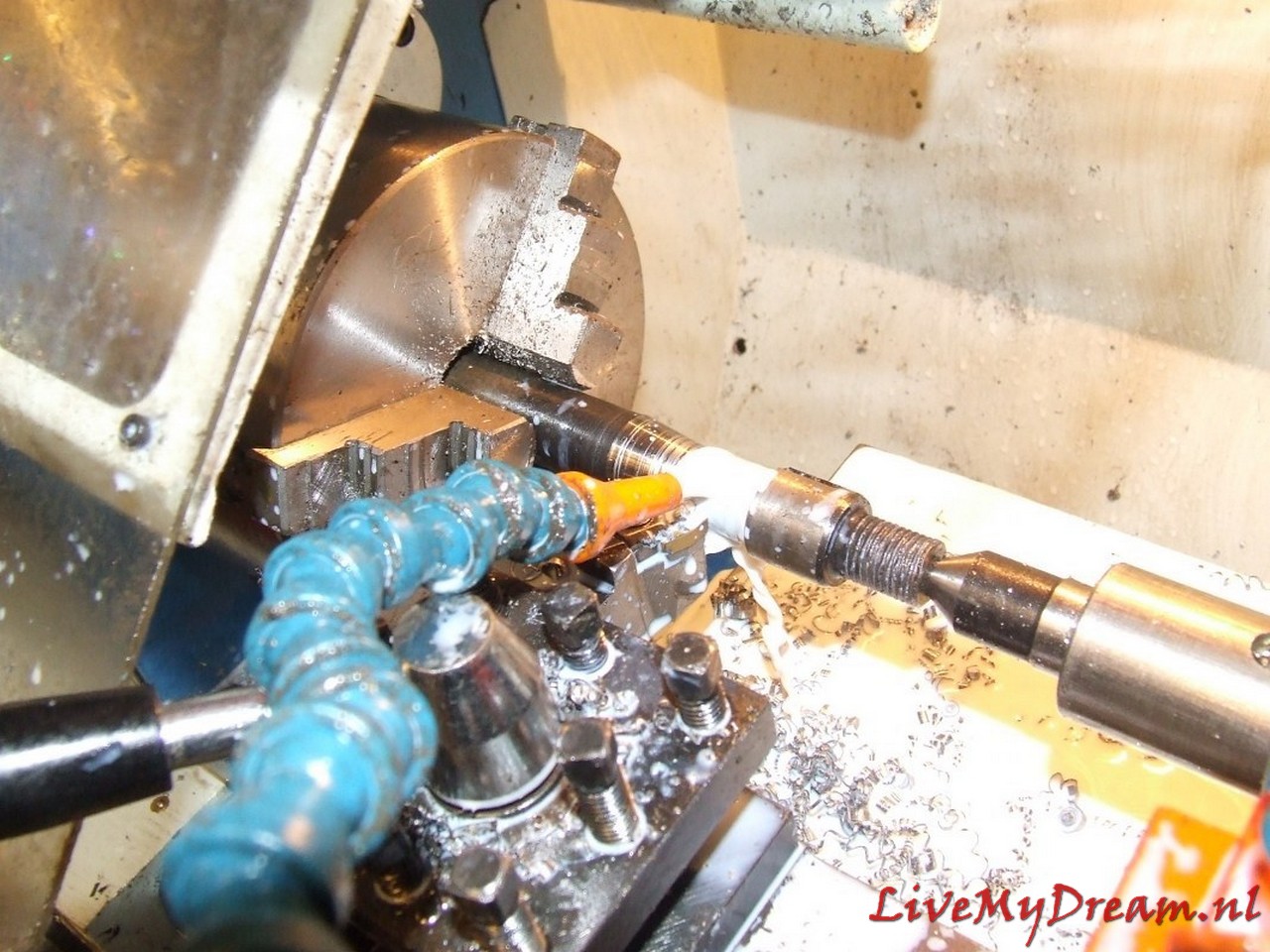
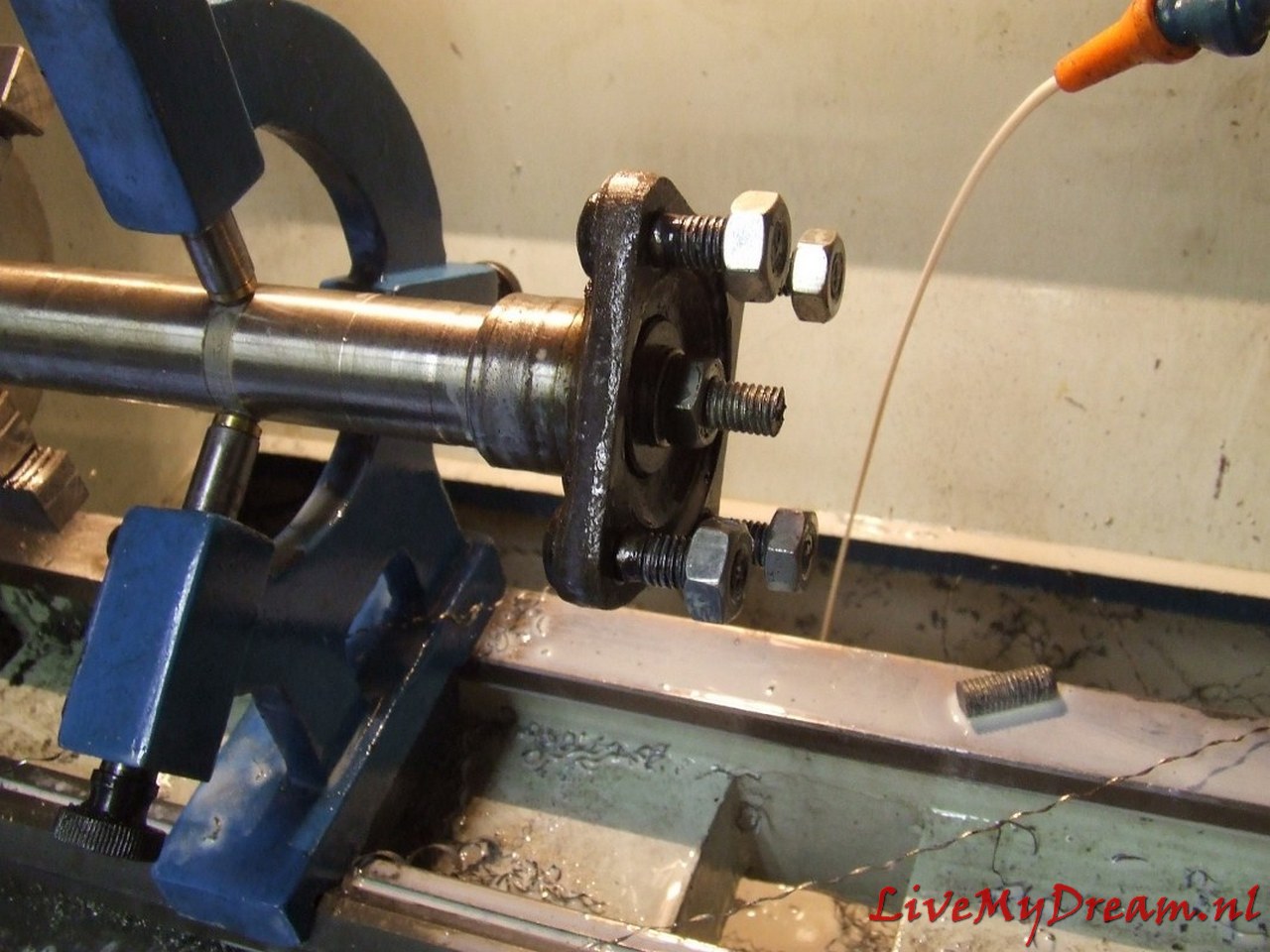
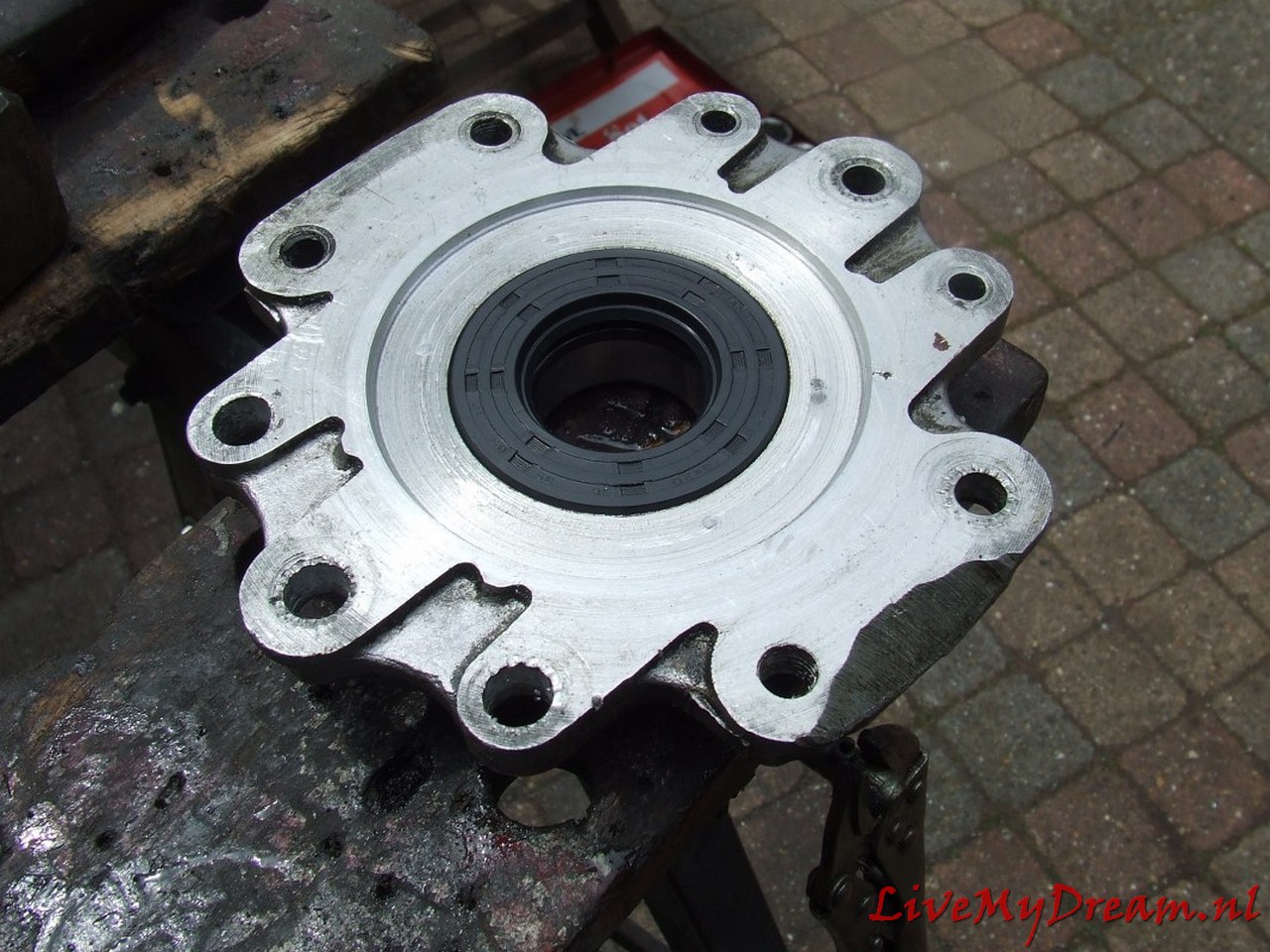
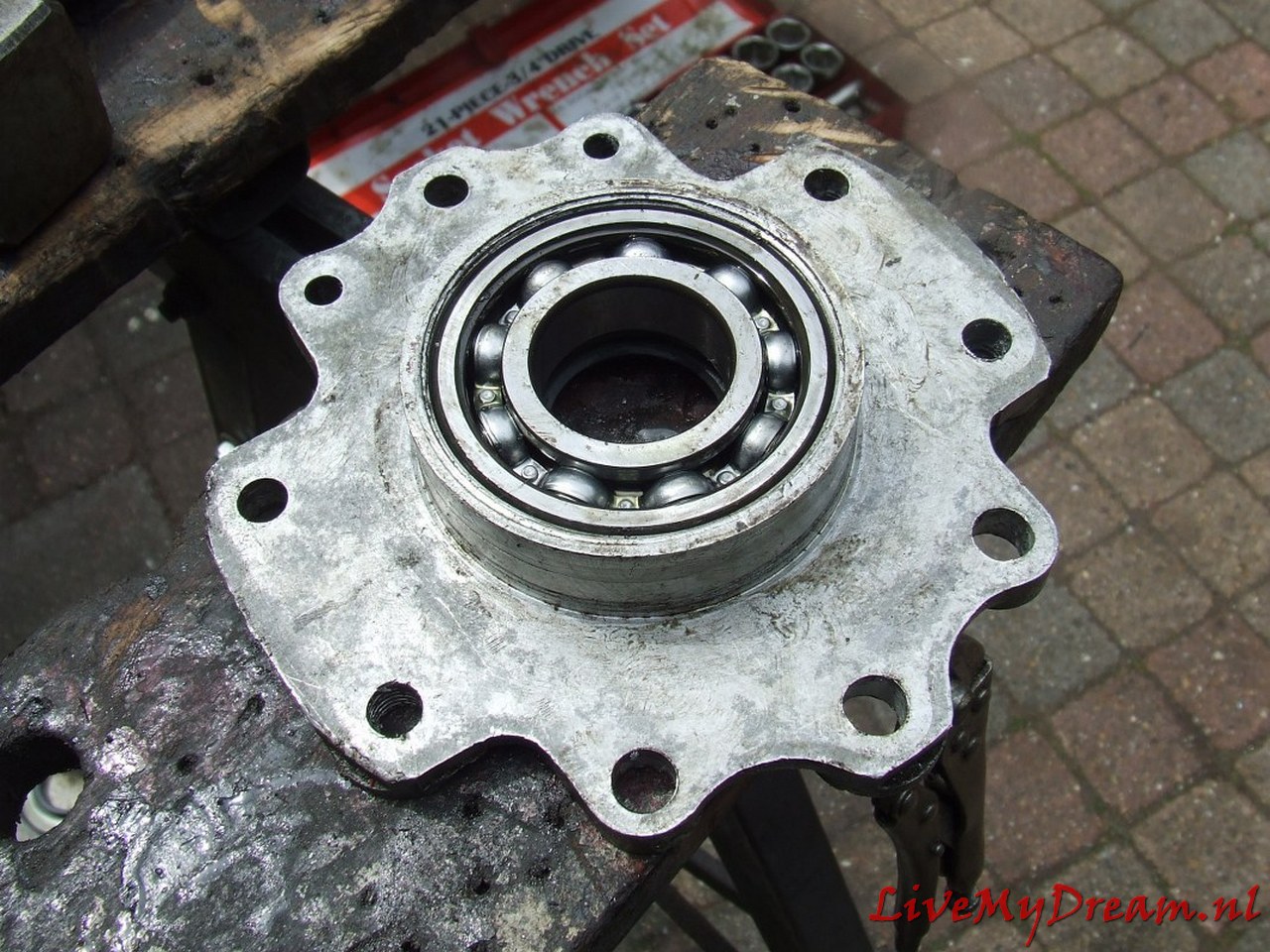
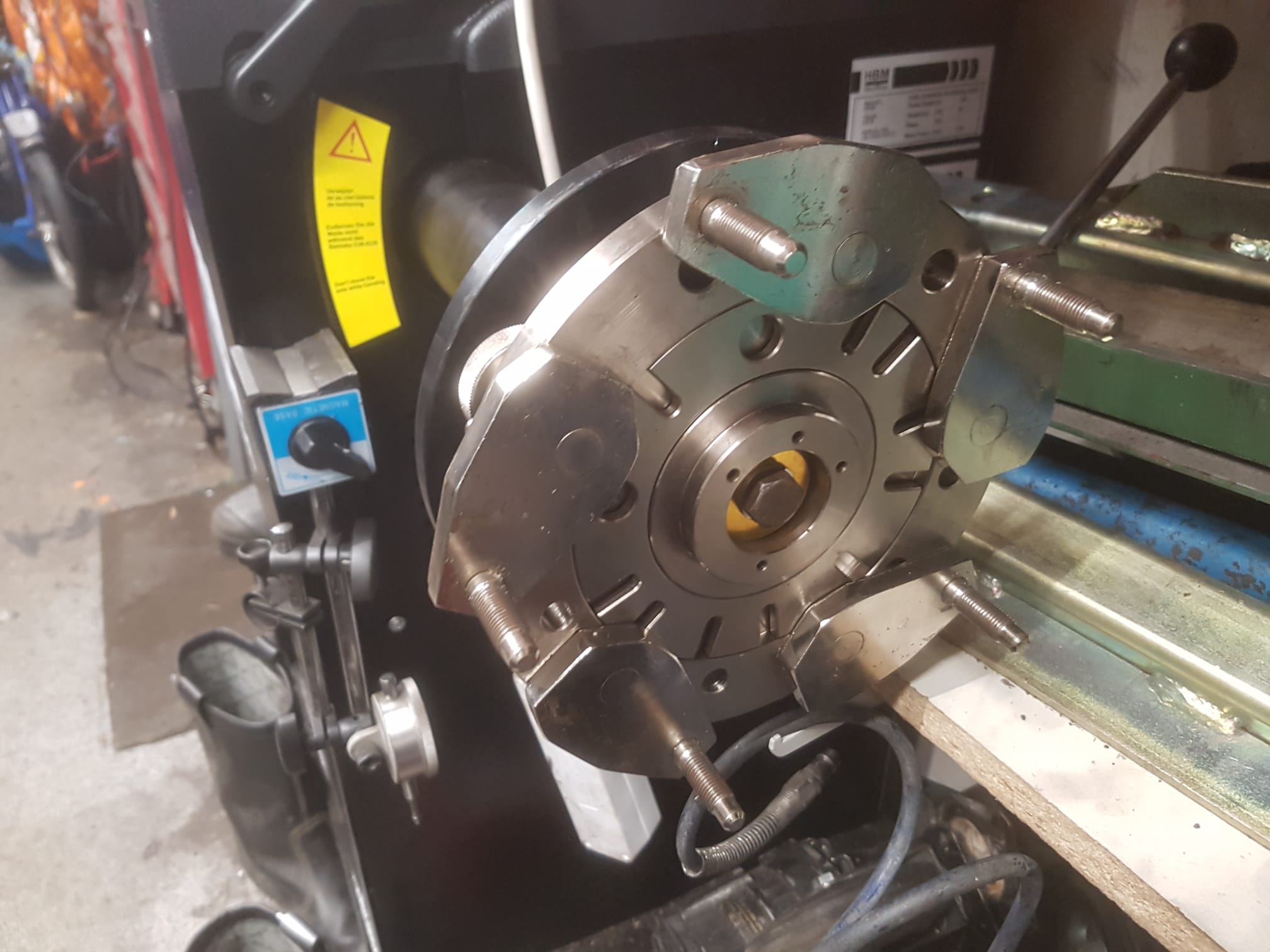
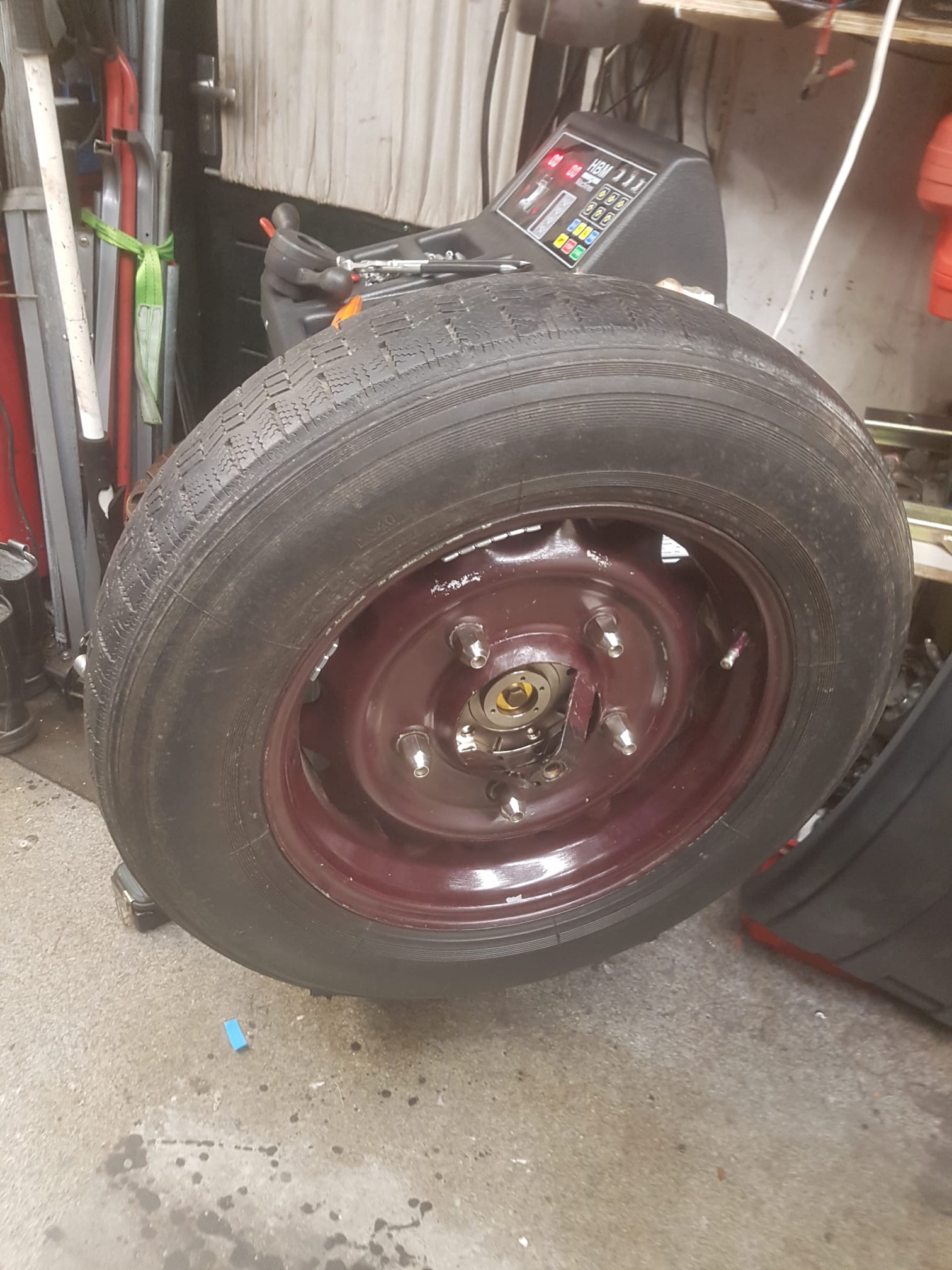
The long flanges of the 4-speed gearbox have to be turned off on the lathe. From the ends of the flanges (gearbox side), bushings are turned which will sit in the turned off flanges.
This is necessary because the bearings and seals are not available in outside sizes that will fit into the inside of the shortened flanges without fail.
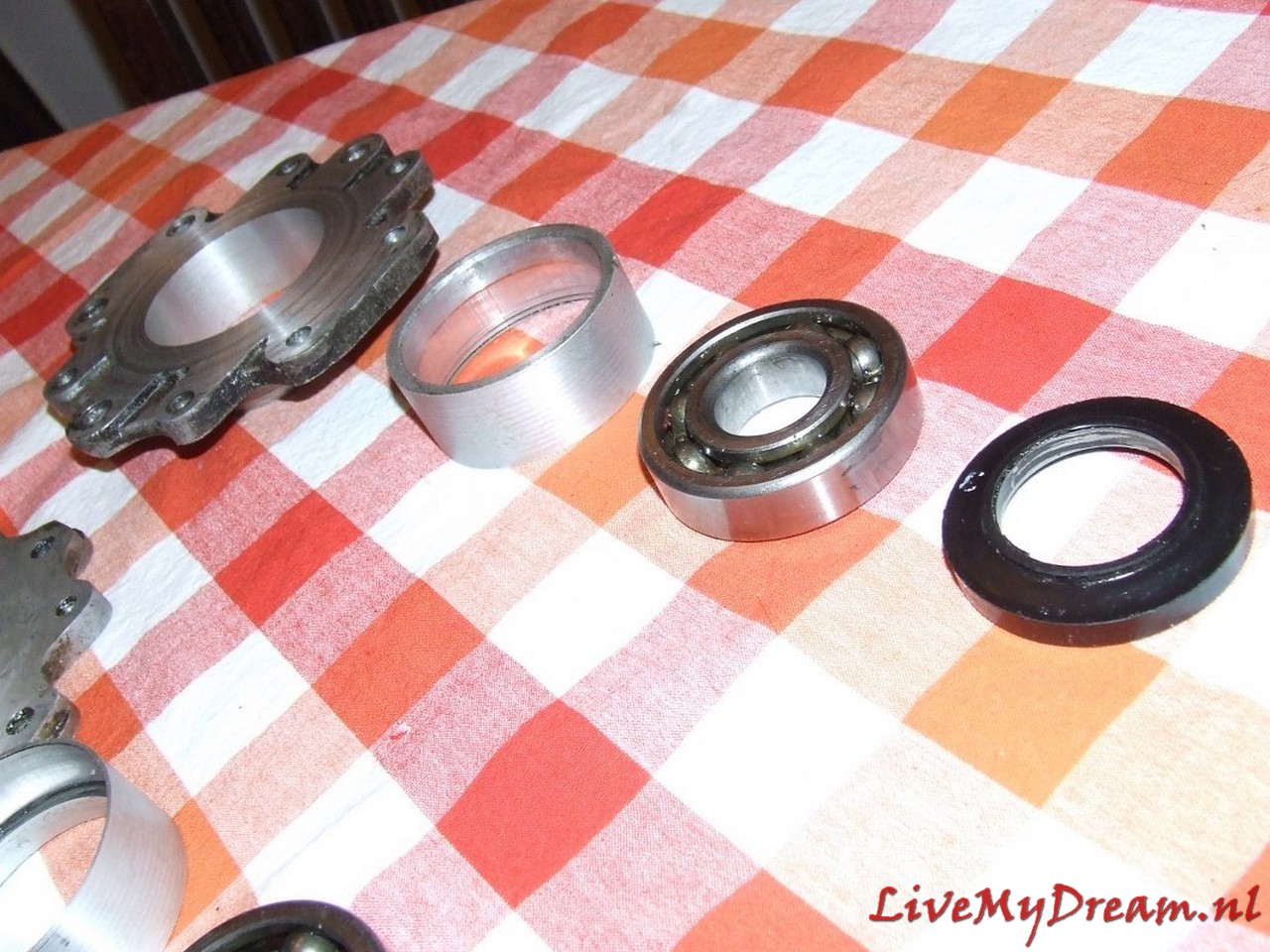
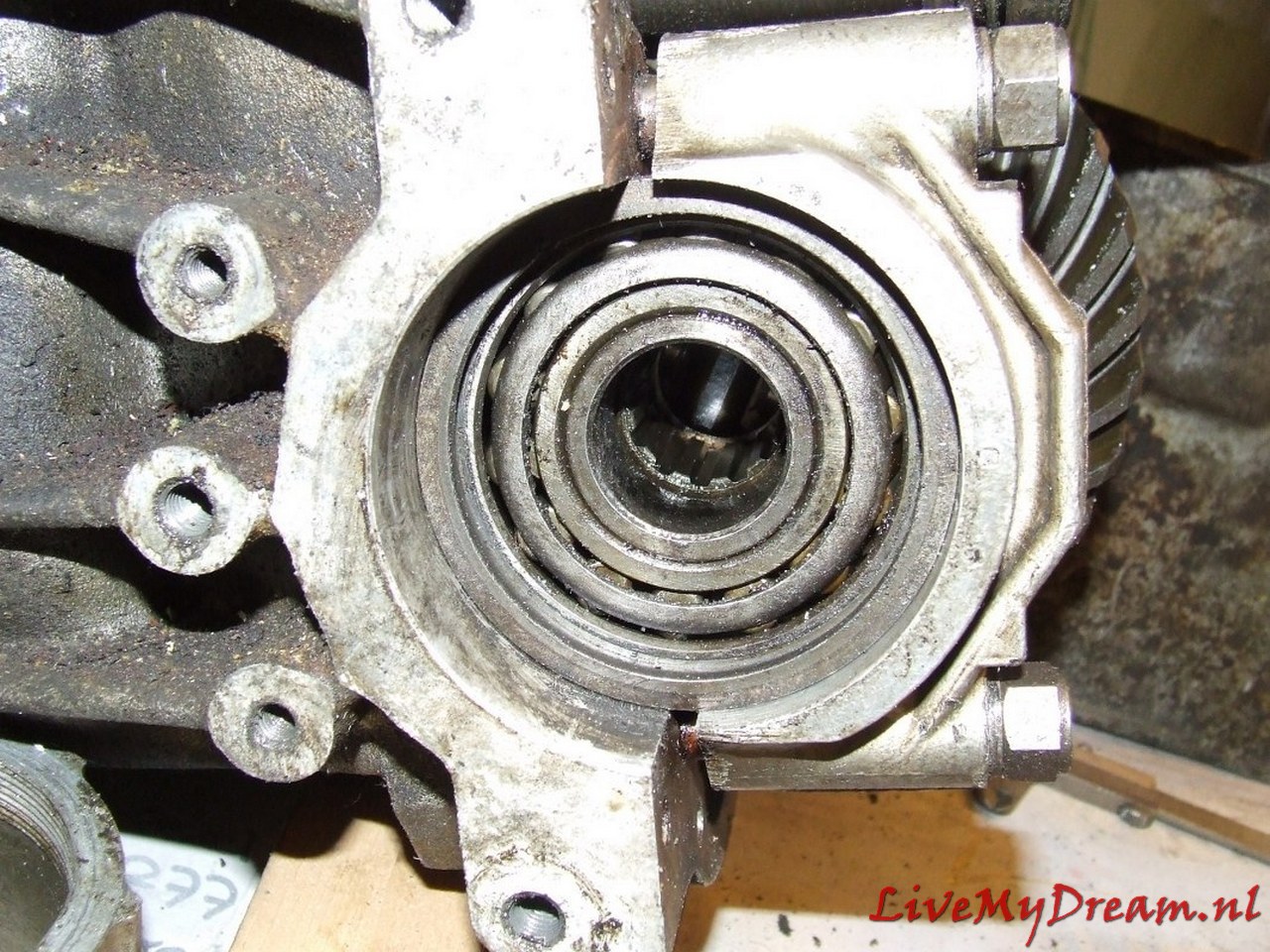
New bearings and new oil seals will be enclosed in the bushings in the turned-down flanges.
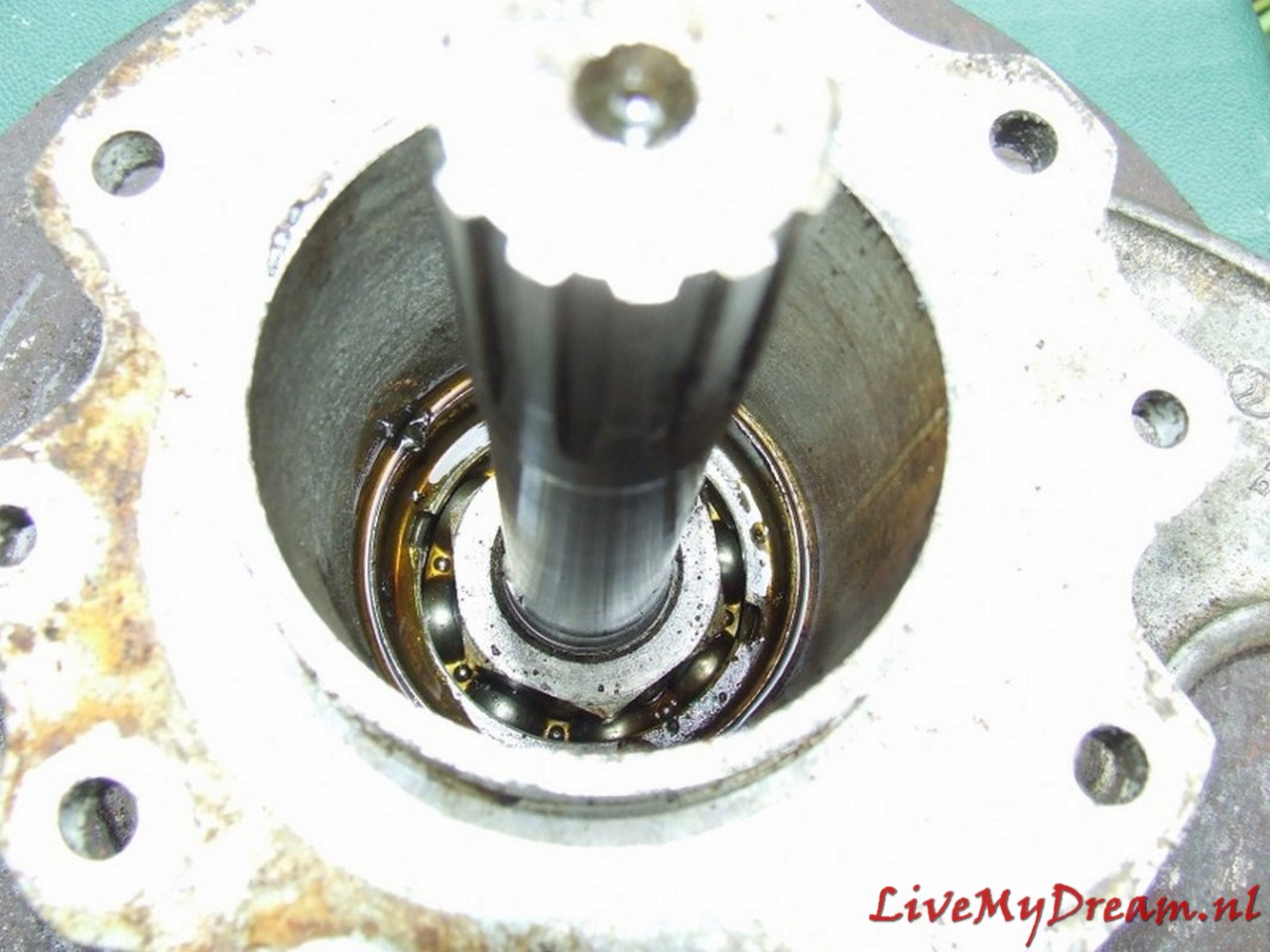
The shaft chucks will be turned down by about 1mm to a commercially available inner size for a bearing and seal. (35mm axle thickness)
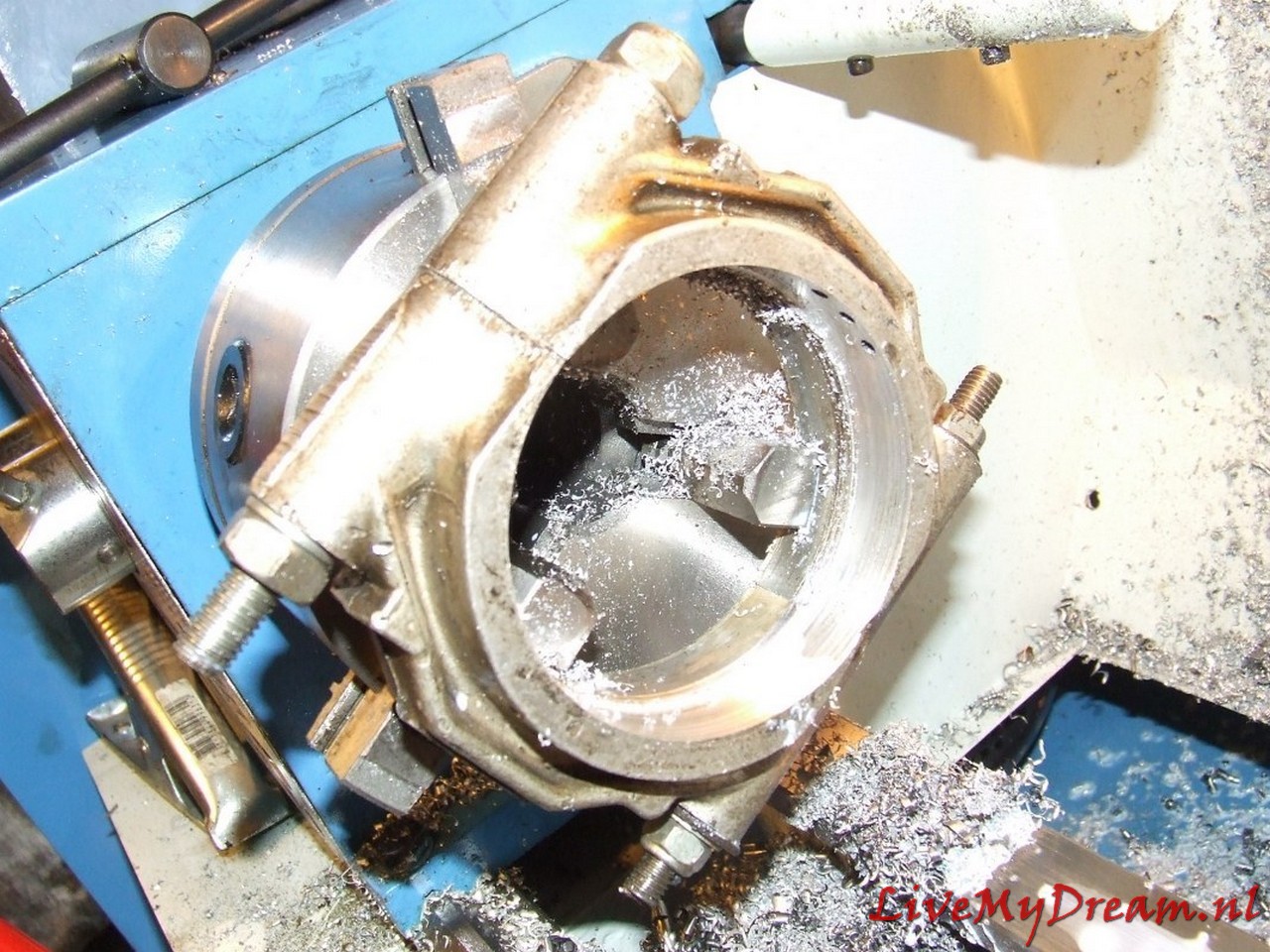
The flanges are turned out by 3mm to allow the axle jaws to mount properly on the TA internal body shafts.
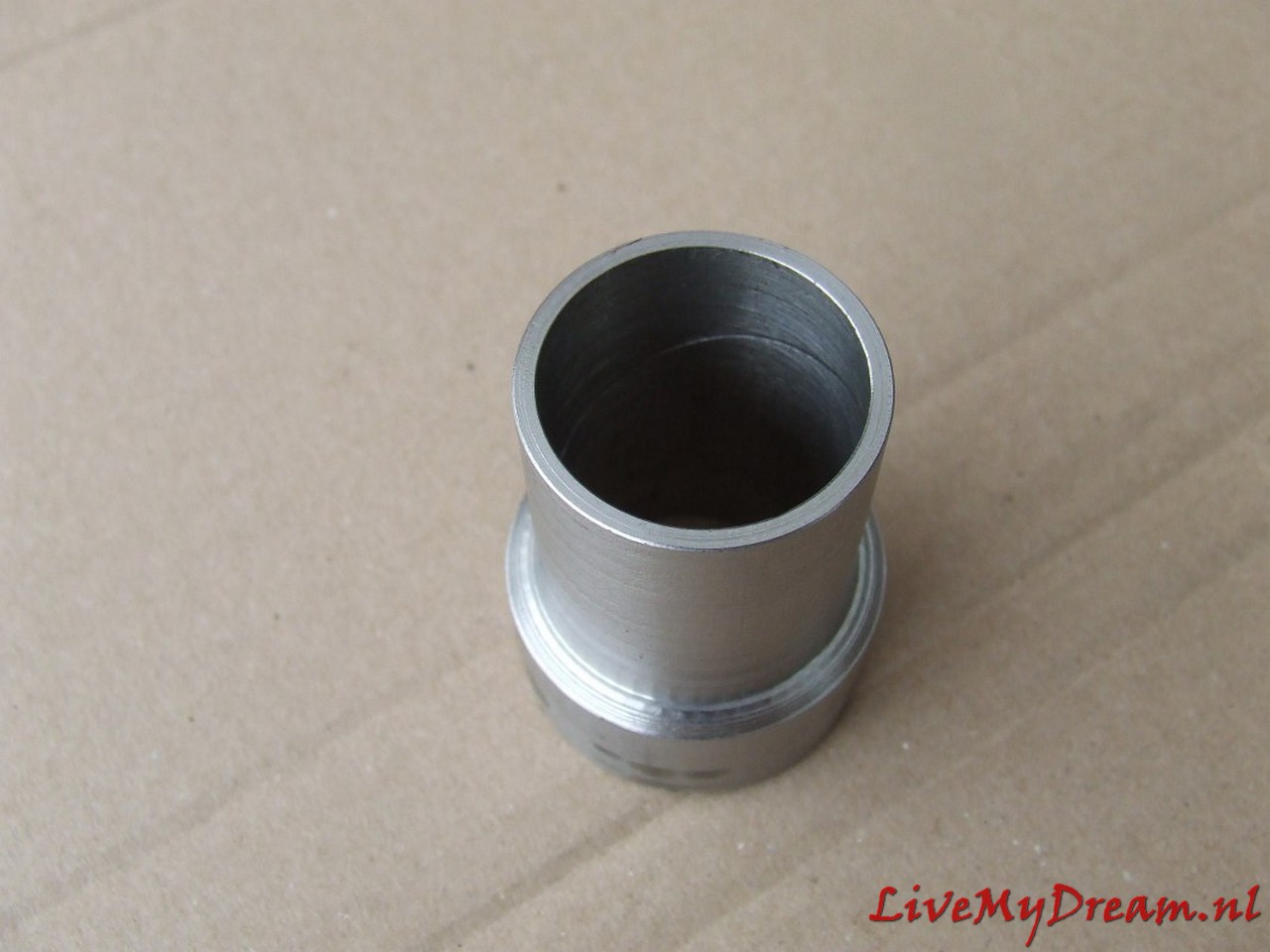
A stainless steel bushing is turned to allow the outgoing internal TA shaft to rotate tightly in the ID crown gear.
In other conversions, this bushing is usually not installed, but the lateral pressure on the end of this shaft without a fitting bushing becomes, in my opinion, too great to be able to drive it very long without wear.
The bushing has an oil groove on the rotating inner side.
This bushing is needed on 1 side of the donor ID crown wheel and is tightly crimped into the crown wheel.
The ID shaft rotates tightly in the ID crown wheel and is slightly thicker than the TA shaft.
The difference in thickness is corrected by the stainless steel fitting bushing.
The satellite wheels, internal bucket axles and differential housing of the TA are reused.
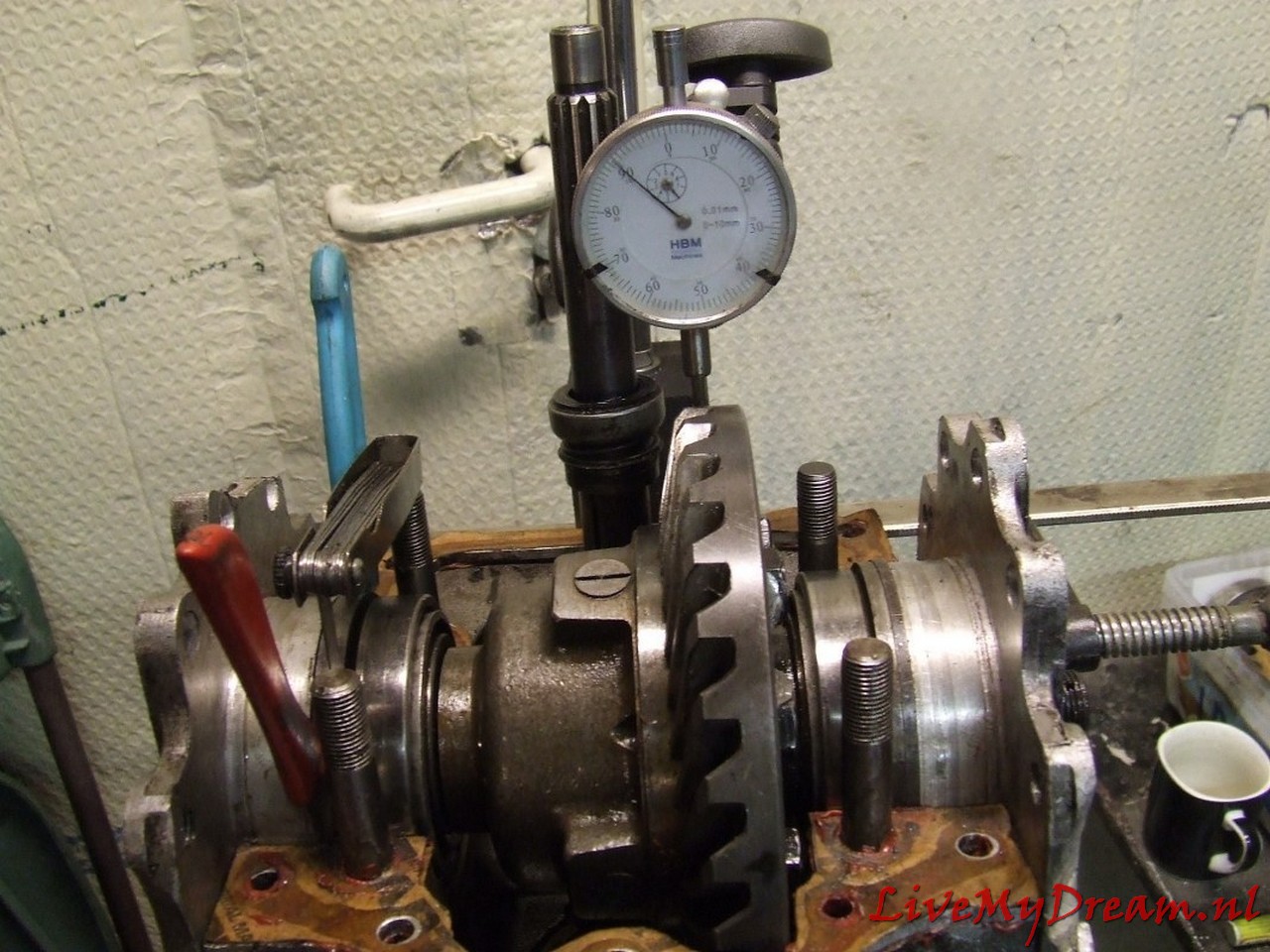
The satellite wheel (which of course fits the pignon gear of the ID box) comes from the donor ID box. Of course, after the conversion you have to determine the preload on the Timken bearings again and make new spacer rings to fit the whole with the correct preload in the ‘clock’ properly.
Measure the play of the crown wheel according to the workshop manual, and so on.
This solution is robust and will not break or wear excessively.
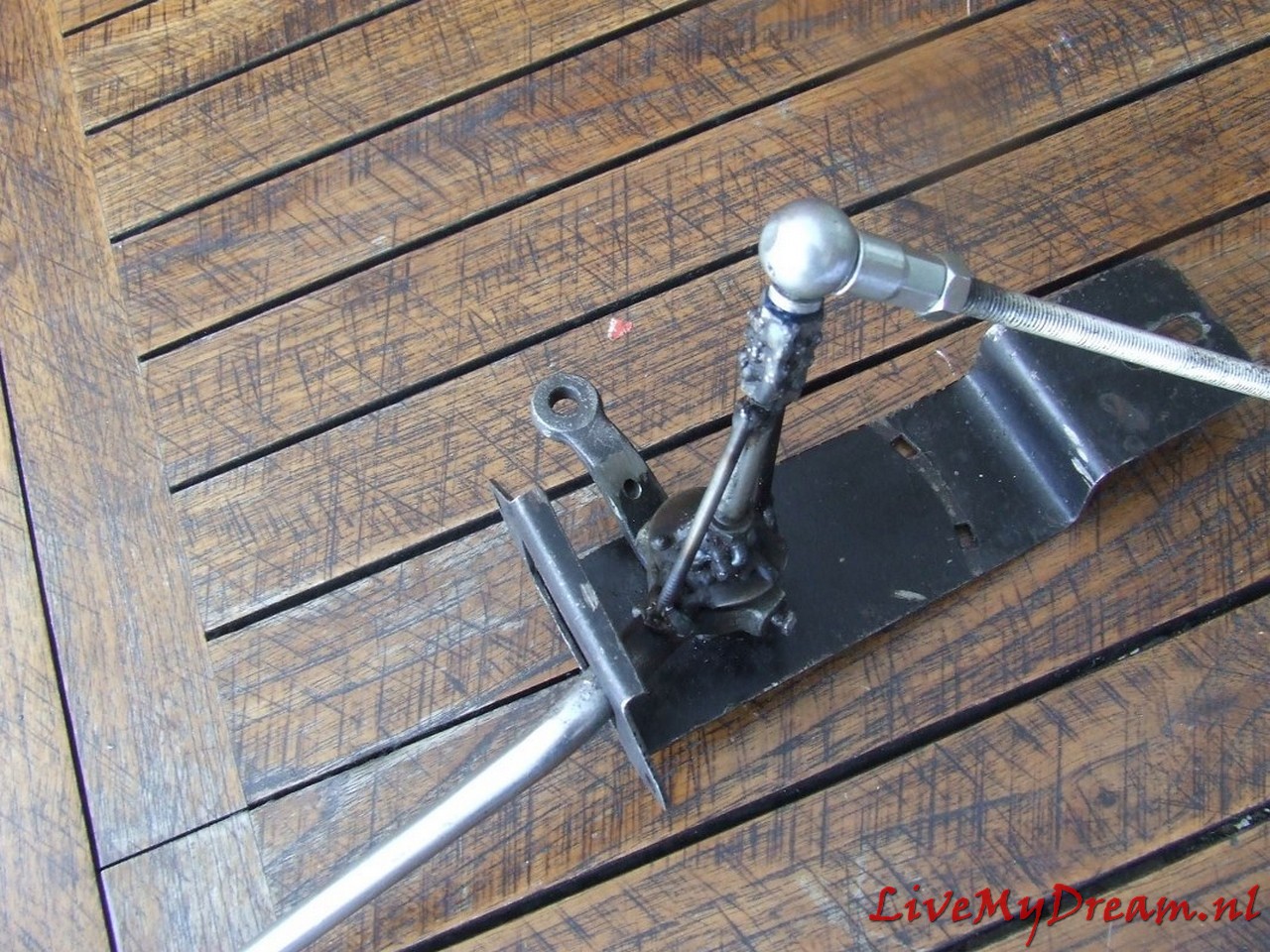
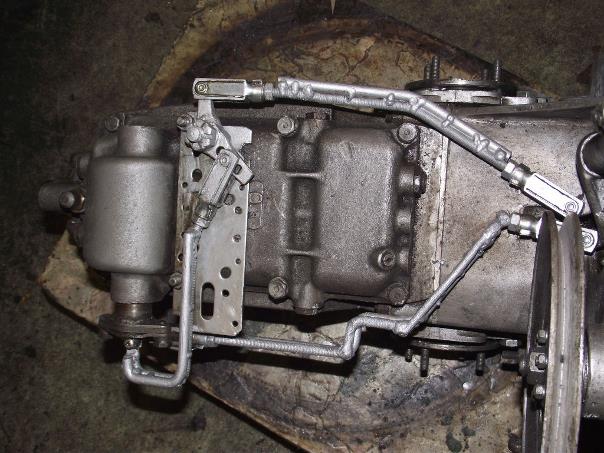
Controlling the gears was also an important issue for me, because the Traction Avant has a different standard gear change sequence and the known ‘conversions’ to 4-speed all have an extra button or lever to operate the reverse of the gearbox. I chose to convert everything so that a regular H-fork 4-speed + reverse operation is created: · via the TA’s original shift rods – by converting the selector/levier in the cab – by doing a conversion on the gearbox with new shift rods ‘outside out’ from the control levers at the bottom of the shift tower to the original 4-banger controls.
Axles removed and further work on turning the flanges
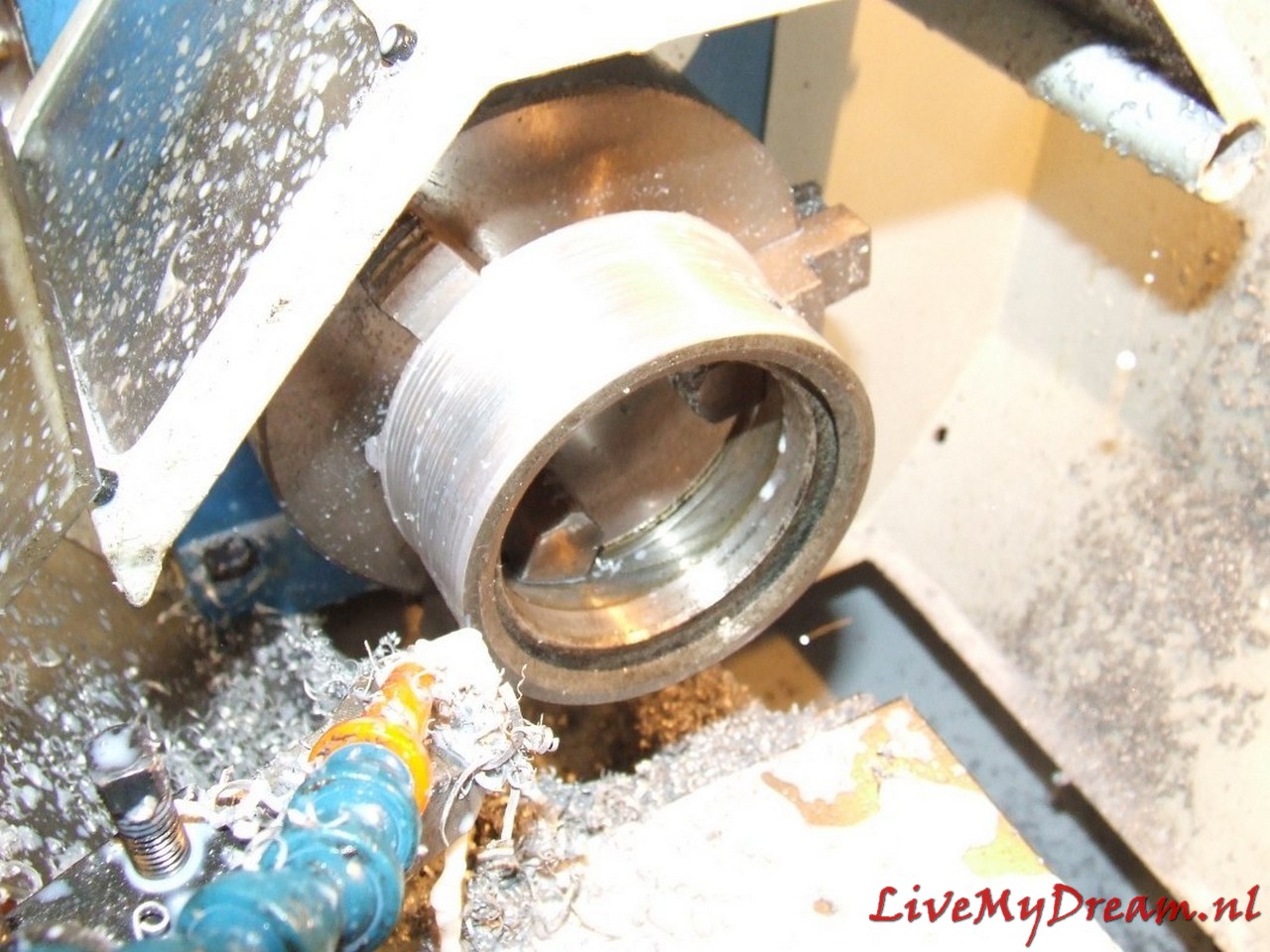
Above is shown how I am turning the bushings for the flanges, here the new bearing and the new oil seal can be mounted.
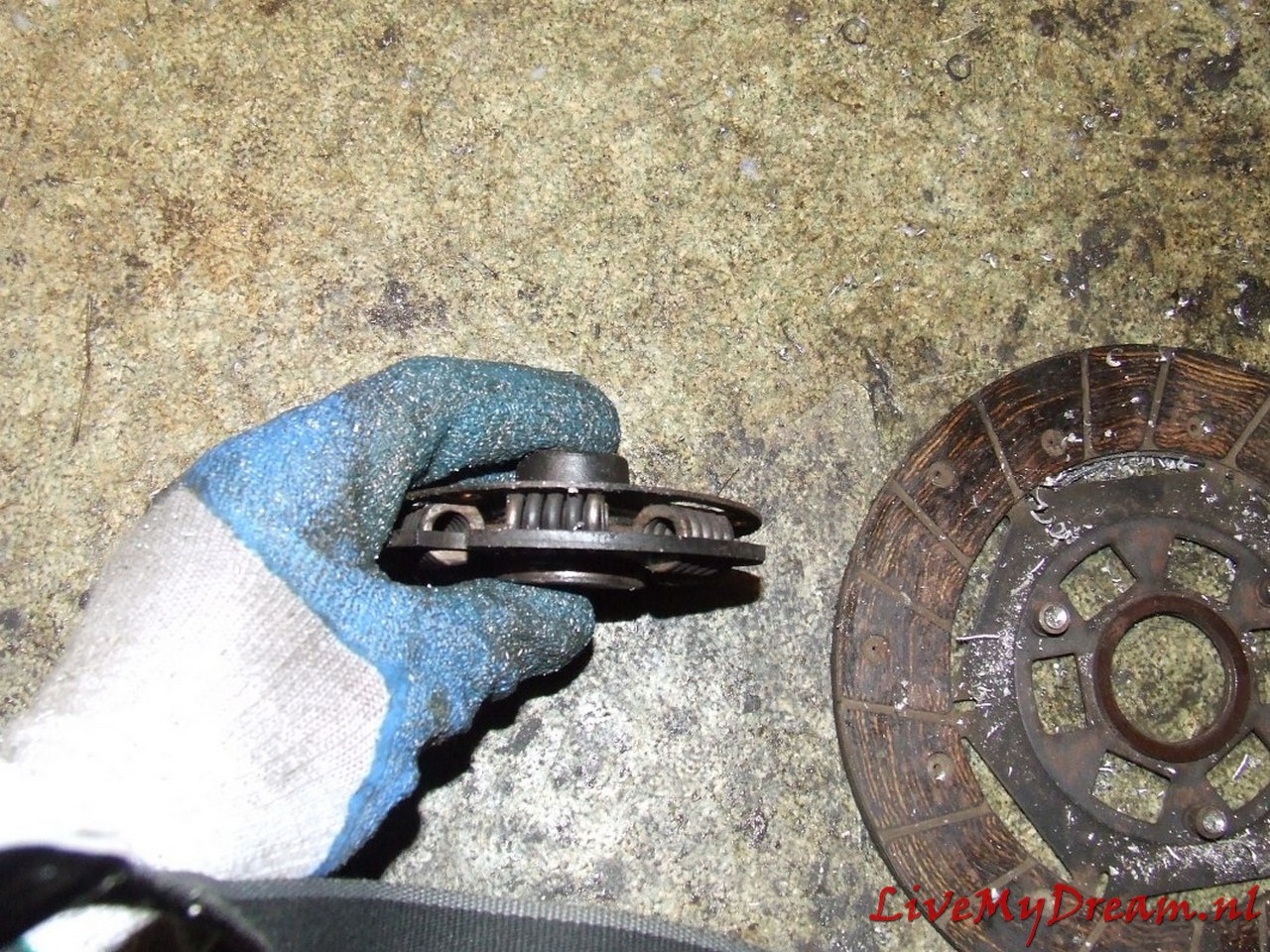
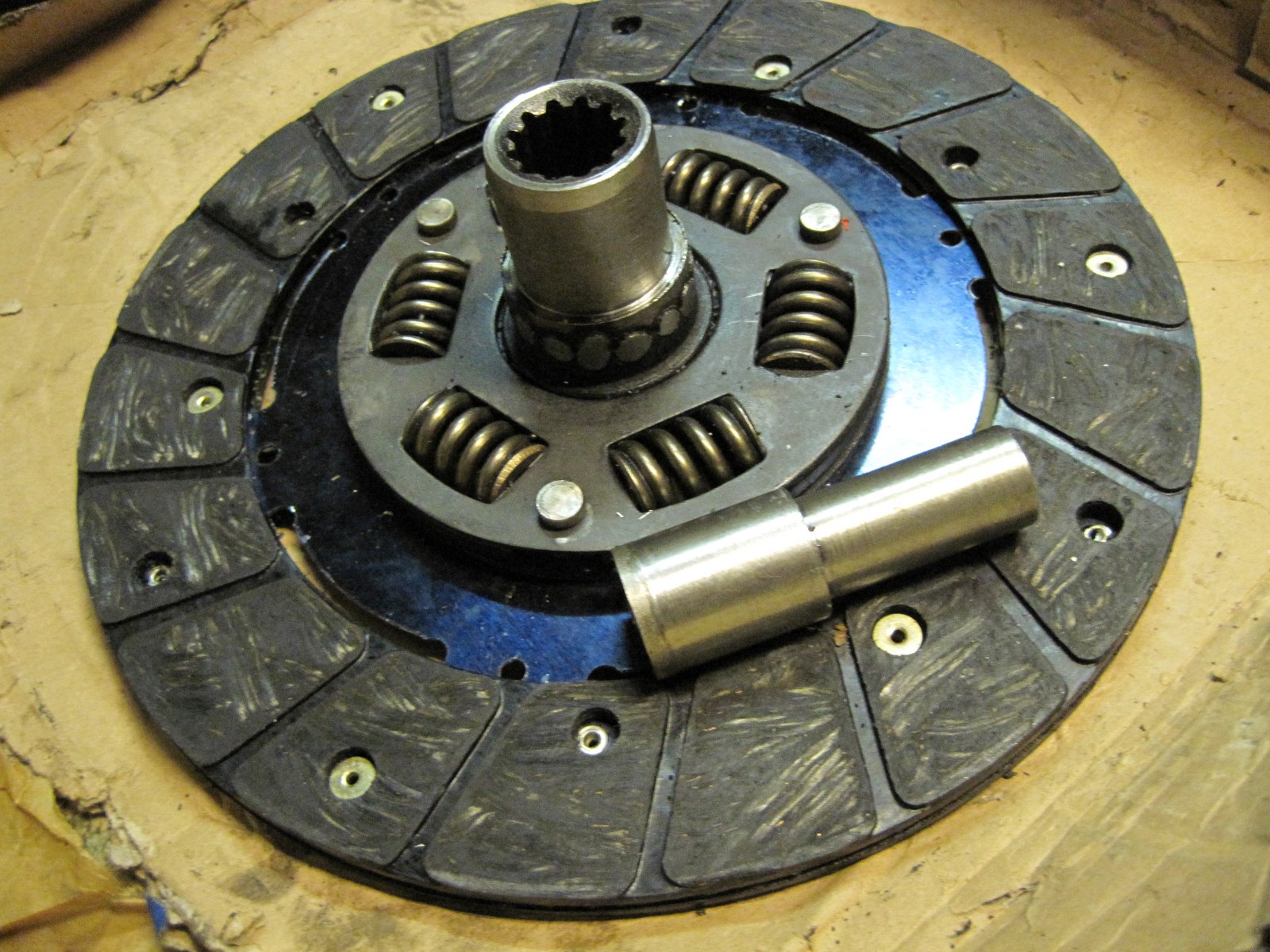
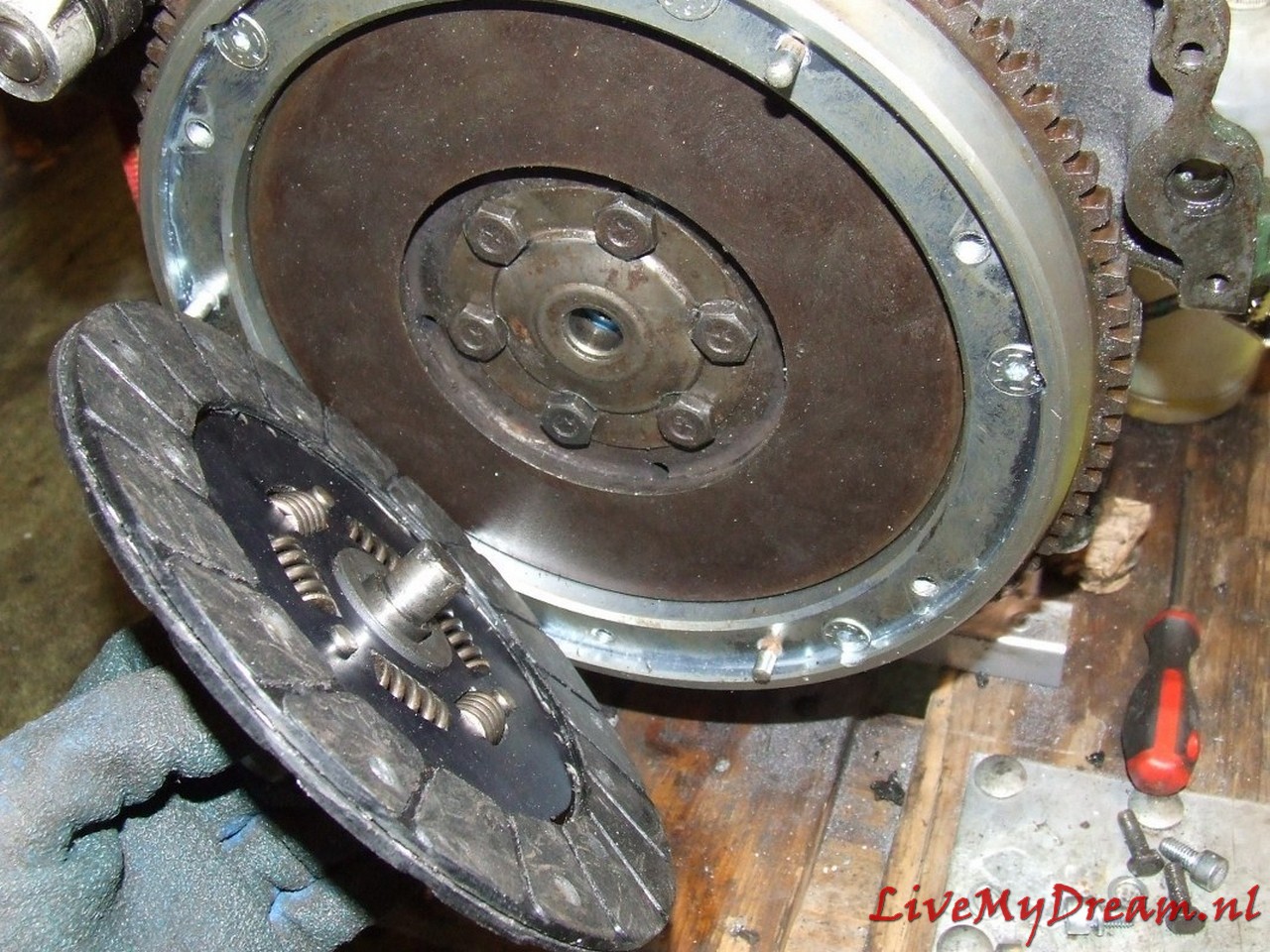
Here the center has been removed from an old ID-19 clutch plate to serve as an extension of another fitting plate.
For convenience I have used a new TA plate for this purpose, an ID plate can in principle also be used but then the keyways must be in perfect alignment so that the plate can continue to slide freely over the primary shaft.
This action is necessary because the primary shaft of the 4-banger is shorter than the shaft of the 3-banger and the keyway of the shaft is just not far enough into the keyway of a standard clutch plate to be able to transfer the force to the plate without damage.
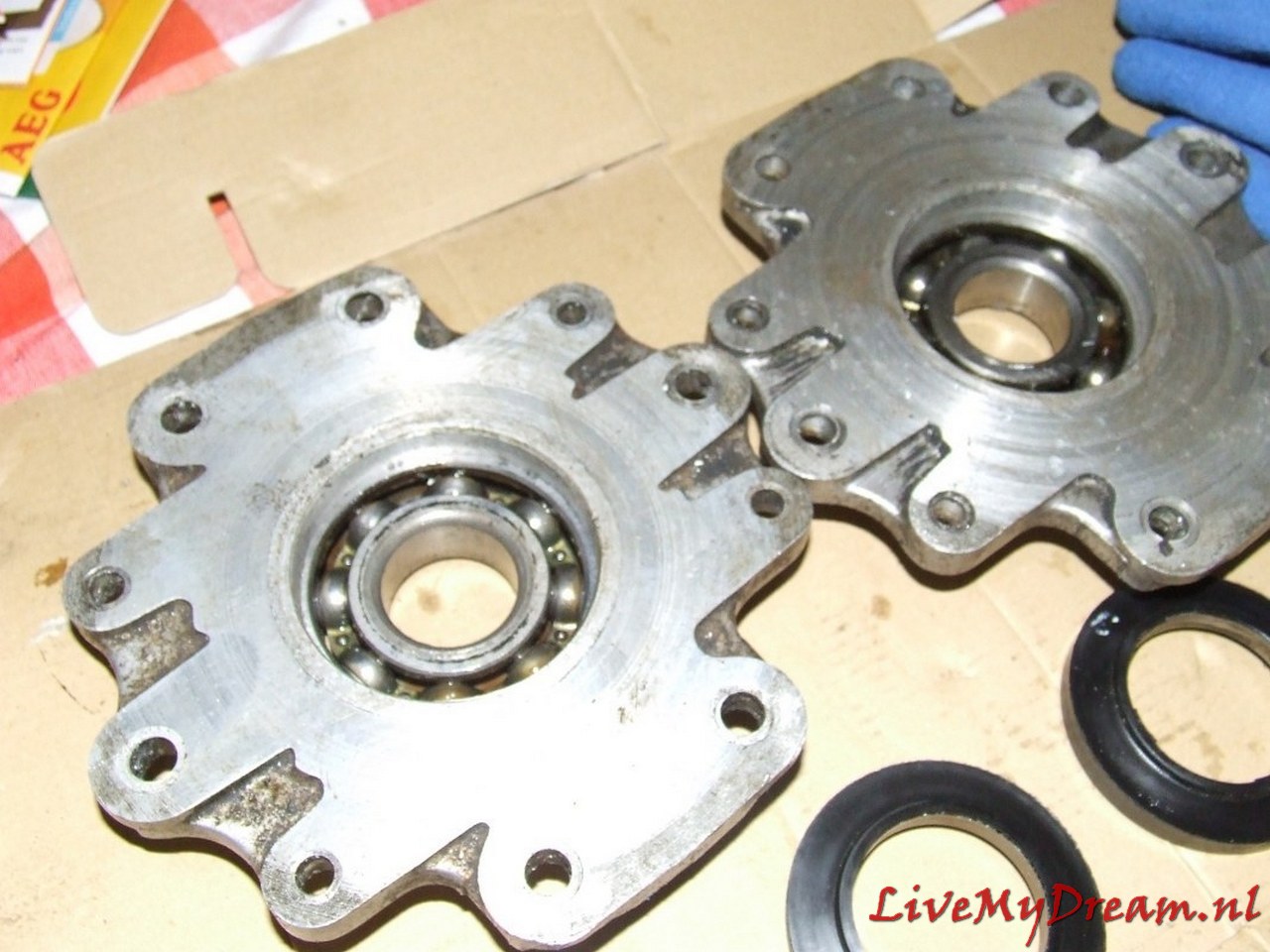
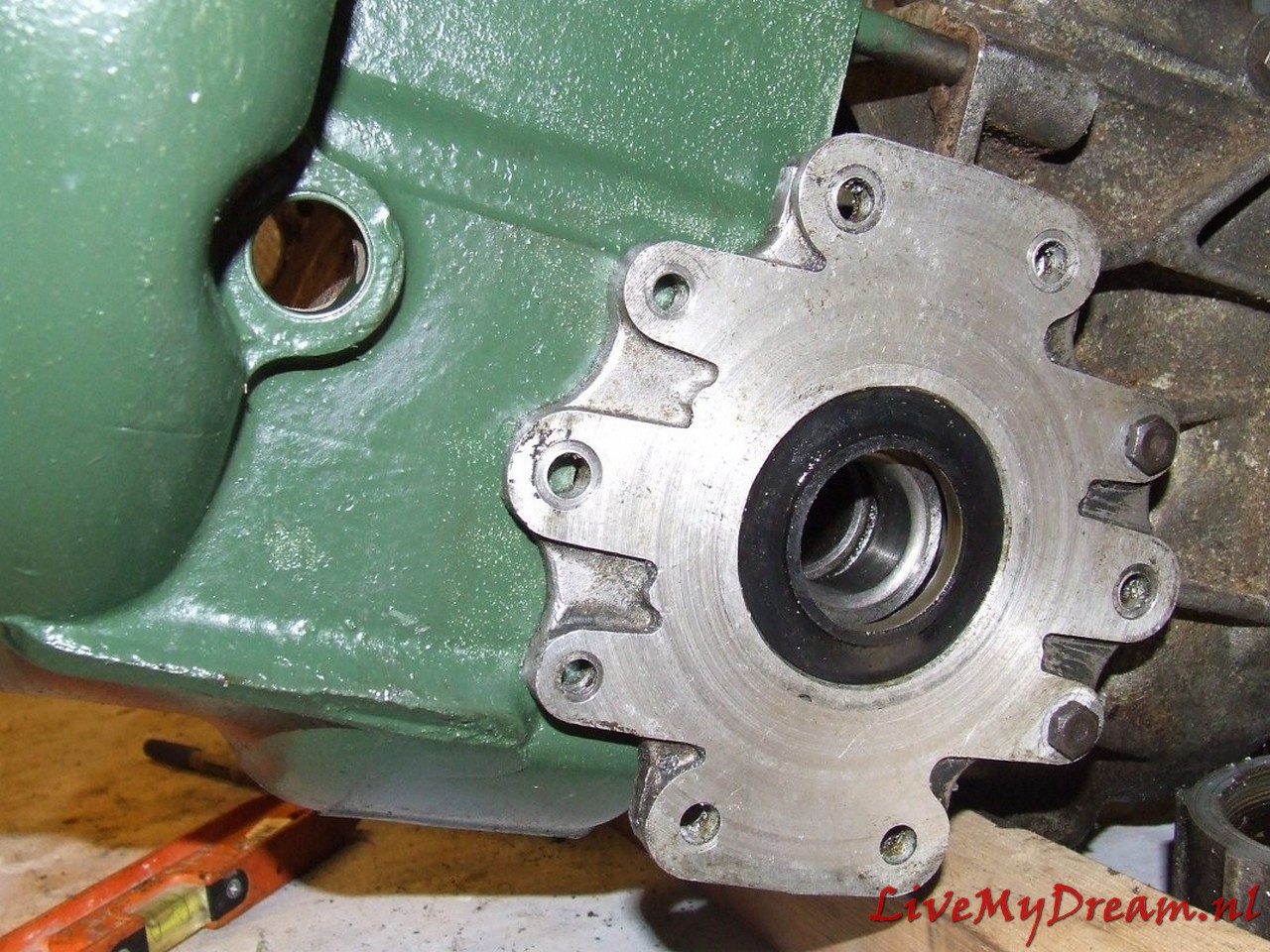
On the picture above you may not be able to see it very well, but the bushings are locked to the flanges with stainless steel screws/rivets so they can’t move or rotate.
Then the flange is turned off at the outside to make room for the convex protruding parts of the 10mm threaded ends of the axle clamps. this also all just fits.
Above you can see that the flange was not yet turned out….
To make the bearing caps fit, they were very carefully turned out to the size of the Timken bearings in counter arrangement in the lathe.
Above you see a turned-off flange with bushing, oil seal and bearing, mounted between gearbox and clutch housing
Next job: Extending the drive shaft to the pulley of the ID motor.
The lengthening of this shaft was necessary because I installed a long stroke ID engine at the same time as assembling the 4-speed gearbox.
The drive of this driveshaft on the crankshaft is slightly thicker than on the Traction engine larger and is slightly deeper recessed in the ID engine .
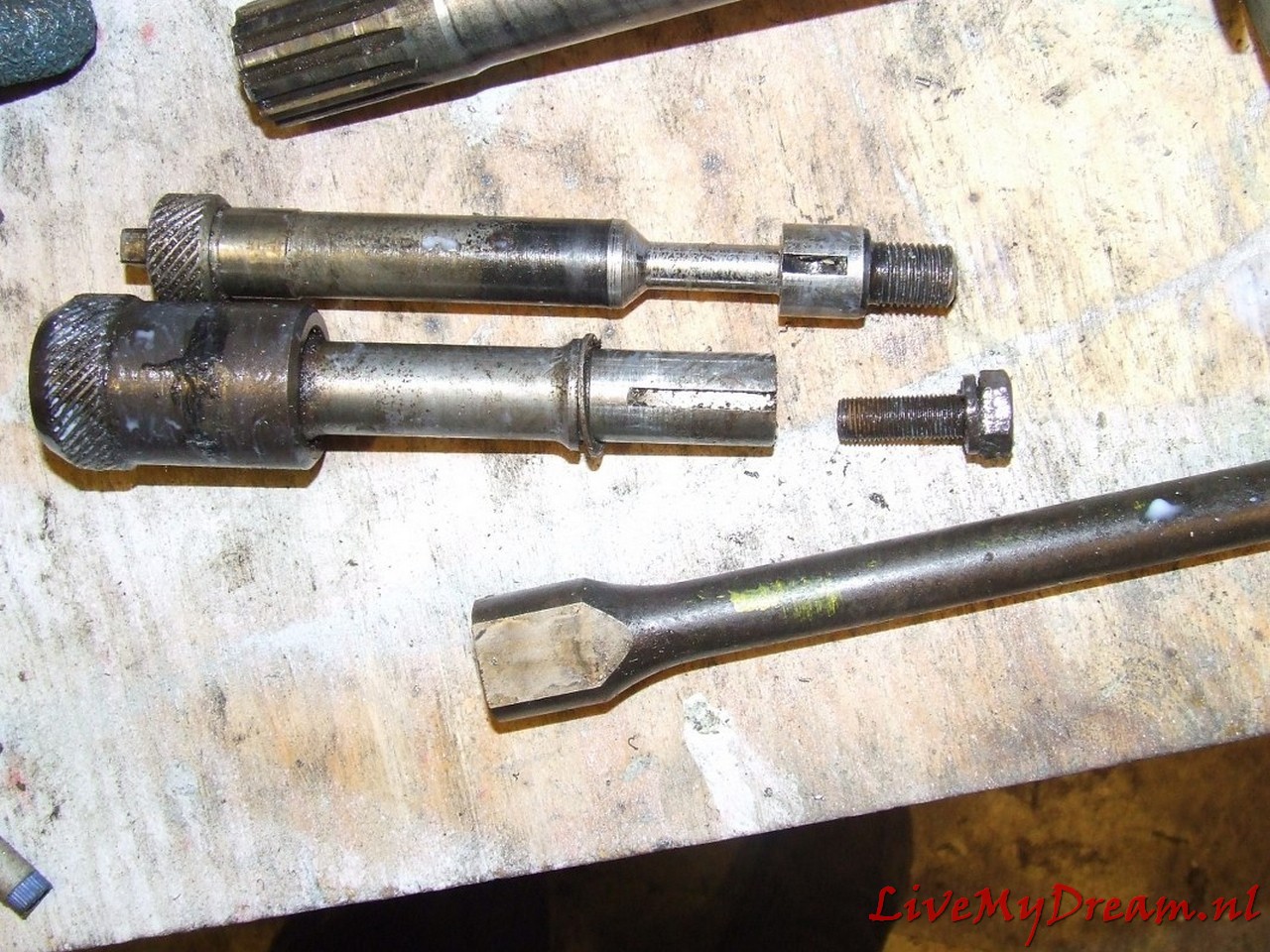
See photo below where the already prepared TA shaft is on top and the ID shaft is lower.
Above: Extended custom pulley shaft ready for assembly
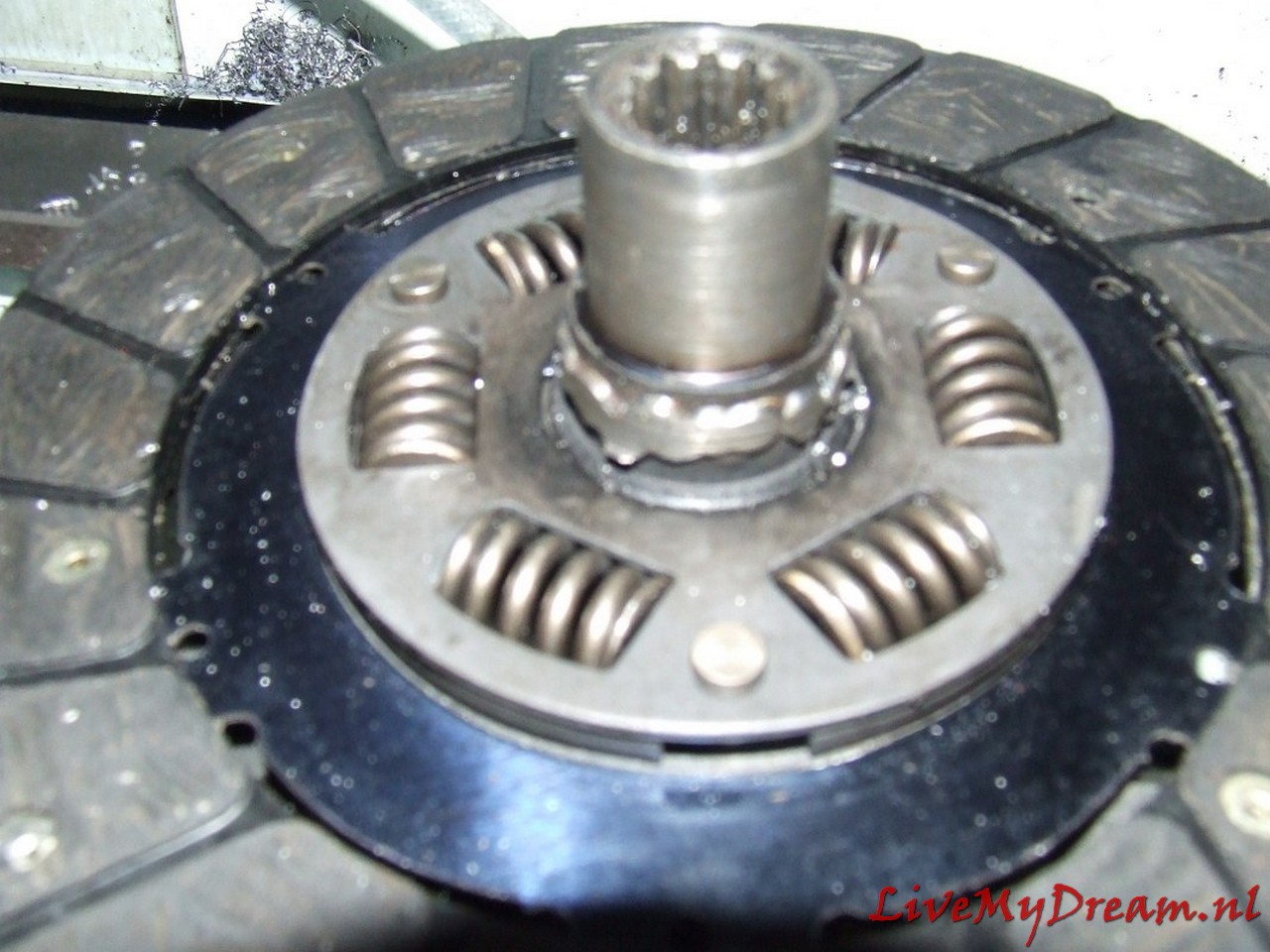
Above you can see the center of the ID clutch pin with ID keyway from a scrapped clutch plate mounted on a new TA clutch plate.
The welding was done with the specially made fitting bushing from ID to TA size tightly pressed into both keyways, this bushing is only removed after letting it cool down completely slowly.
To ensure good adhesion, the welding was first done in CO2 and later grinded out in 3 places, the fitting bushing reinserted and welded again using MIG.
After that I had the welding work checked for swings of the new keyway in relation to the clutch plate.
Fortunately that was well within the norm.
Above the required fitting/shim plate of 4mm thick aluminum is shown as used to make the 100% fit of the TA clutch housing to the ID box.
The main advantage of this solution is that the satellite housing is also free from the inside of the clutch housing and you don’t have to worry about the differential running into the clutch housing.
The reason for this required adjustment is due to the fact that the position (in the longitudinal direction) of the drive shafts on the TA compared to the ID has just shifted by 4mm.
The semi-circular recesses where the flanges on the ID box fit in and where the original oil seals on the TA box fit in are not the same on the ID side versus the side of the clutch housing.
On the TA the shape is exactly the same on both sides.
On the ID box, the hole for the flange is 4mm shallower on the gearbox side and 4mm deeper on the ID clutch housing side.
With a fitting plate between the ID box and the TA clutch housing the non-round shape due to the lack of 4mm is compensated so that the purely round shaped flanges fit exactly in the (again) round hole.
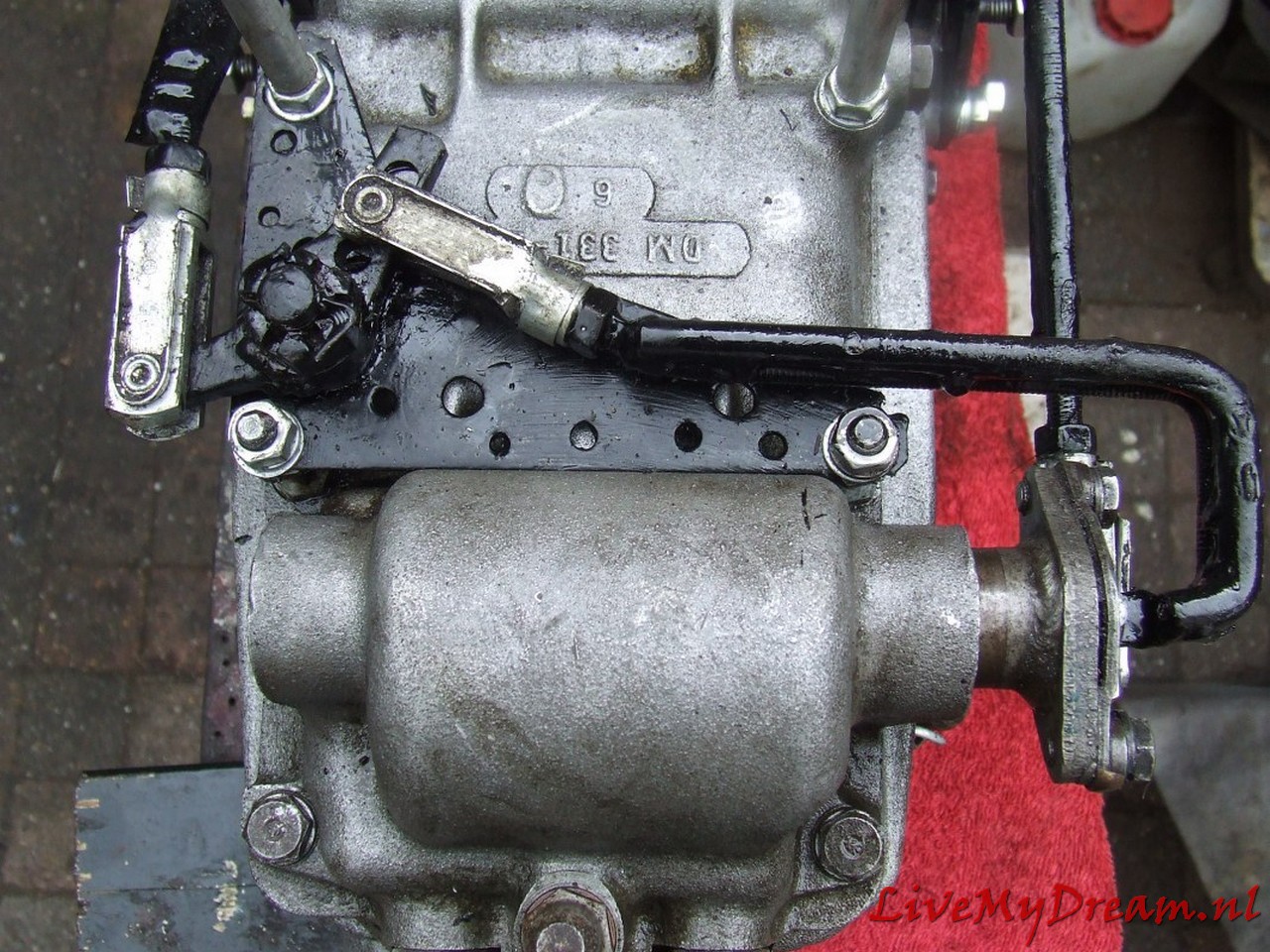
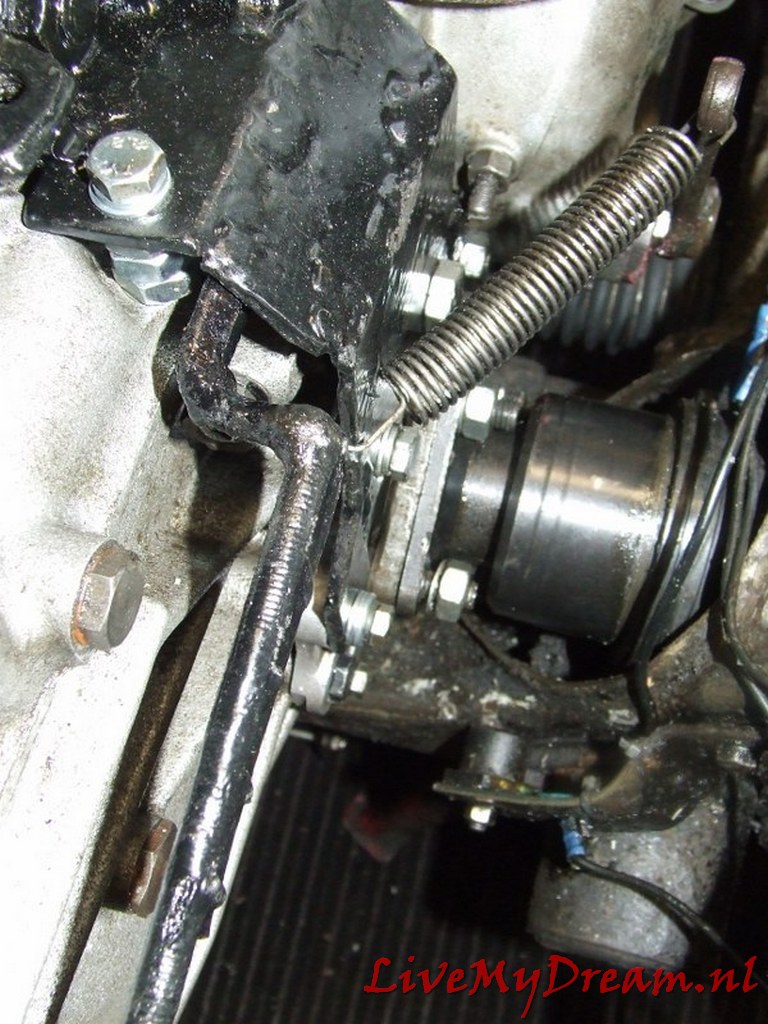
I had to completely modify the scoops of the gear controls at the bottom of the shift tower so that the newly developed rods can be operated for the ID box.
It took some thinking and trying but this solution works great!
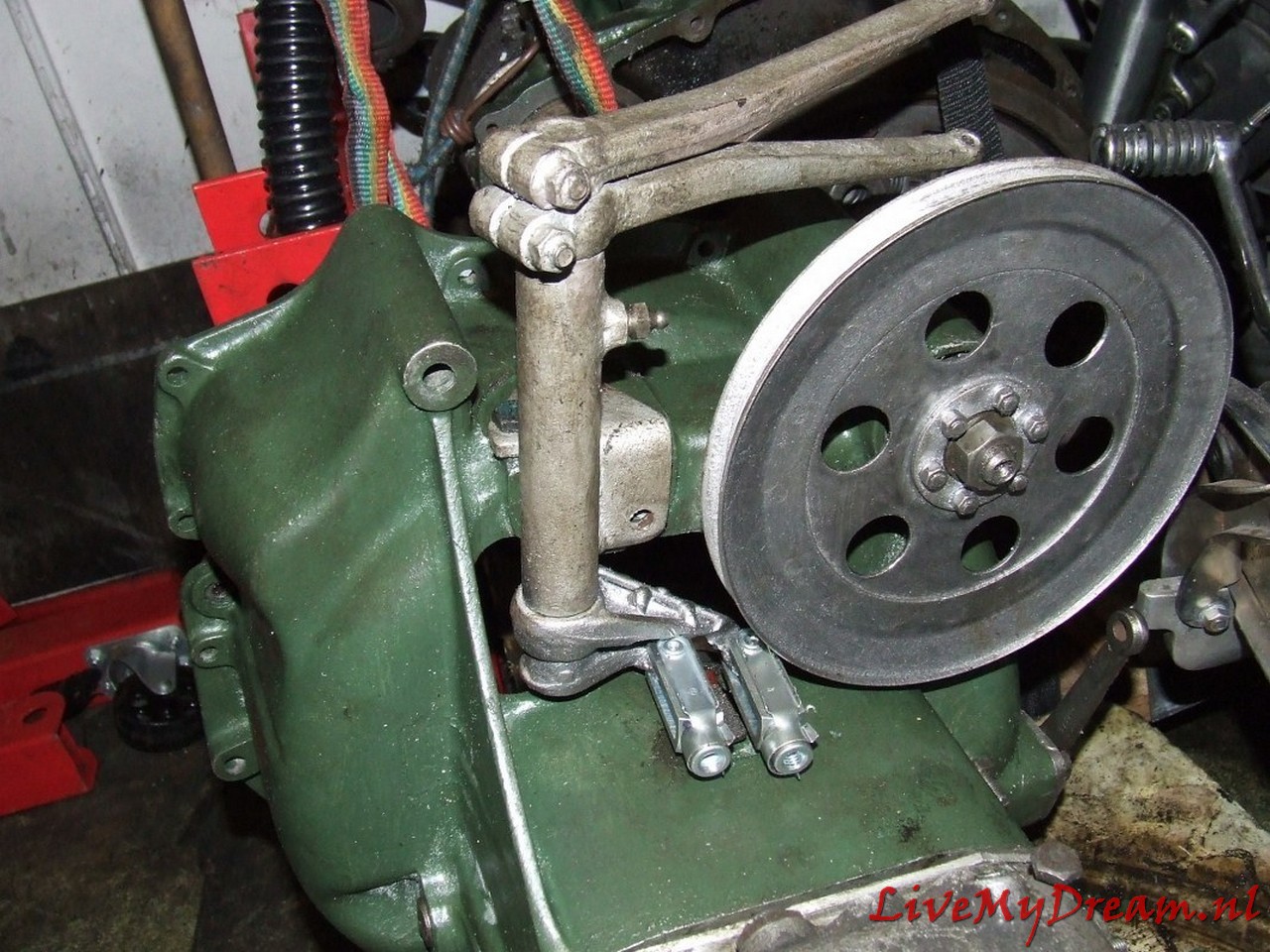
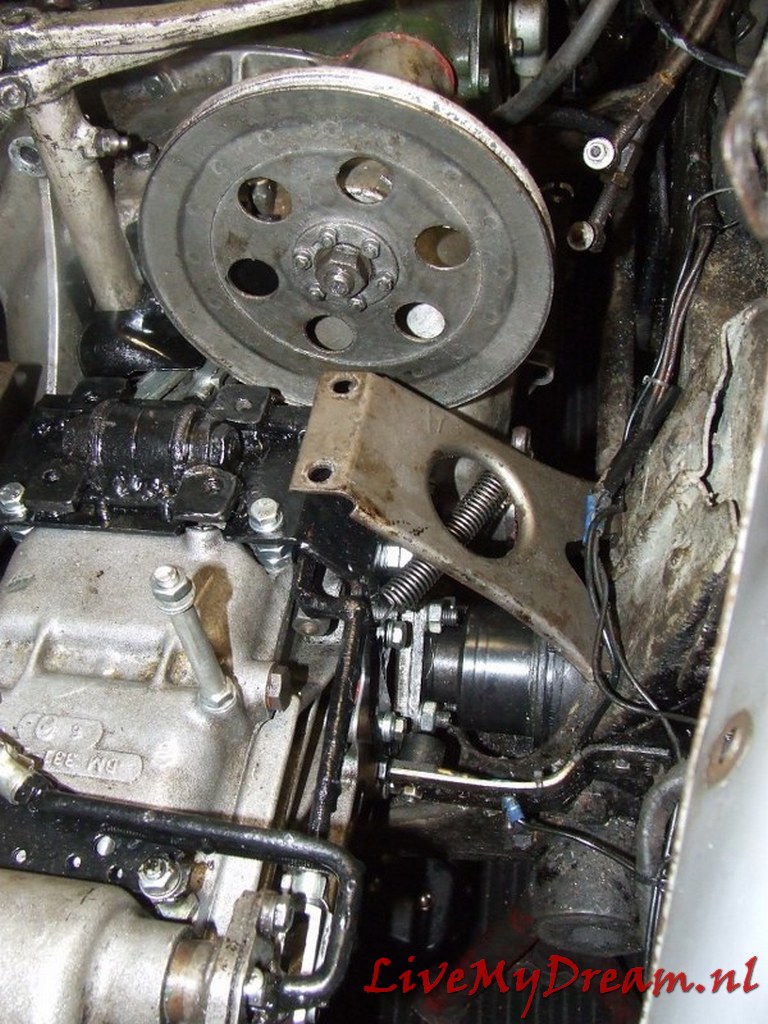
As you can see in the picture, the ID pulley only just fits next to the right-hand scoop.
By using this pulley I immediately switched to a narrower V-belt.
That meant changing the water pump pulley, and mounting a 12 Volt alternator.
Above is the 4 mm gasket plate in detail.
During the assembly process I used thin paper gasket on both sides of the gasket plate.
That turned out to be the only way to get everything leak free.
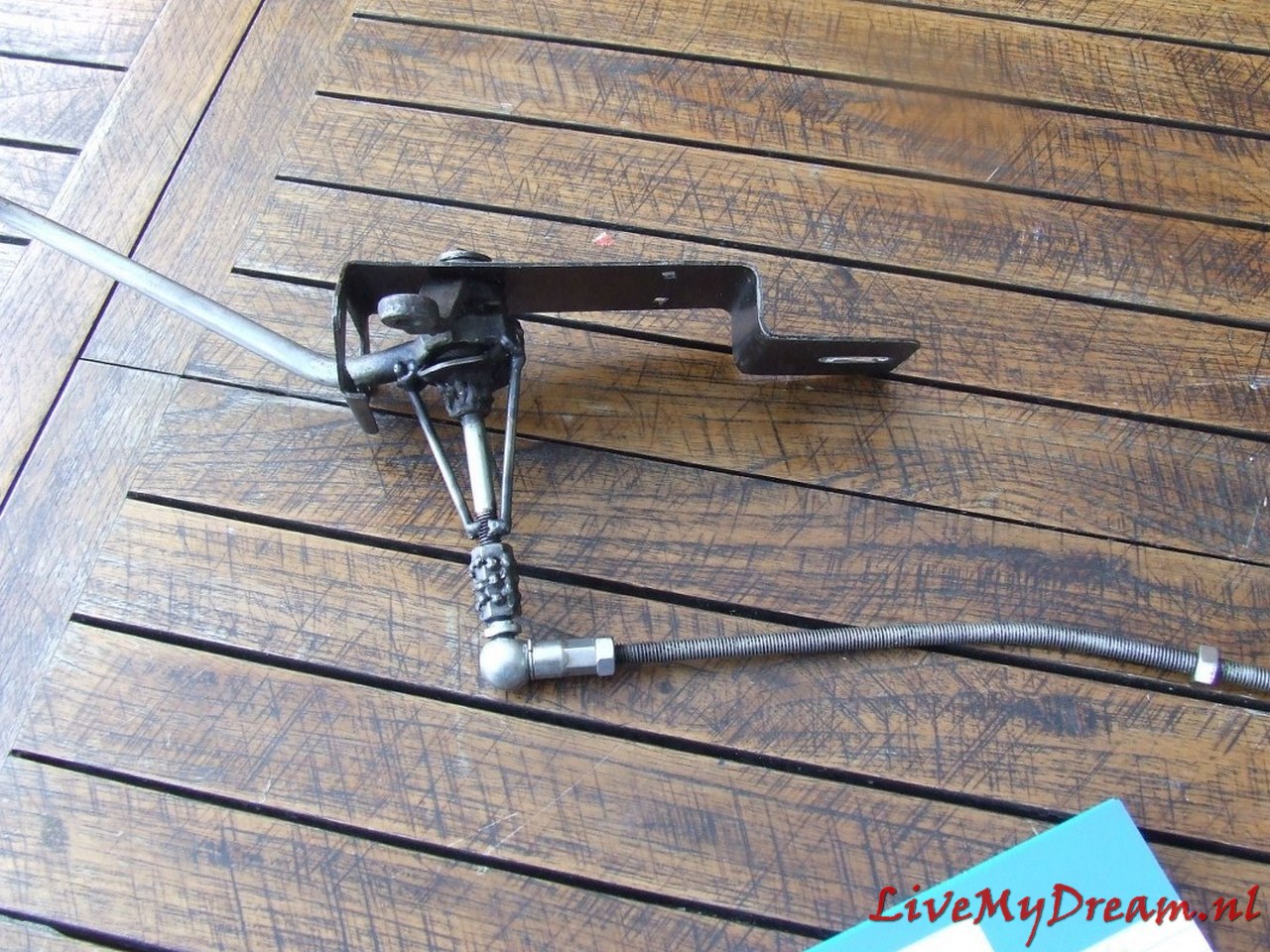
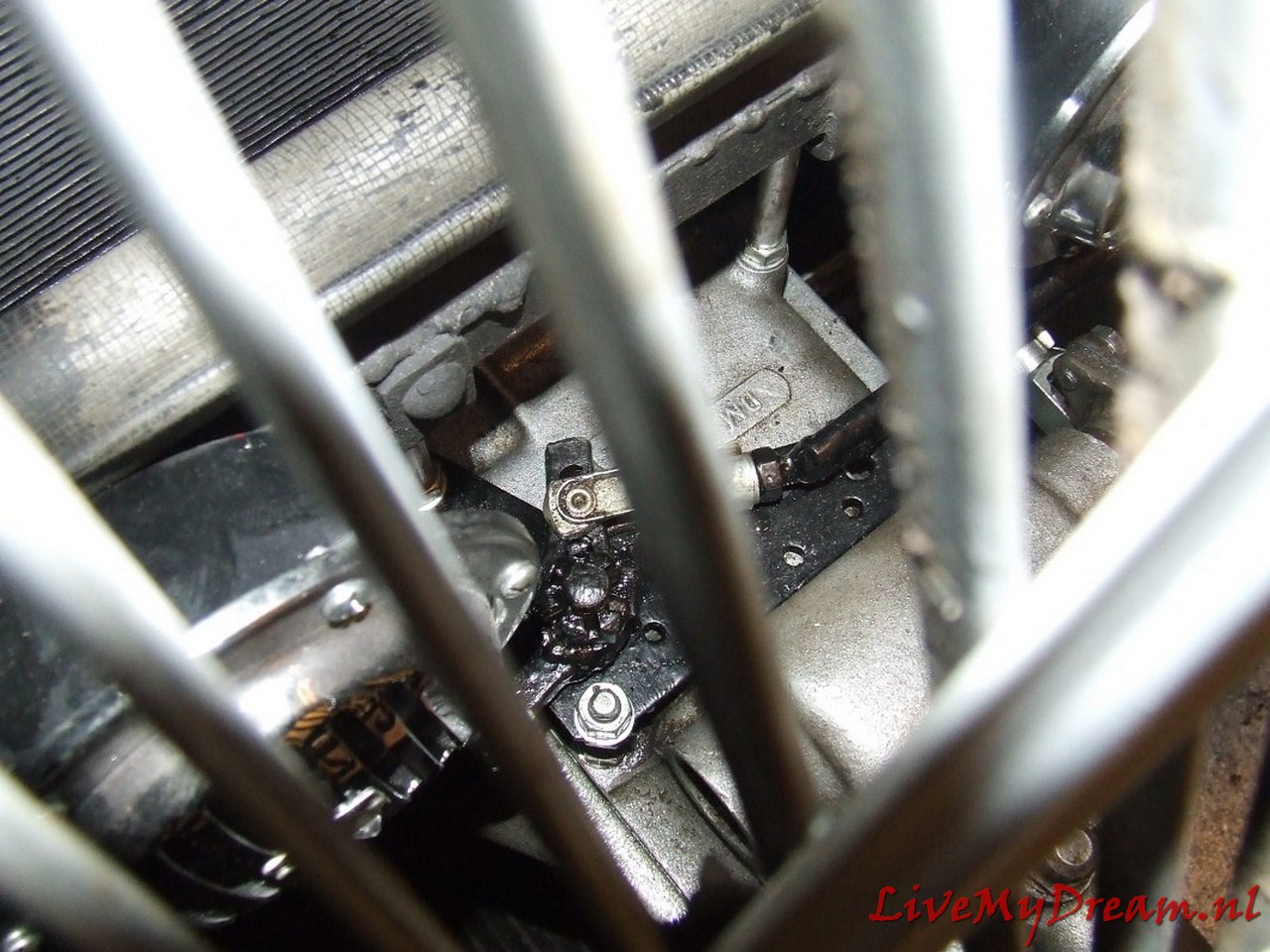
The switch rods between switch tower (left) and transmission levers (right) to the selector in detail:
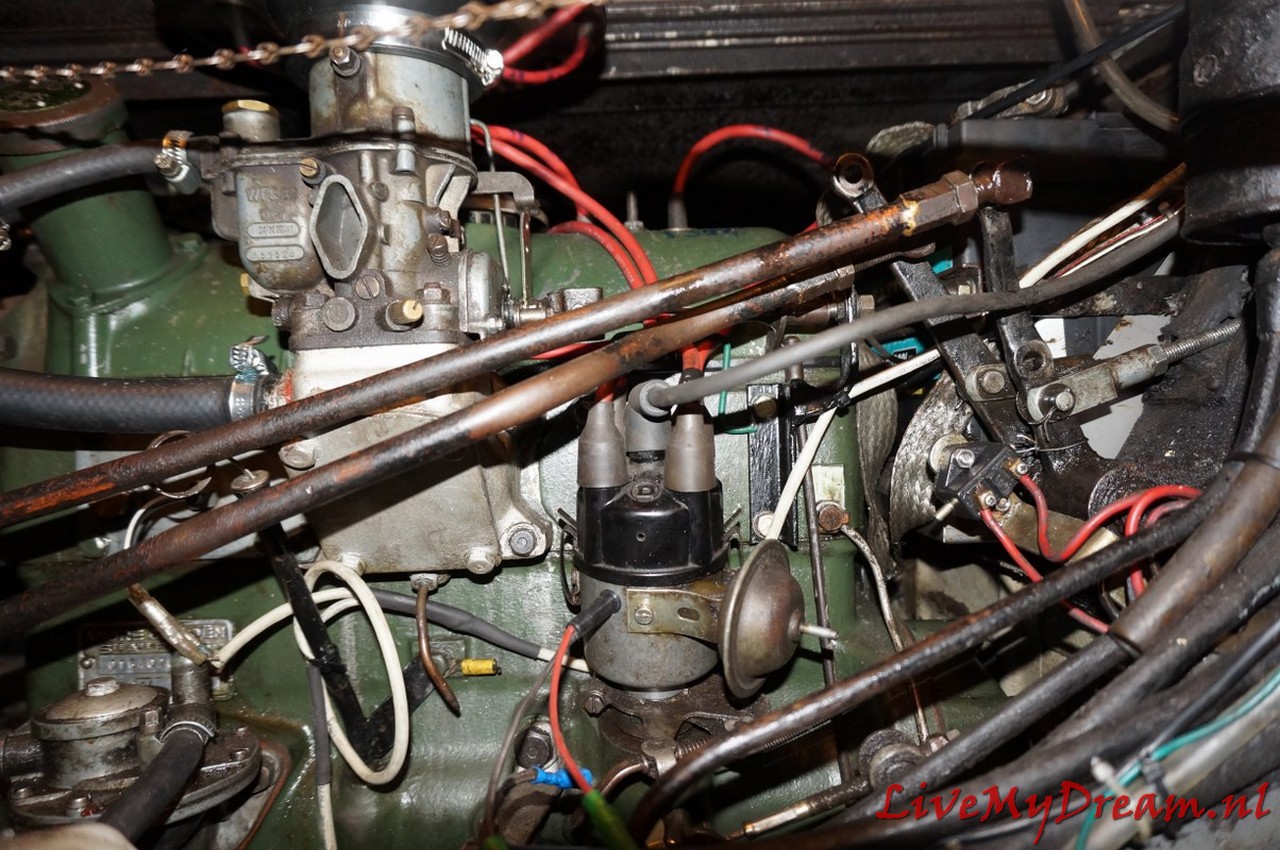
Small additional challenge with me was that due to the installation of the ID engine and- associated cylinder head- the carburetor suddenly ran in the path of these switch rods.
Using a water pipe bender, I was able to keep the shift rods exactly clear of any fixed engine parts and it all just fit.
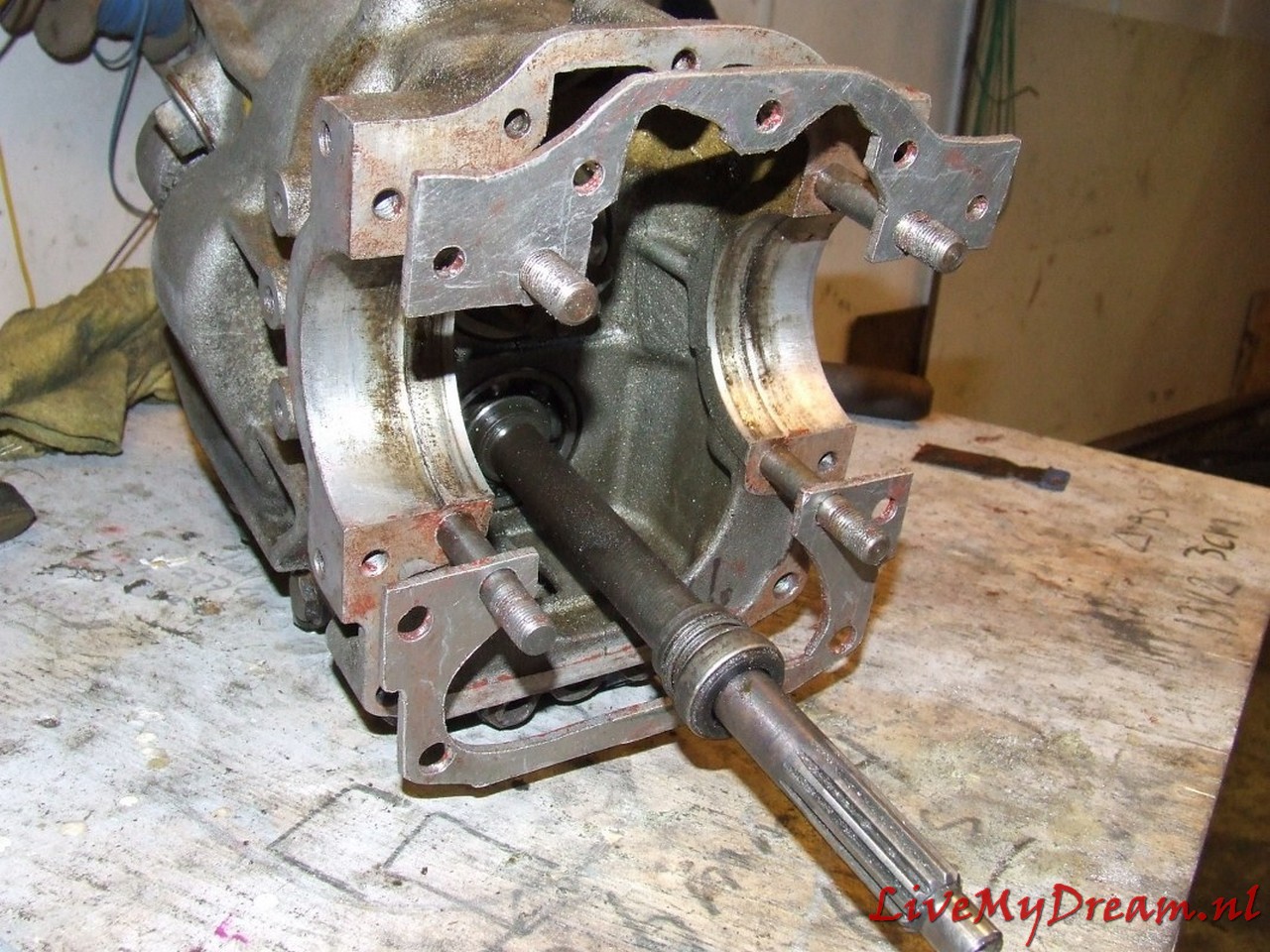
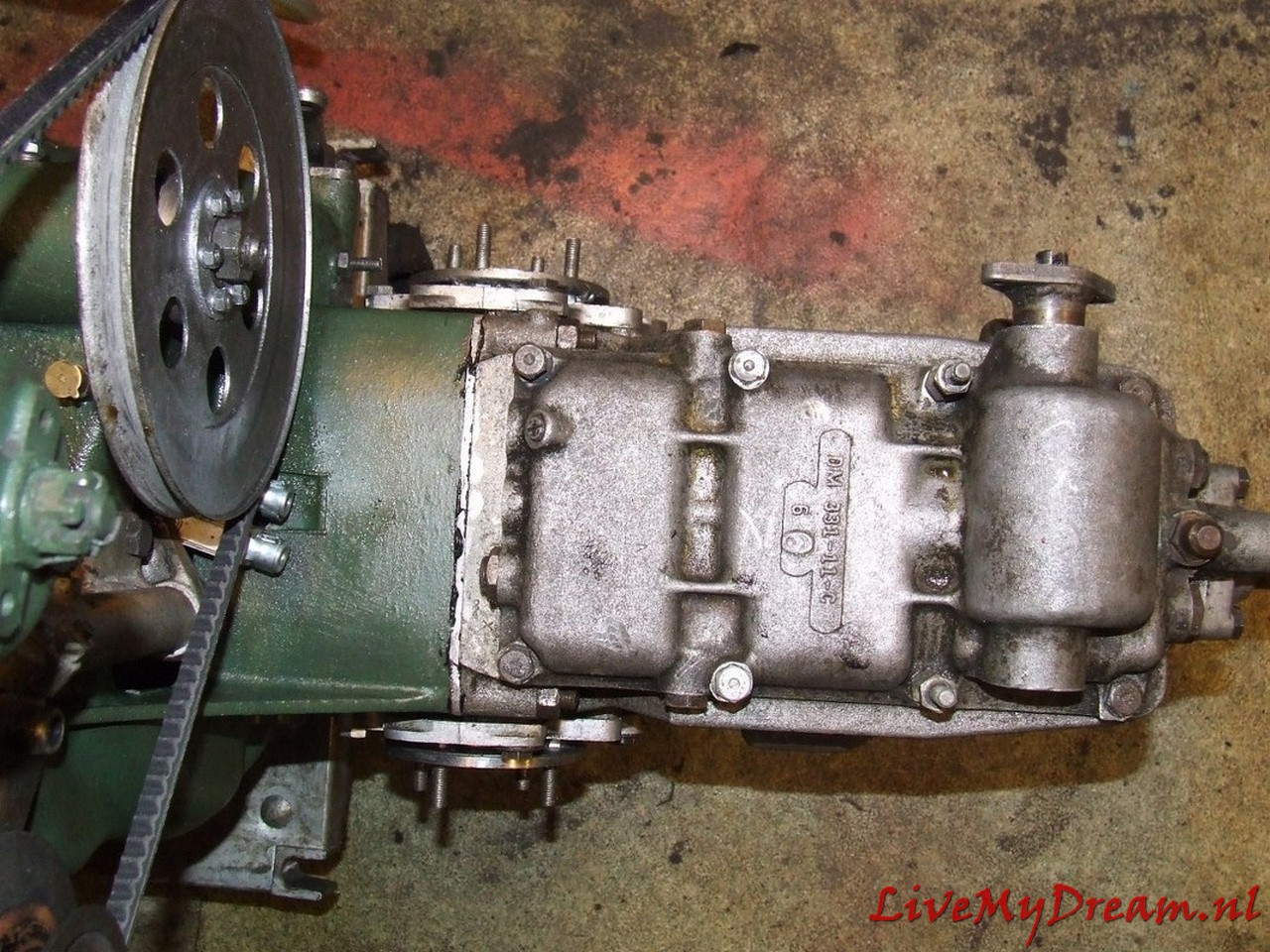
The gearbox without control rods mounted on the clutch housing.
If you look closely, you can see that here I still worked with the ID insert shafts, which I had shortened.
In the end, this solution did not work because the welded shafts kept breaking off at the weld.
In itself, this solution is possible, but then you would have to make (or have made) new shafts].
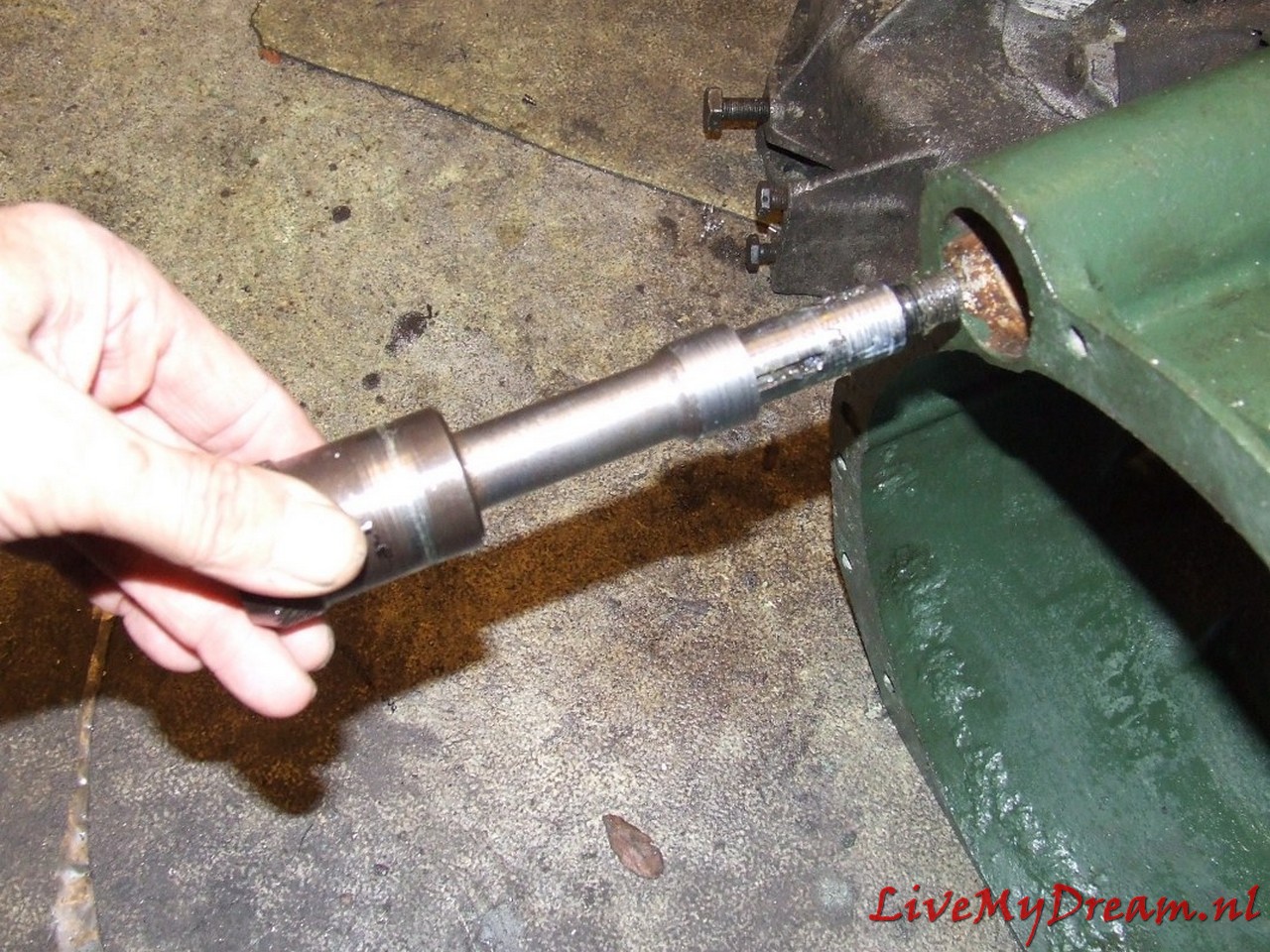
Above you can see the extension of the primary shaft by means of a bushing that comes on the primary shaft.
This bushing comes between the primary shaft and the top bearing of the crankshaft.
The goal is to keep the primary shaft from swinging.
The bushing in the photo was my prototype.
There are top bearings with different inner diameters in which the primary shaft fits and so here too practice was (again) my teacher.
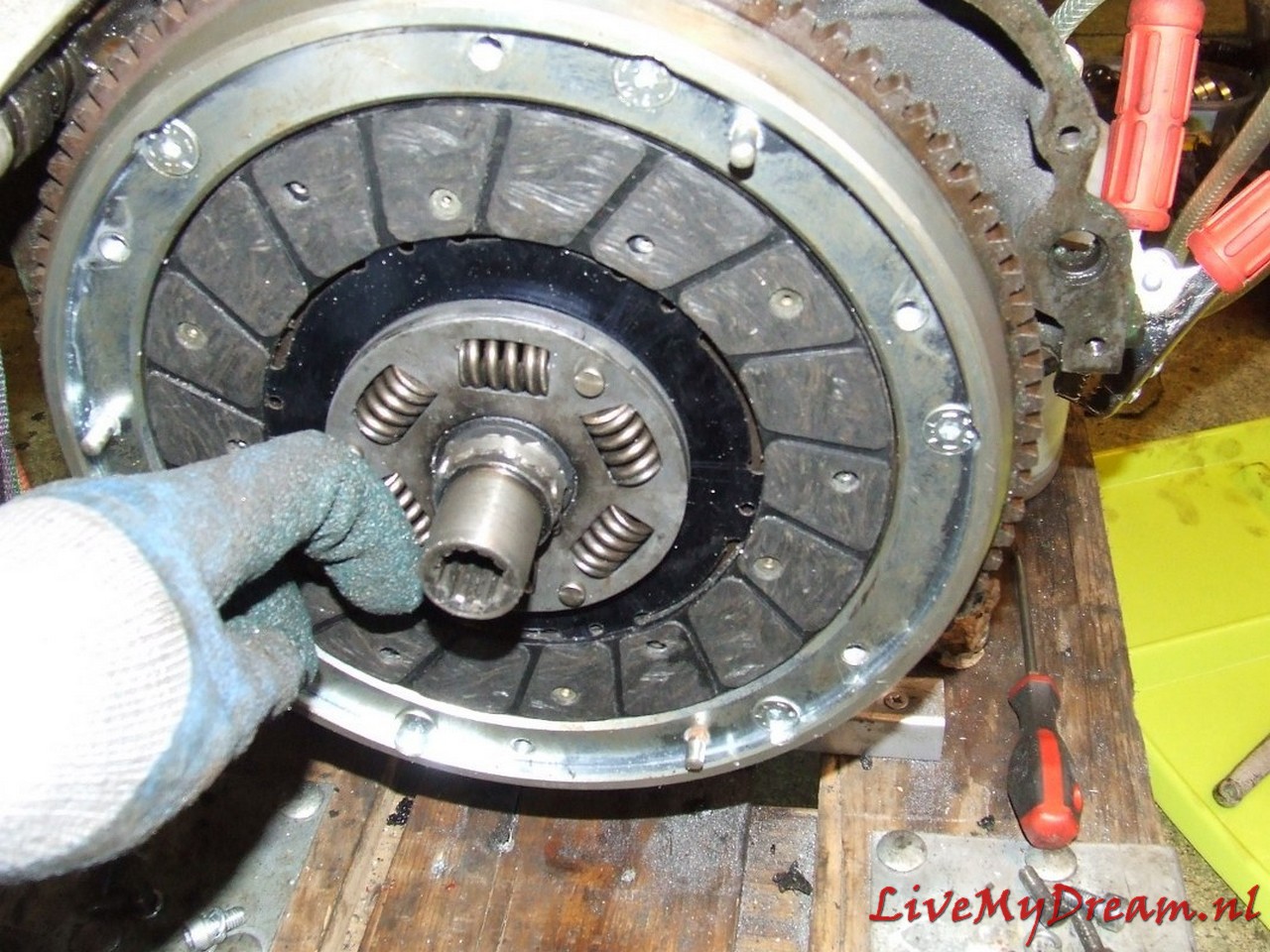
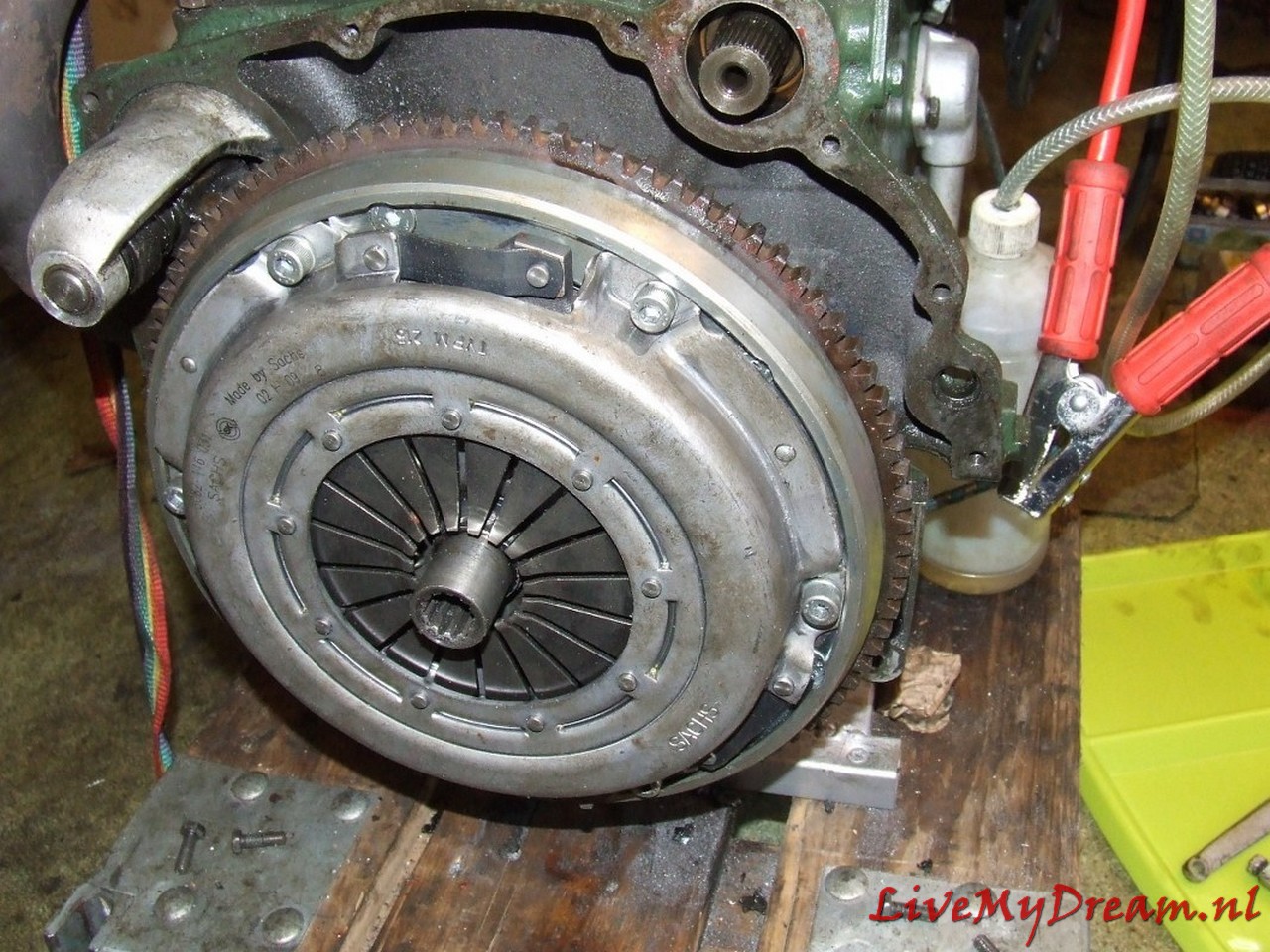
Clutch plate in the (equally mounted) attachment ring of the newly installed diaphragm pressure group
And the entire pressure plate with clutch plate mounted and the keyway of the clutch plate protruding outwards
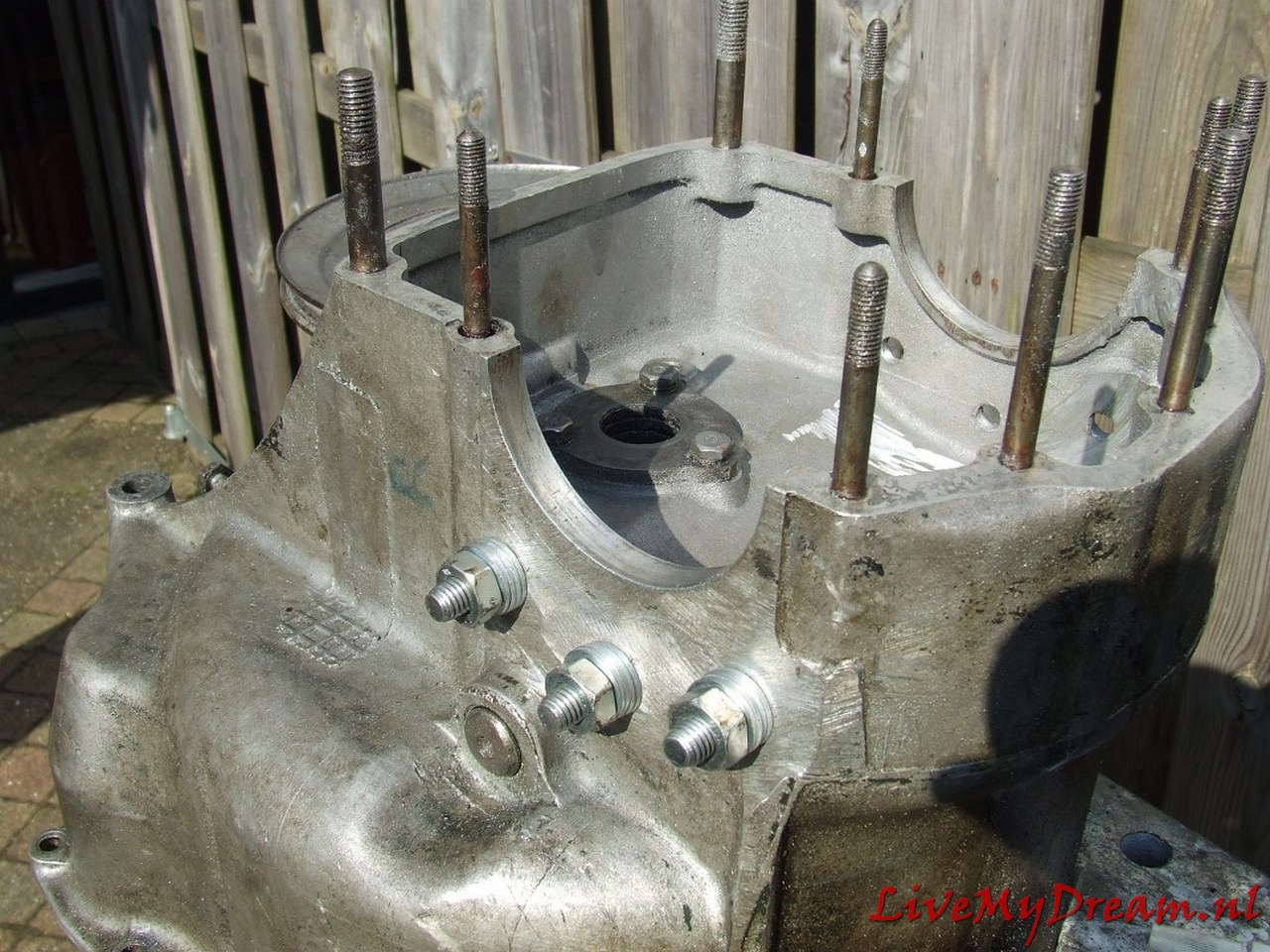
Clutch housing with M10 bolts for securing the flanges.
The M10 bolts are mounted through and through in the cheeks of the housing.
Previously I experimented with other solutions but with tapping, mounting bushings and the like I did not get it sufficiently oil-tight.
In the above manner with rings and gaskets it is perfectly tight!
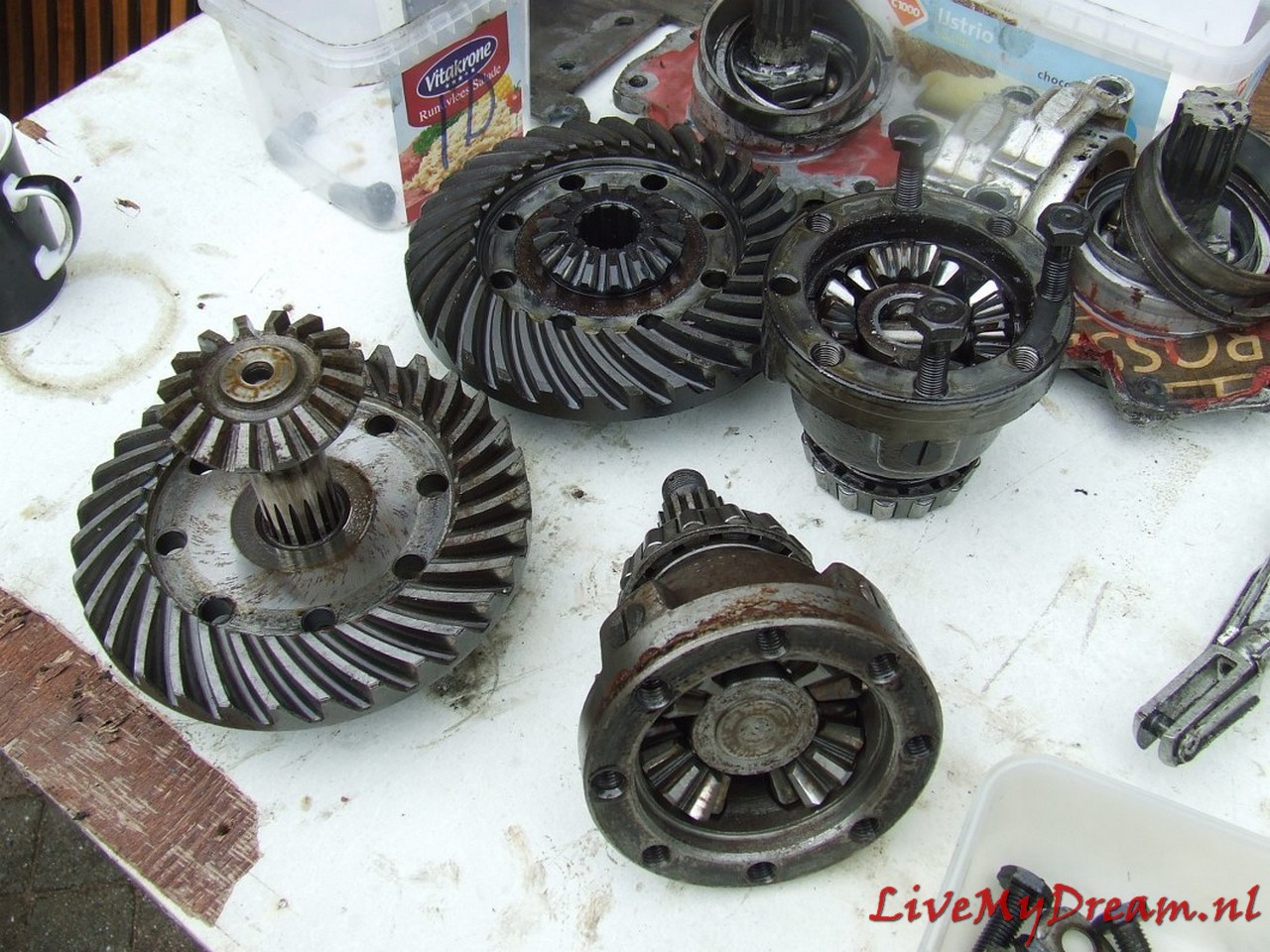
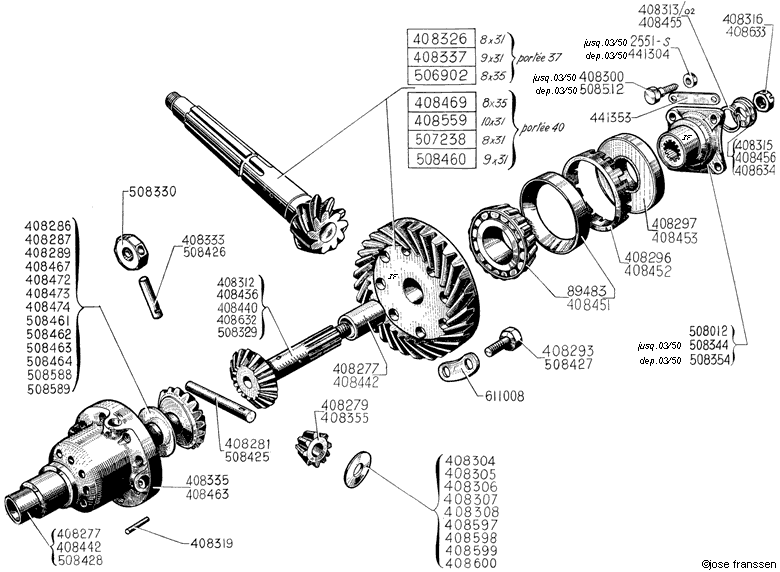
This was a bit of a job: Making 1 new one from the donor parts of 2 differentials.
In itself not difficult when you think of what will fit:
Pinion from ID is used, so the satellite gear from ID must be used.
The outgoing shafts from the TA are used so the satellite gears from the TA must be fitted.
The thinner output TA shaft is placed in the satellite gear of the ID so a fit bushing must be pressed into the ID satellite wheel so the TA shaft can rotate freely but tightly in it.
The Satellite housing of the TA is used (bowl-side where the gears are) with the fixed (TA) shaft attached.
In the picture above you see the bottom left satellite gear with freely rotating output shaft.
Bottom right you see the bowl part of the satellite housing with the satellite gears and fixed output shaft.
The original TA differential works with bucket-shafts with keyways on the outside on which the TA bucket-shafts can be mounted externally.
The advantage here is that this allows you to easily replace the large retaining rings of the TA box.
So in the photo above, the bottom differential is the TA differential.
Above: Finished and assembled differential. You can see the fitting bushing sitting nicely
Above you can see the made fit bushing with oil groove on the free turning inside.
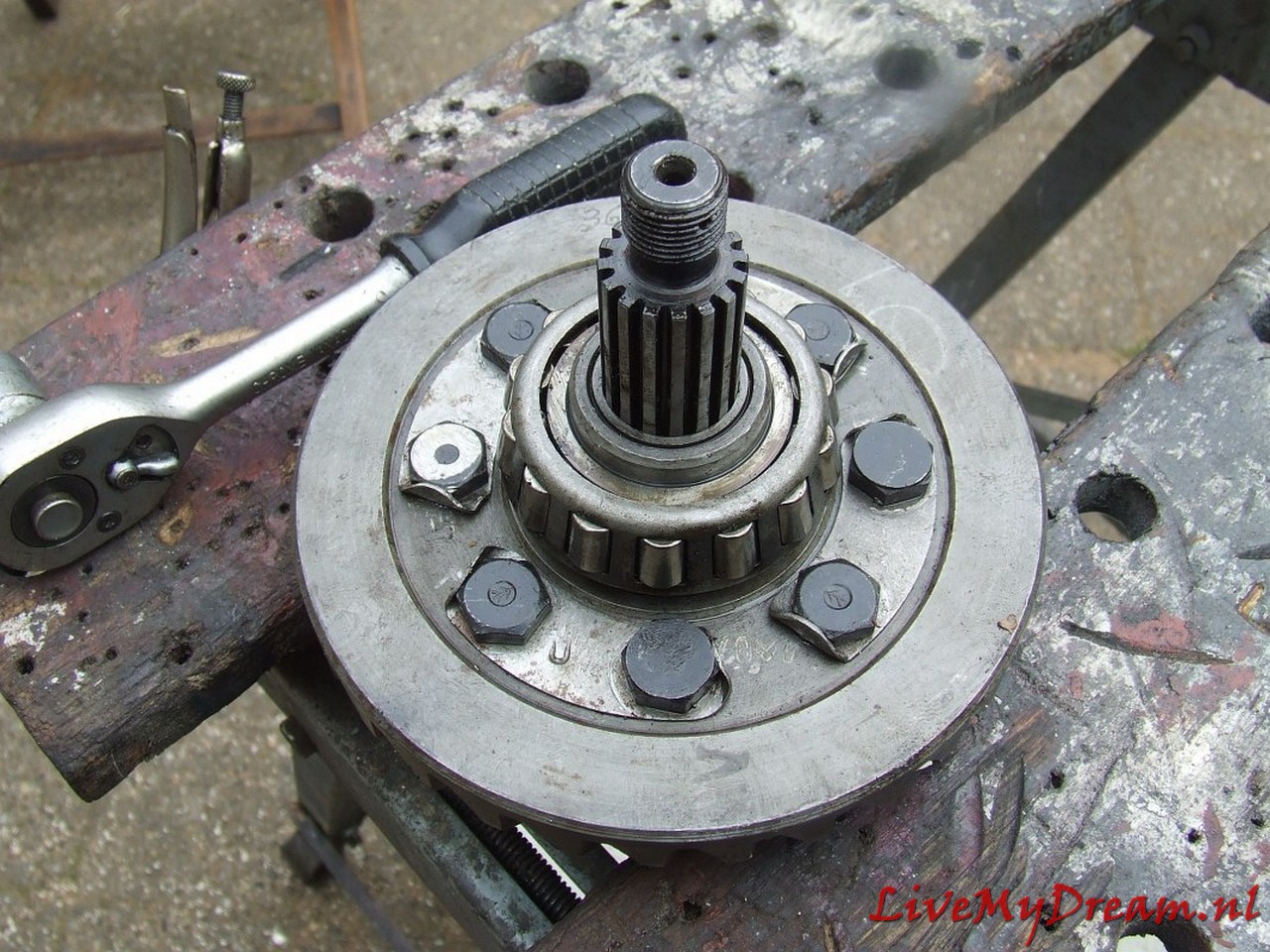
Timken bearings tighten but not too tight….
Converted switch selector/levier, in the experimental phase.
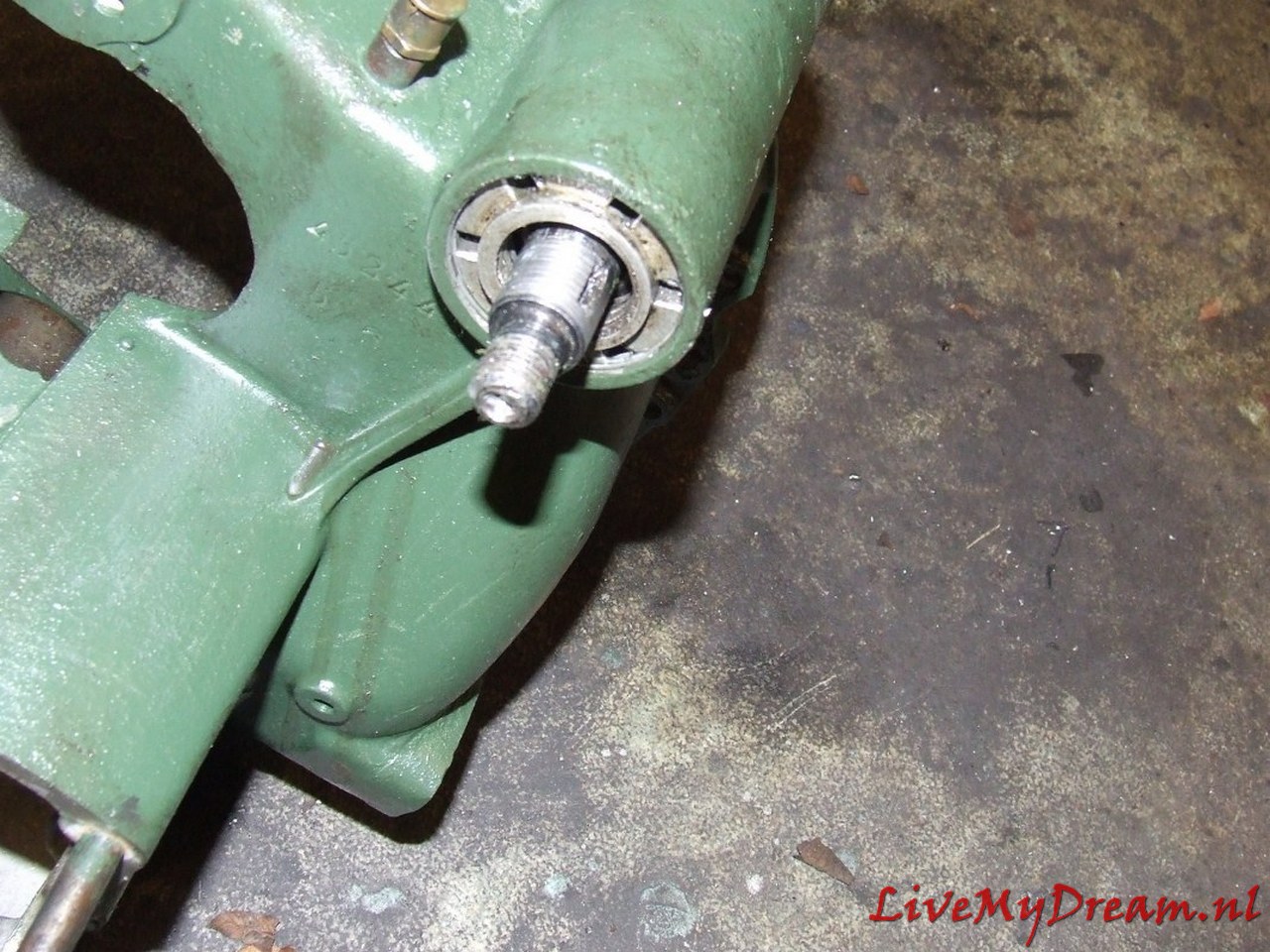
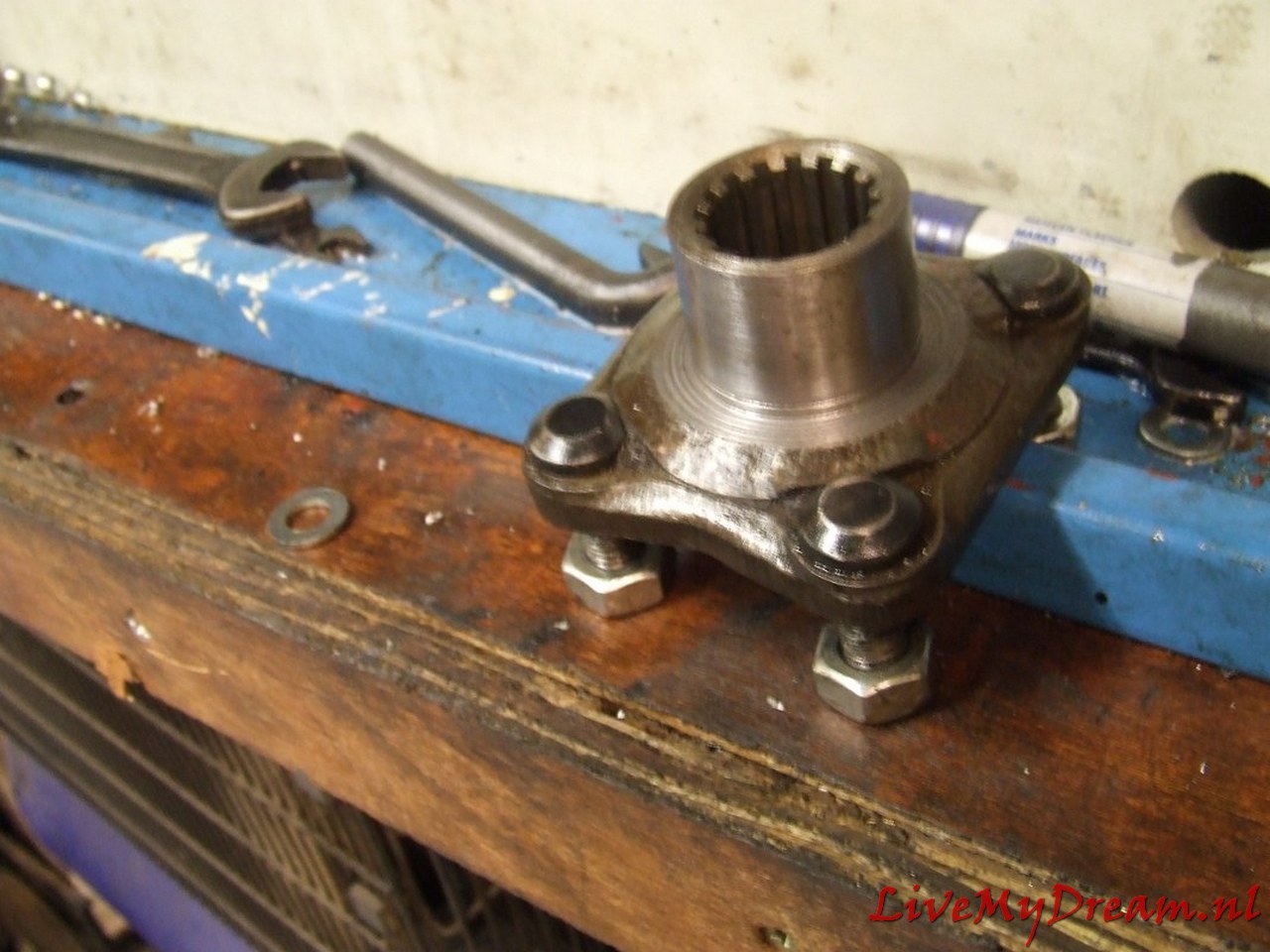
Turn shaft chuck to commercially available bearing size
And the turned down result of the axle claw of the TA with inner splines.
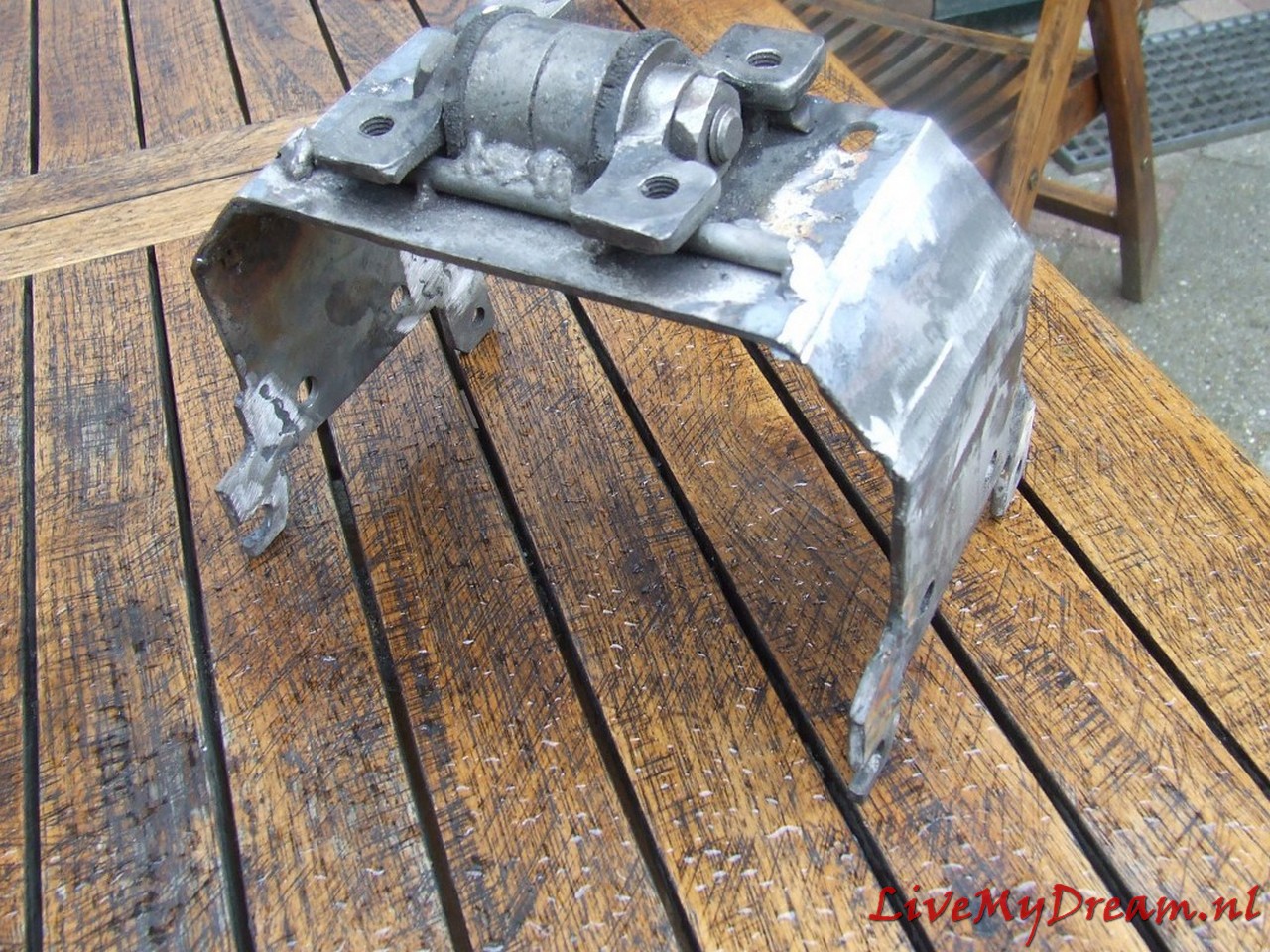
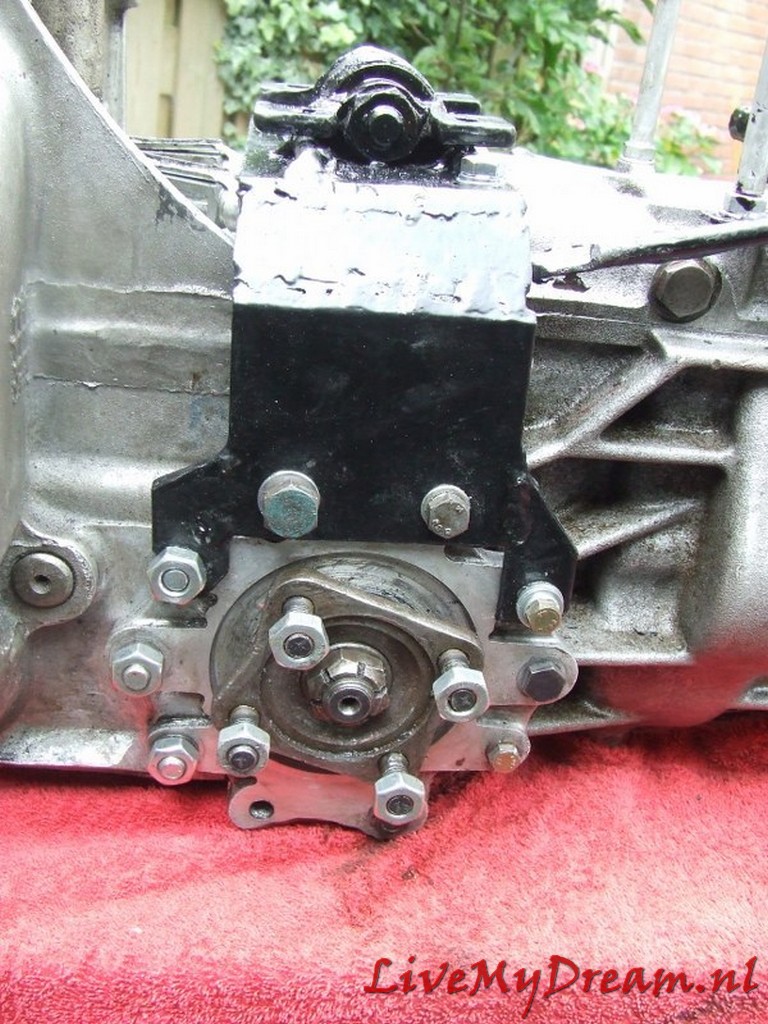
Mounting Bracket.
I chose a very robust setup, since the motor/box/drive shafts are all suspended from this point.
In addition, I chose to simply reassemble the cross pieces of the drive traverse to maintain sufficient strength.
Please note above: On the underside of the flanges, I have ground away about 2 cm of material on both sides.
This is because these points protrude from the original TA body.
This means that they come up against the cradle just above the passage of the drive shafts.
So I had to remove some material. I can’t remember the number of times I have assembled and disassembled the gearbox, but at least it was so many times that I can now do it blindly and very quickly.
Above again the removed material: Handy to do BEFORE mounting!
Bearing for the axle claws. I heated this part in the oven at 60 degrees before final assembly.
Ready.
Shifting axles. Left the up/down movement of the shifter and right the left/right movement….
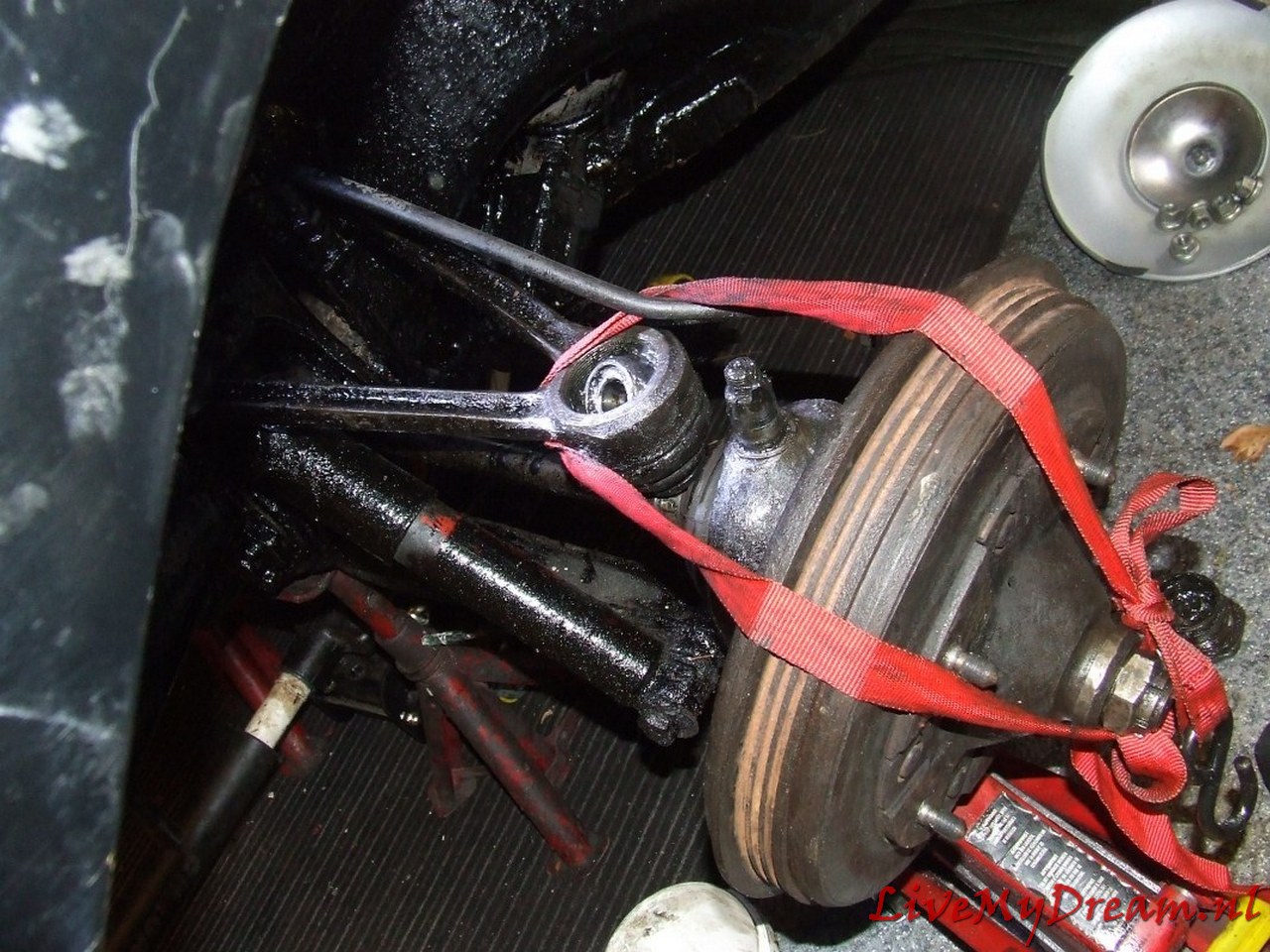
I had to loosen a stub axle on 1 side, otherwise I couldn’t get the axles mounted on the flanges.
Picture was taken during assembly: nut still tightening and all.
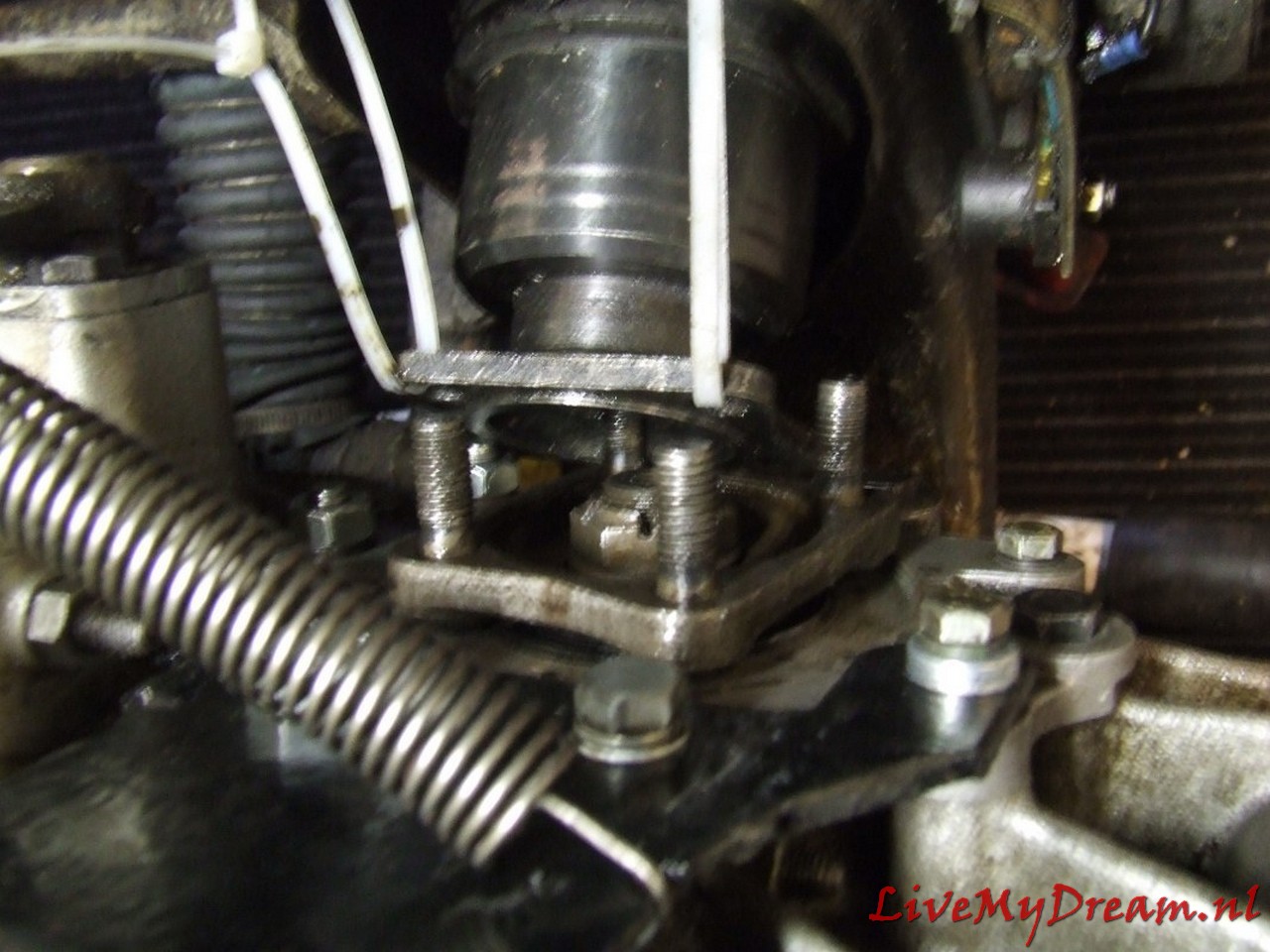
At the bottom right you can see the sensor of the cruise control hanging away.
The magnet is placed under the nut, which is still loose, with a bracket so that the sensor can see it at every turn.
Above the modified spoons from the bottom of the switch tower.
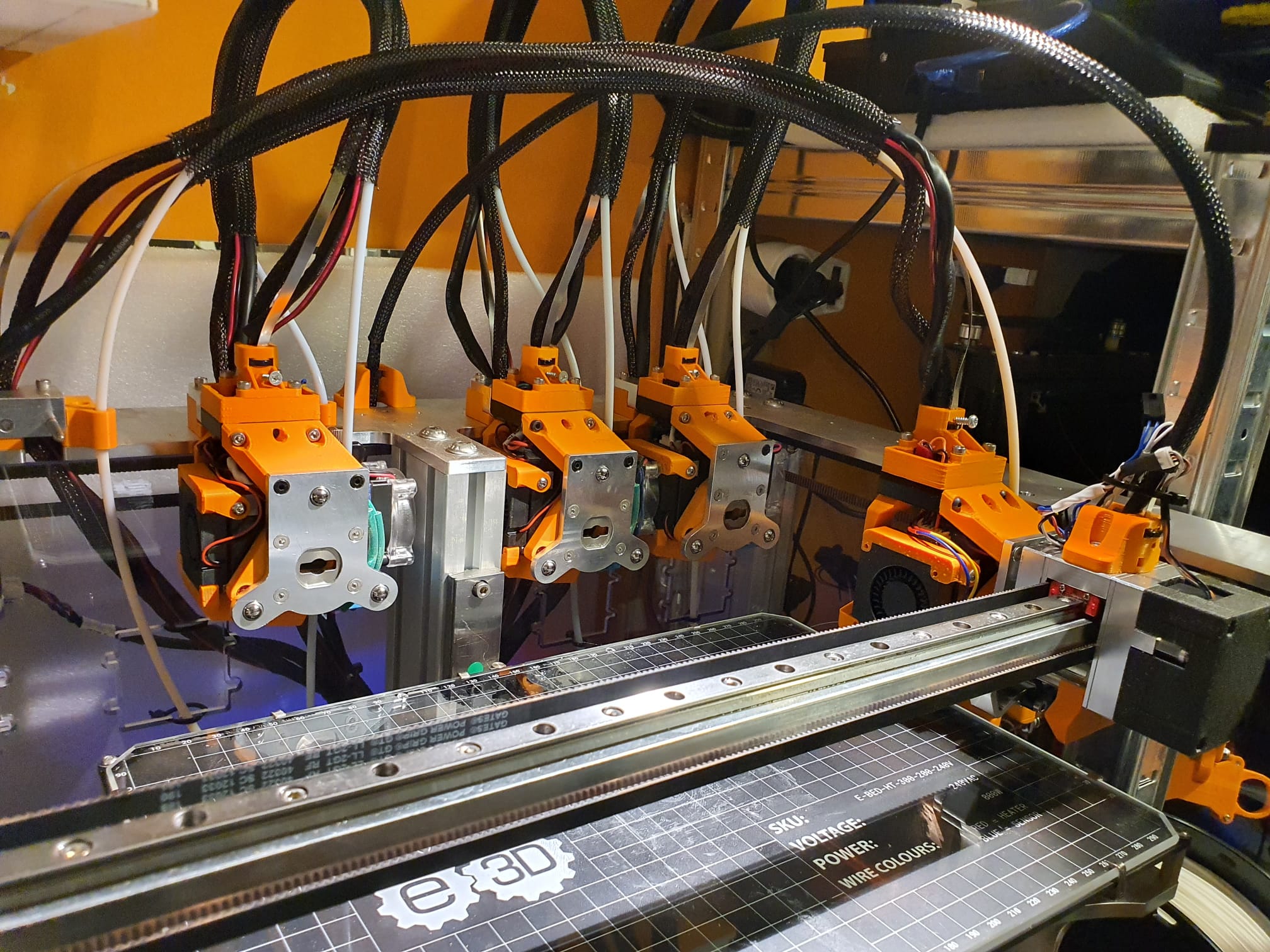
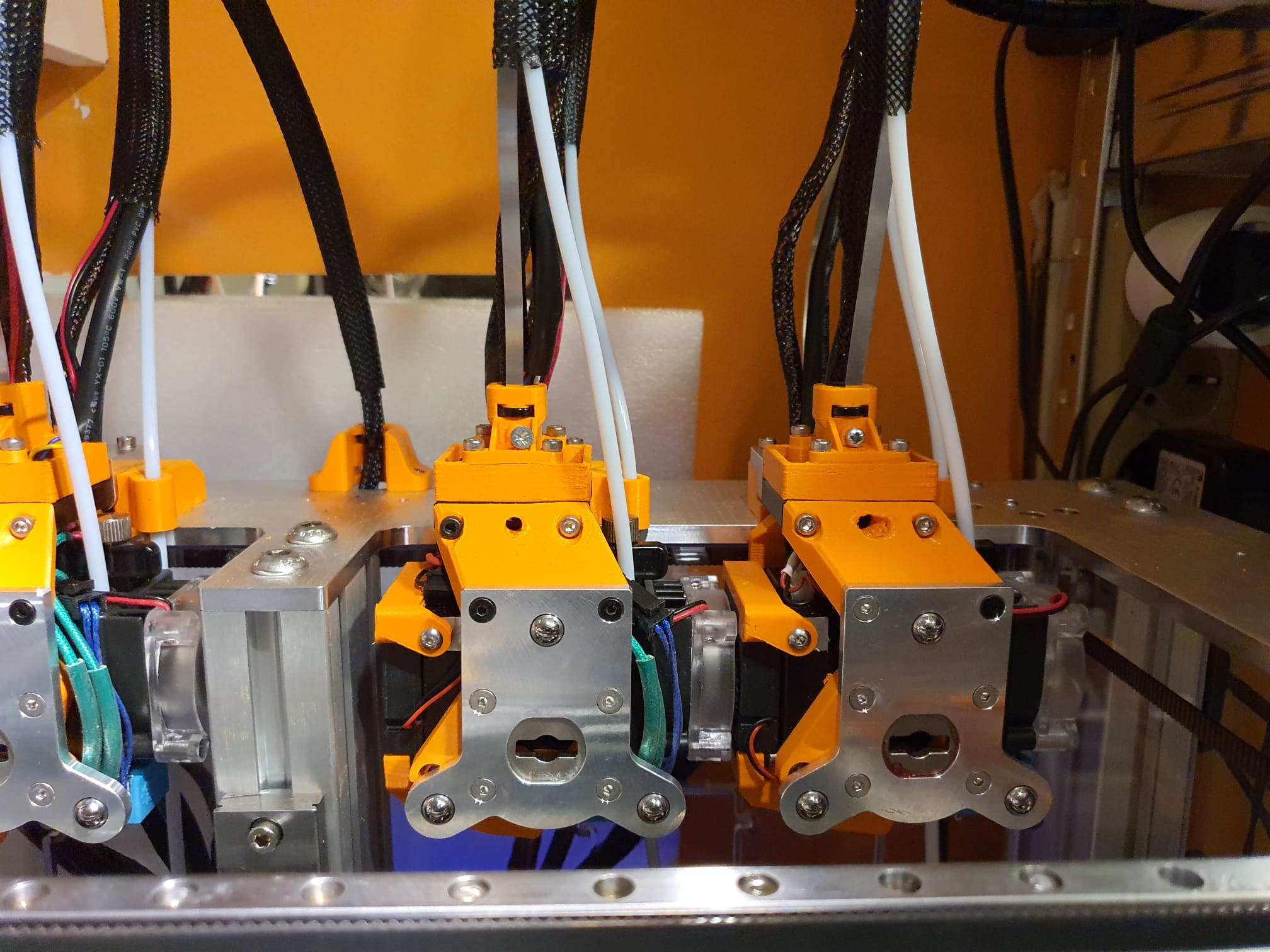
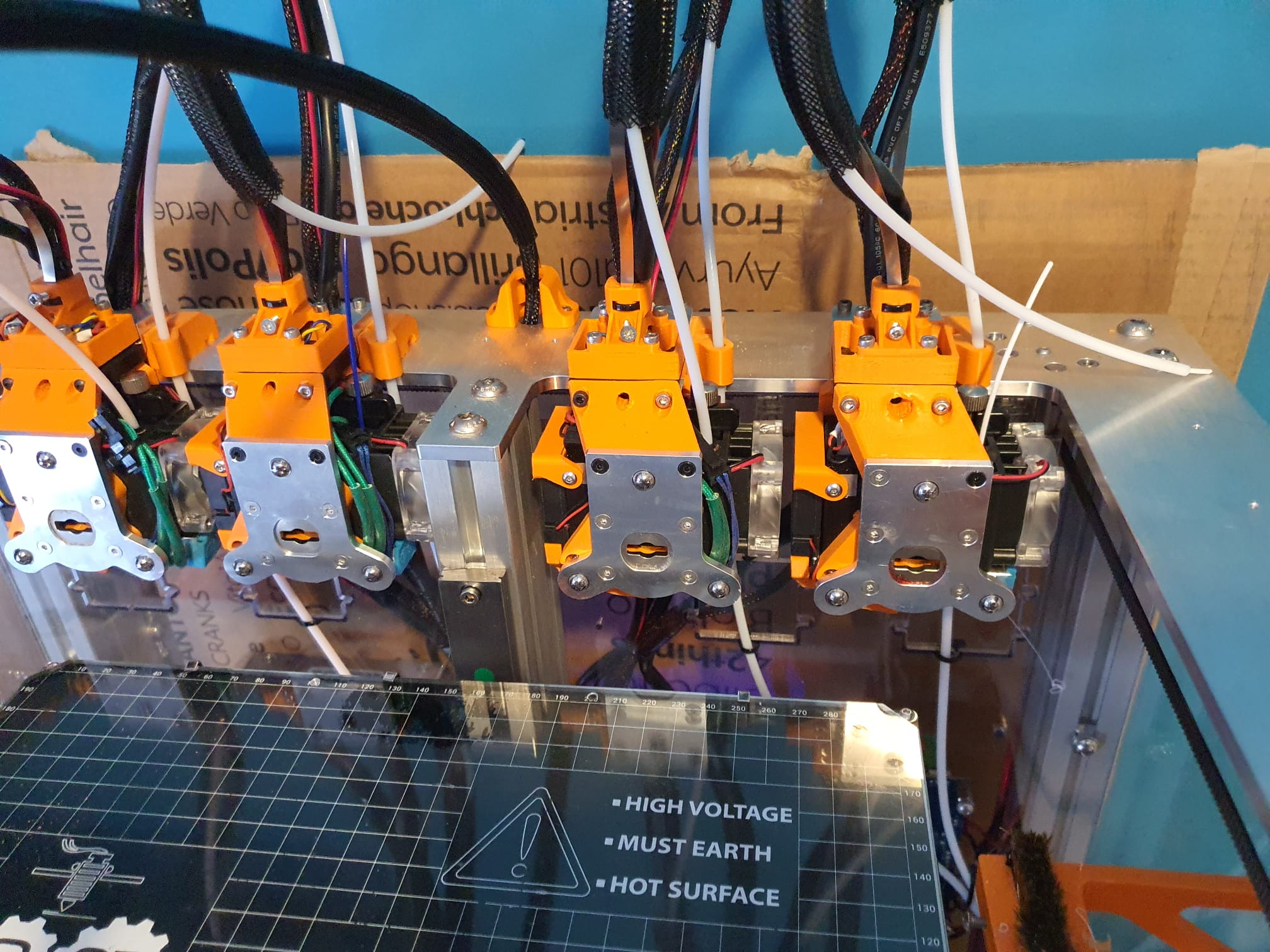
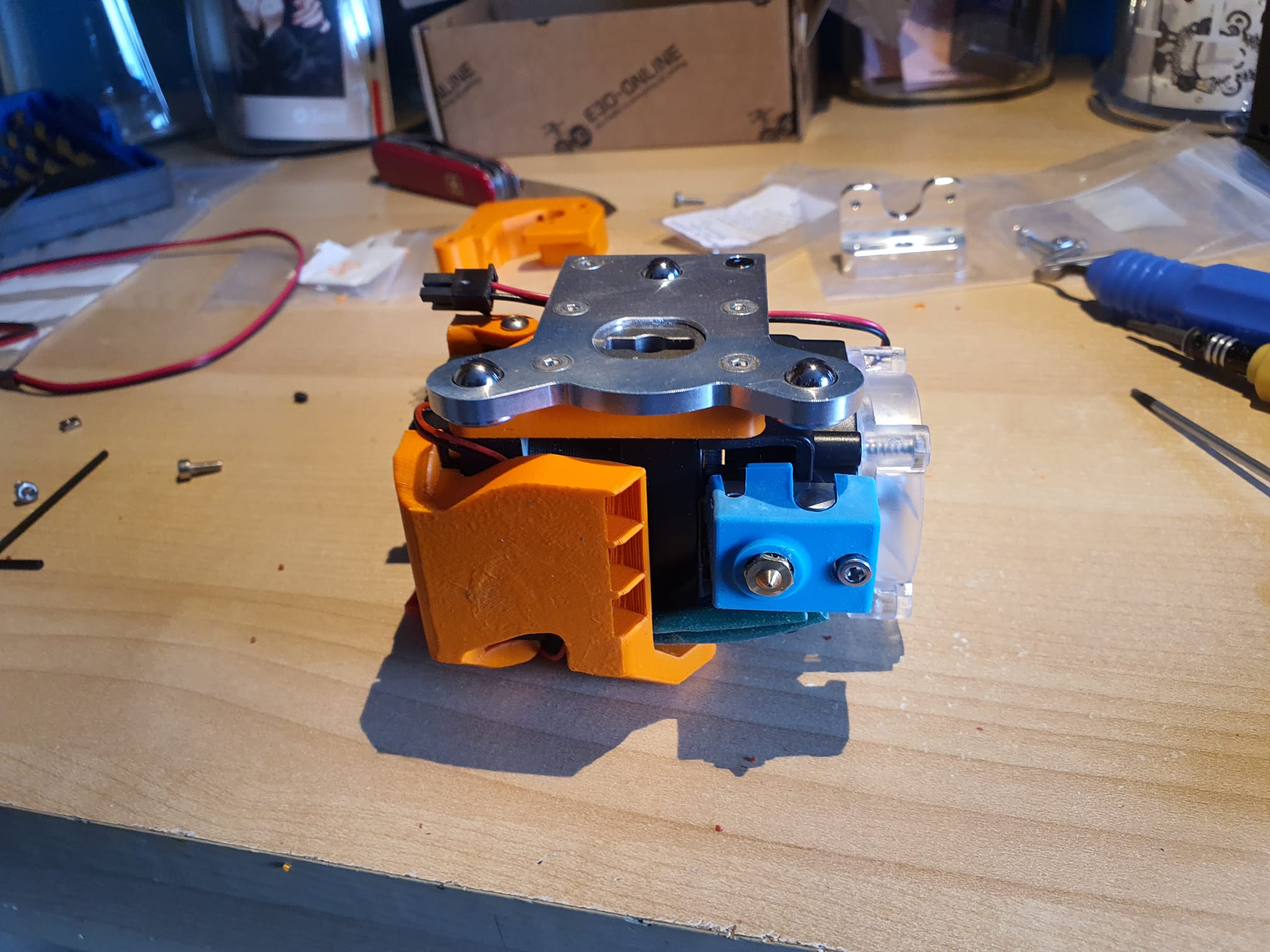
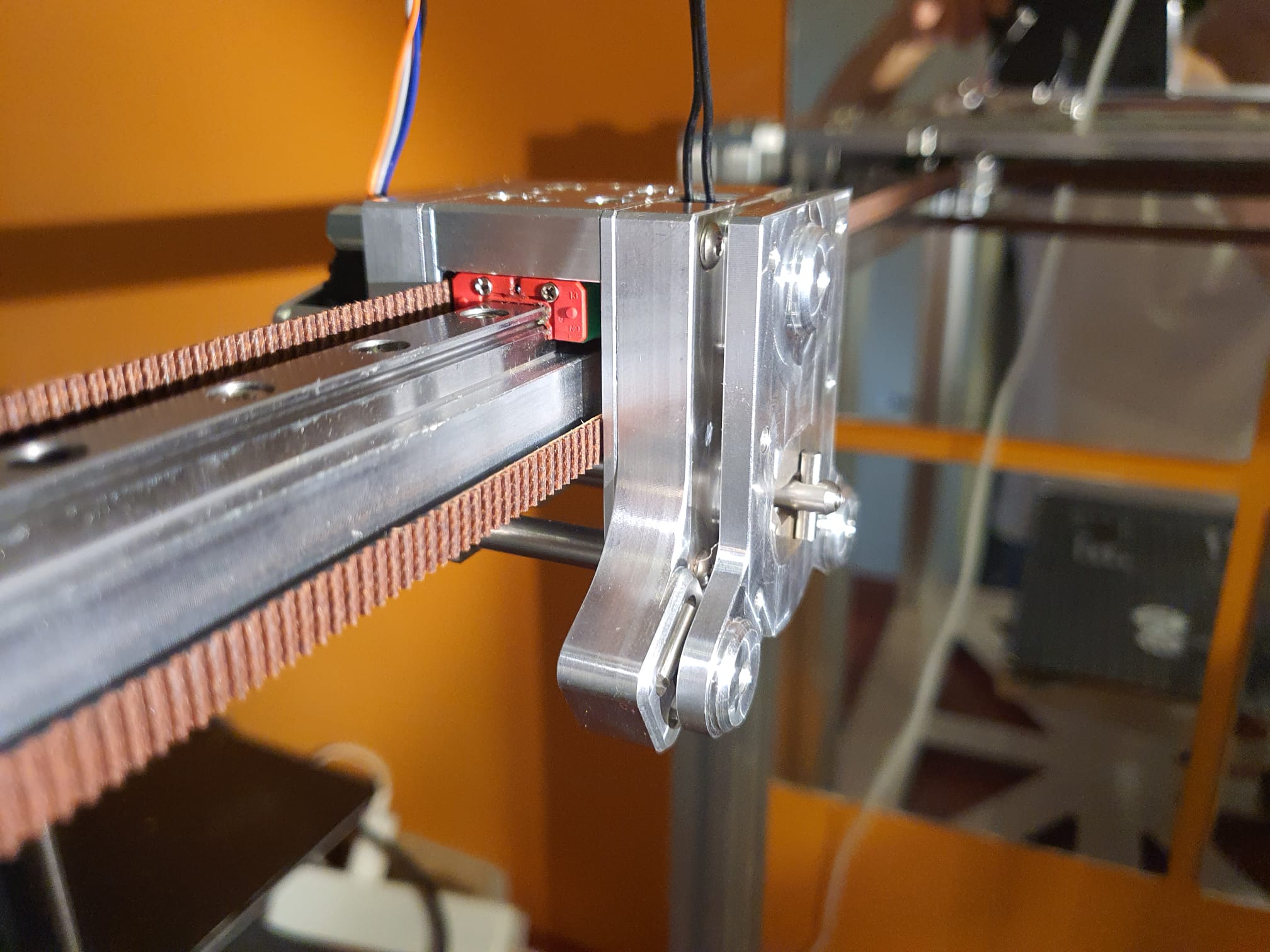
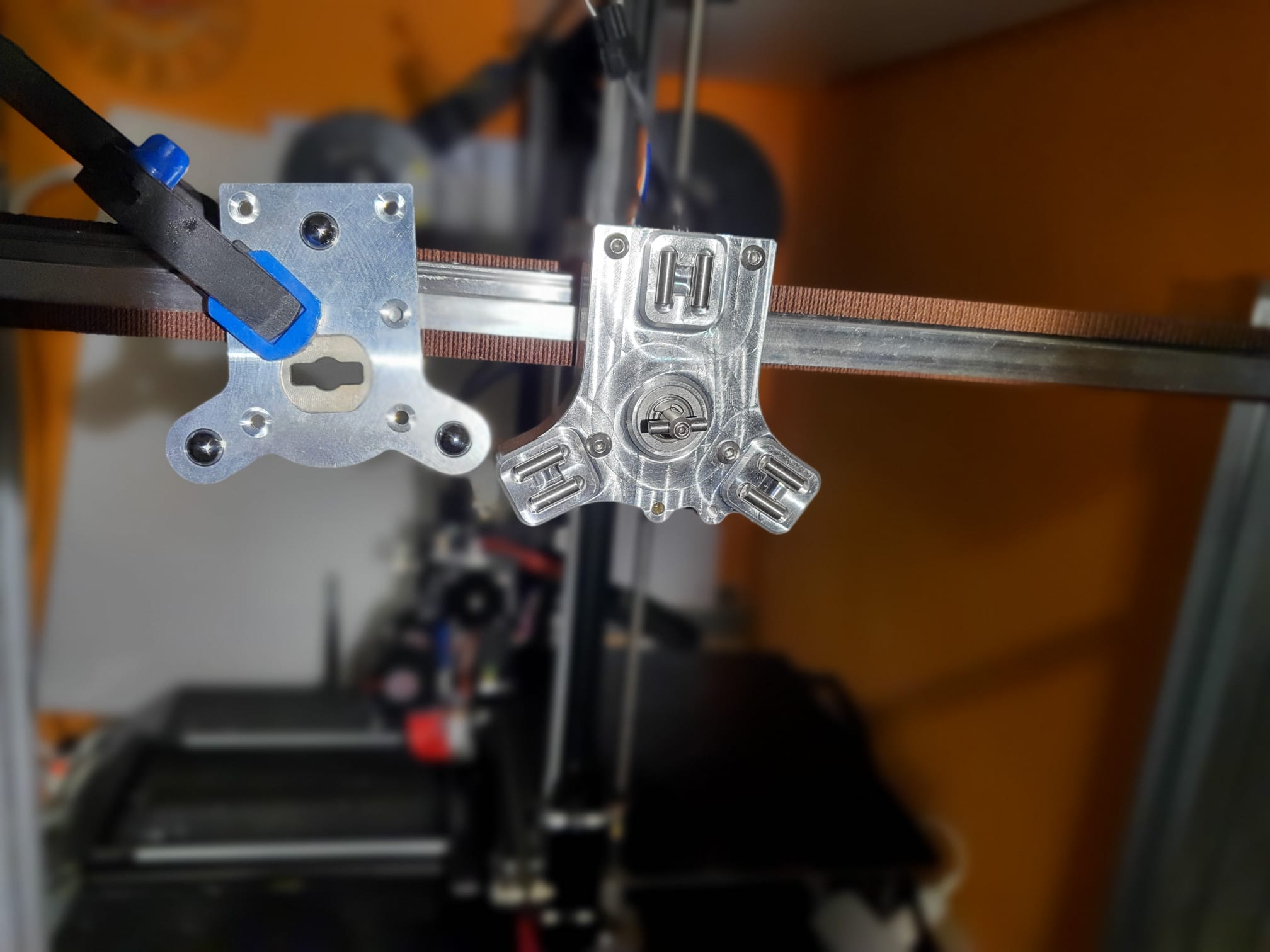
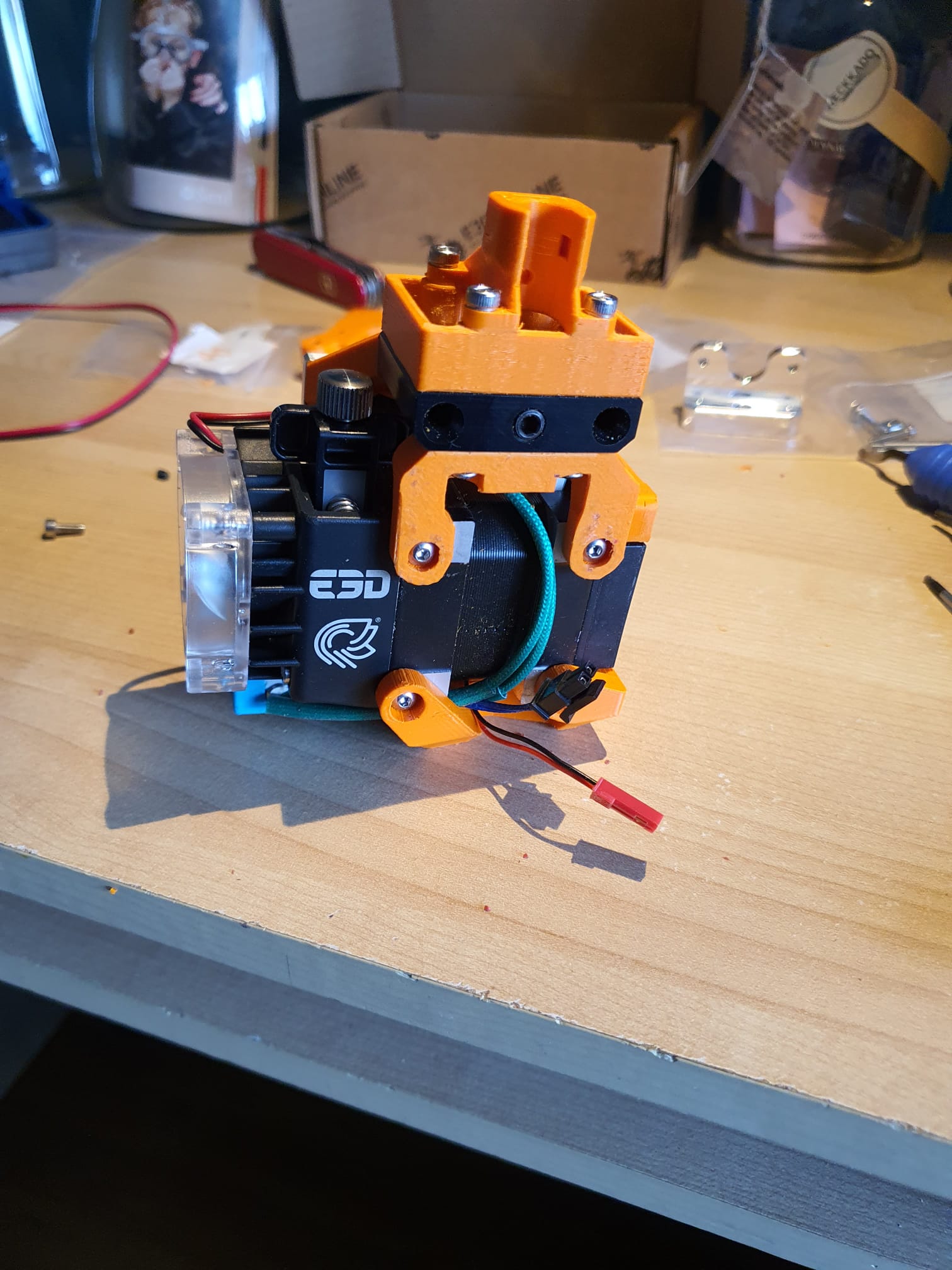
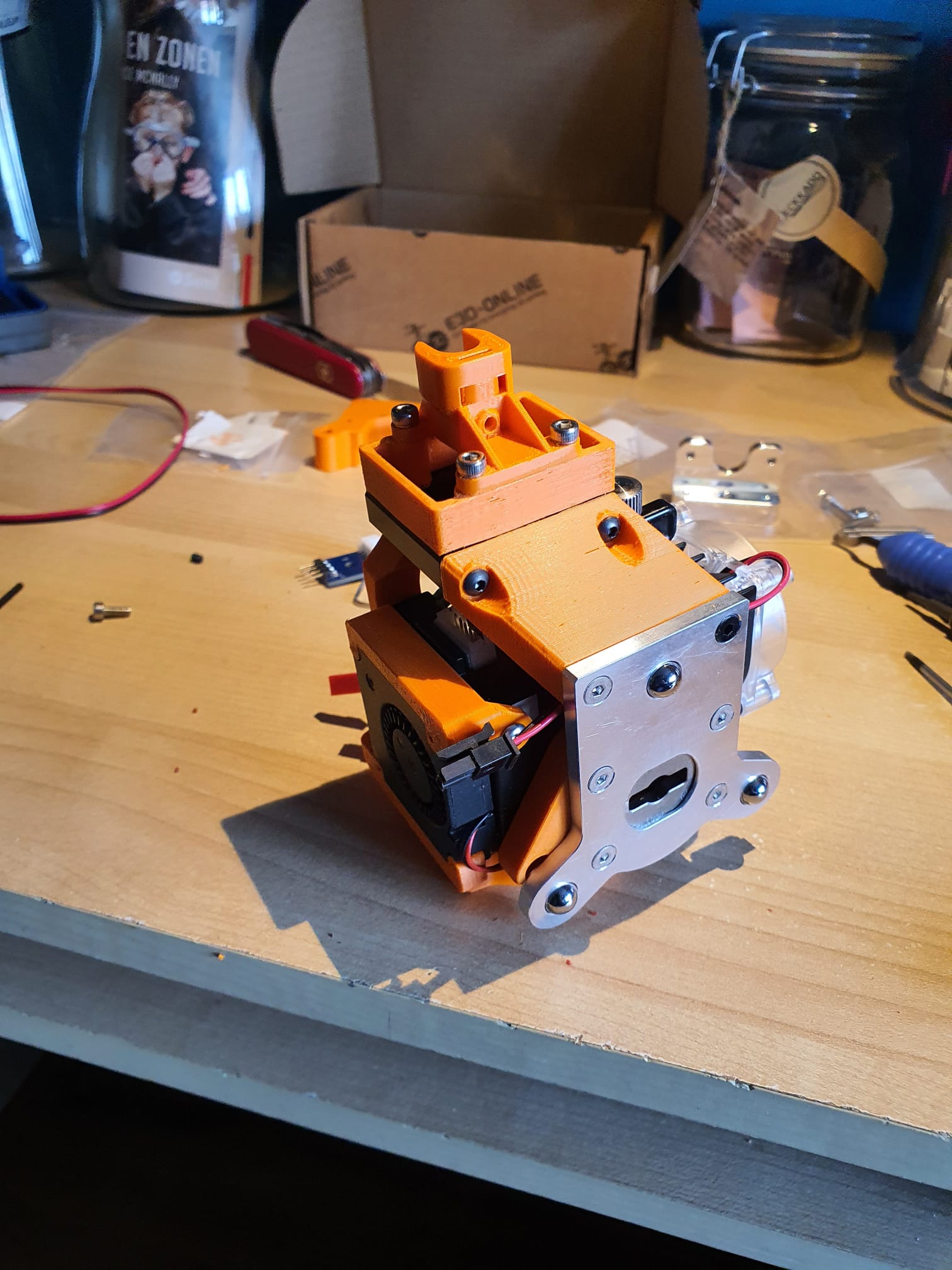
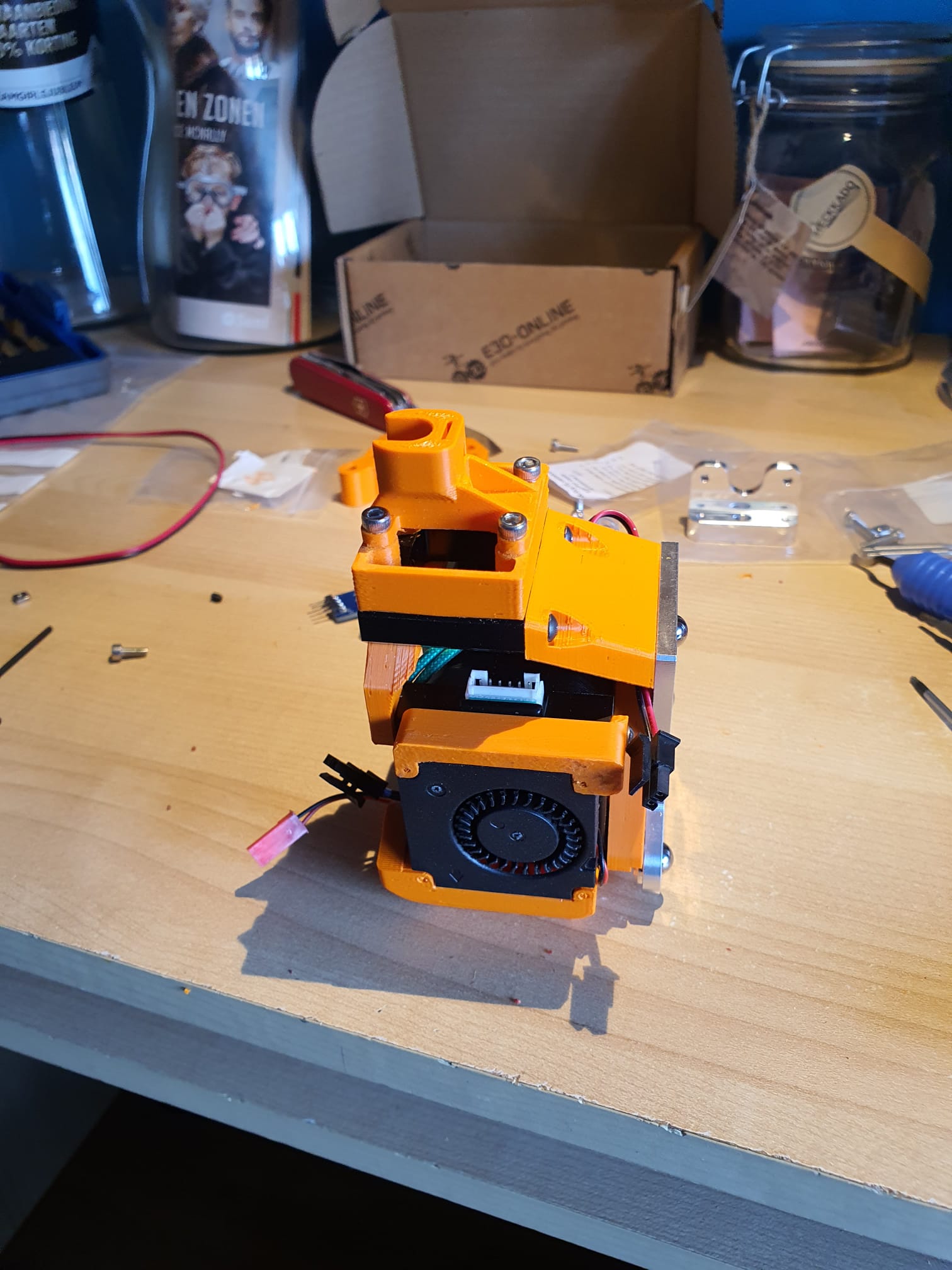
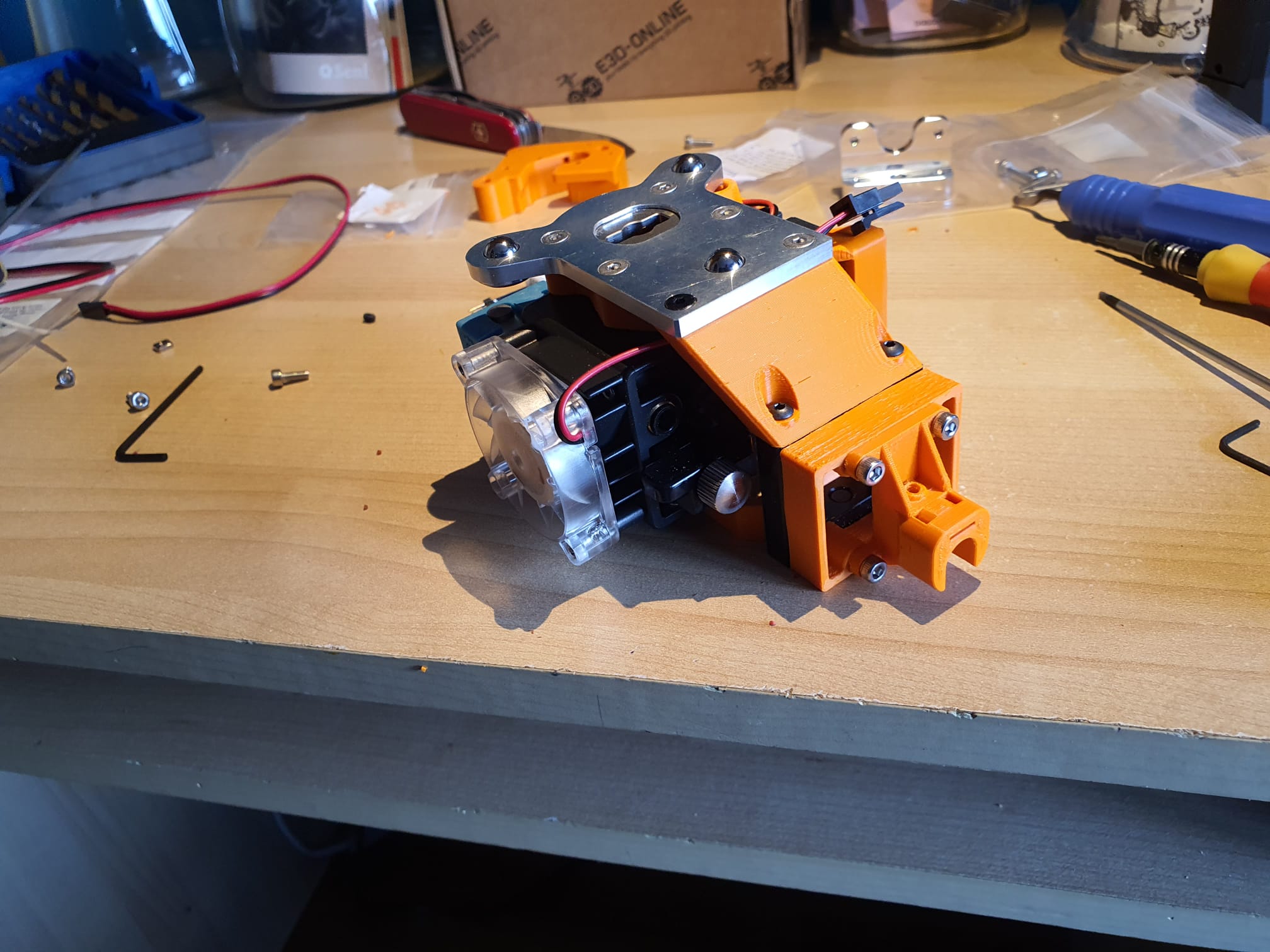
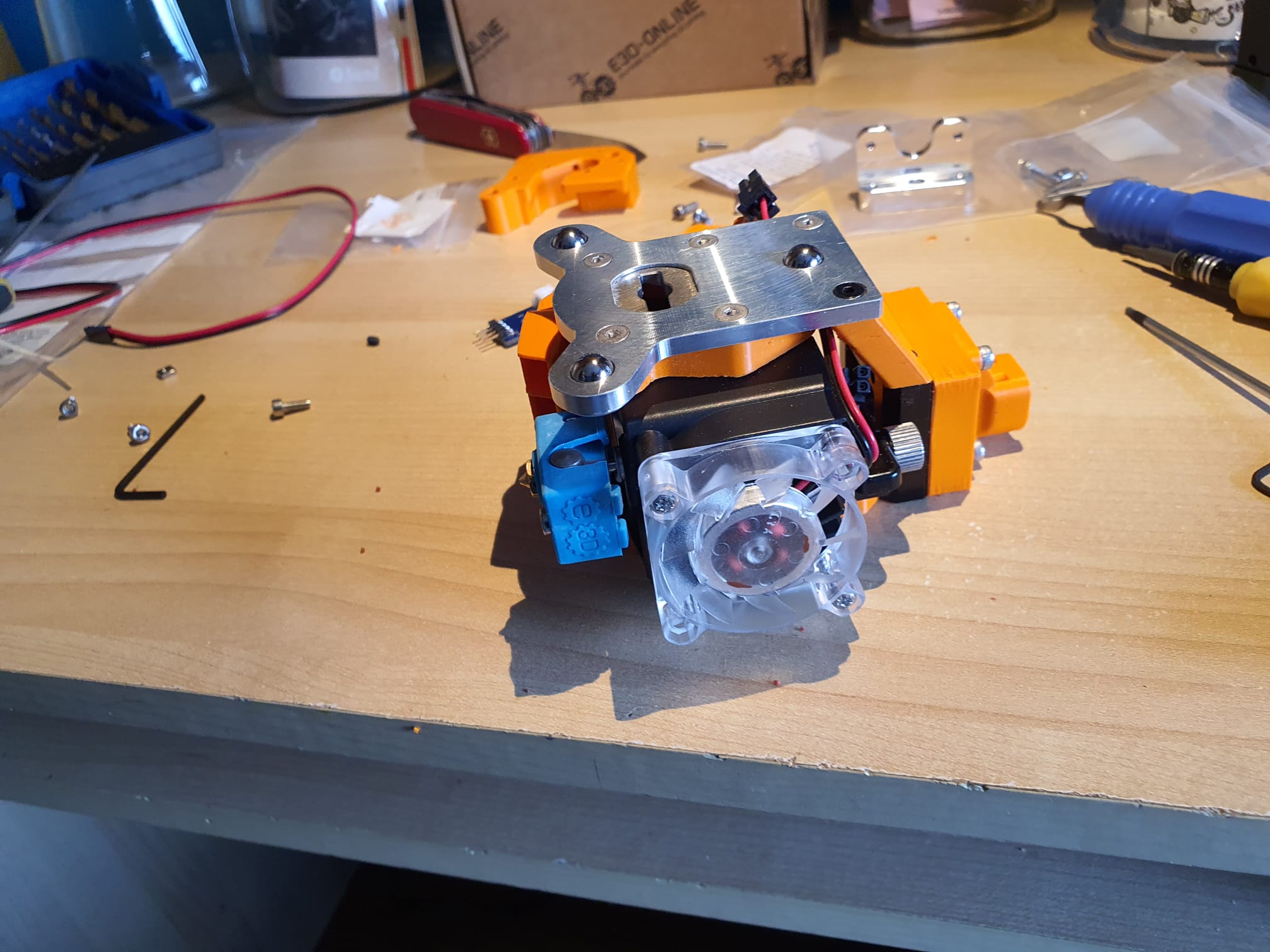
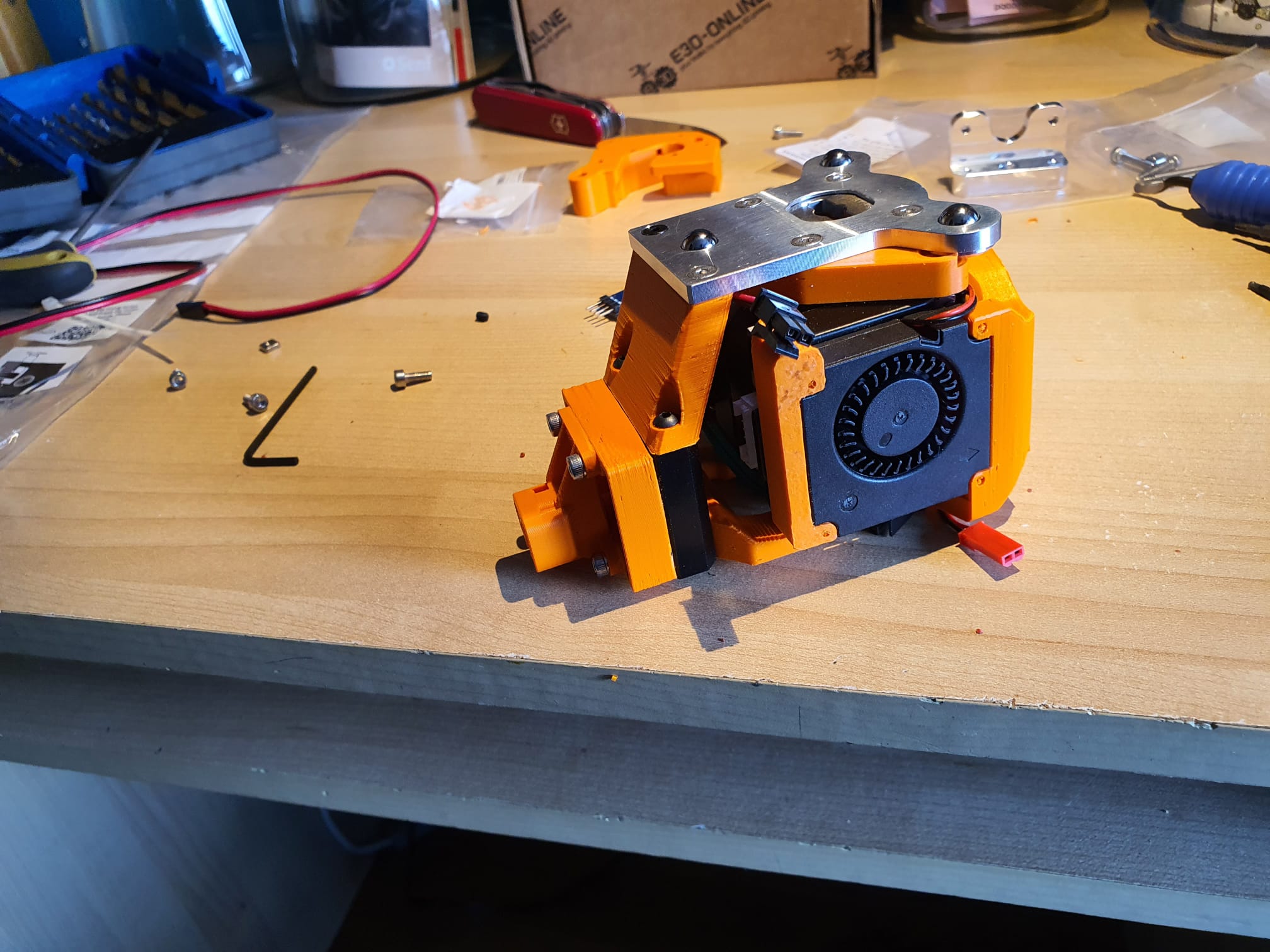
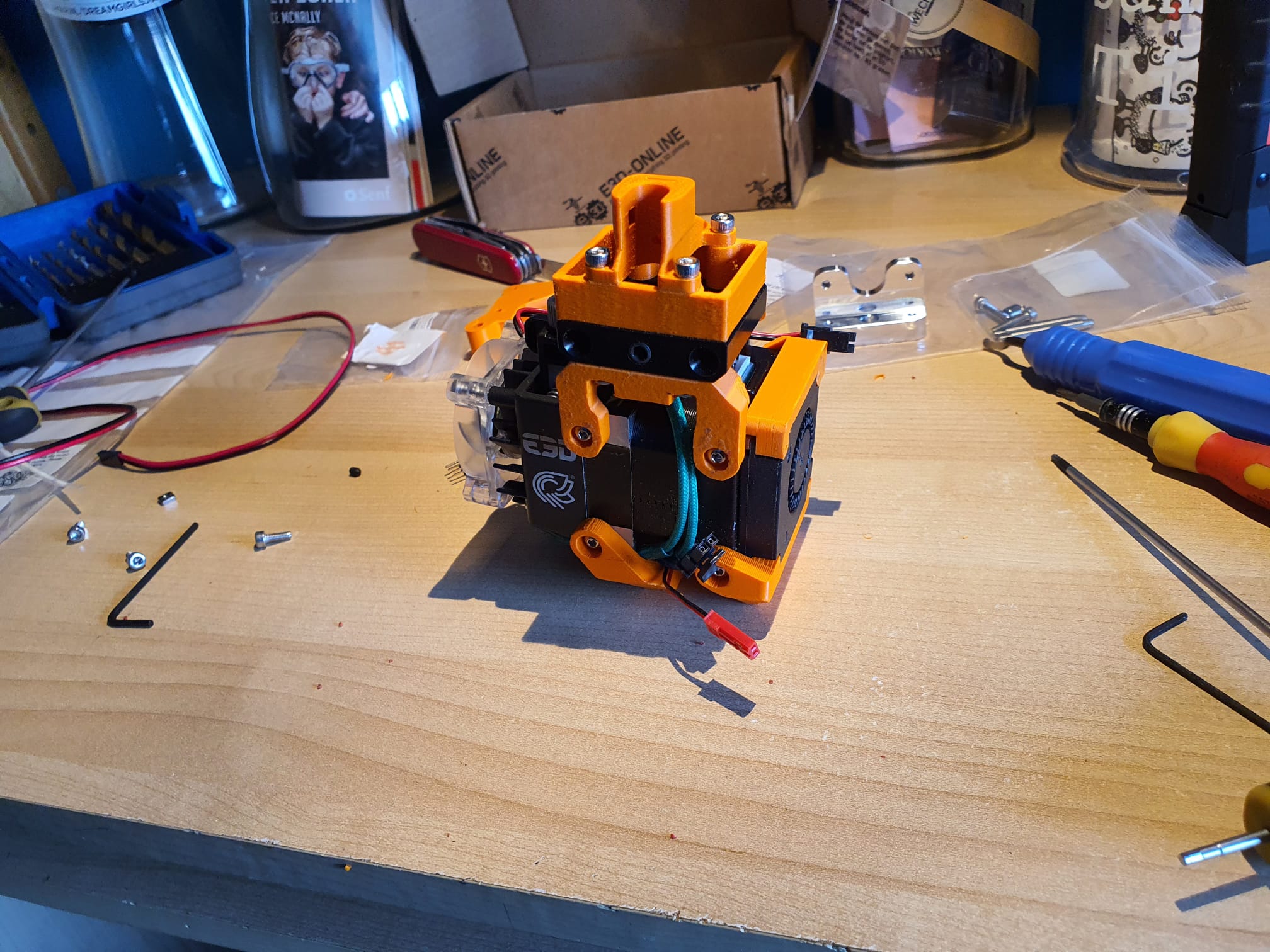
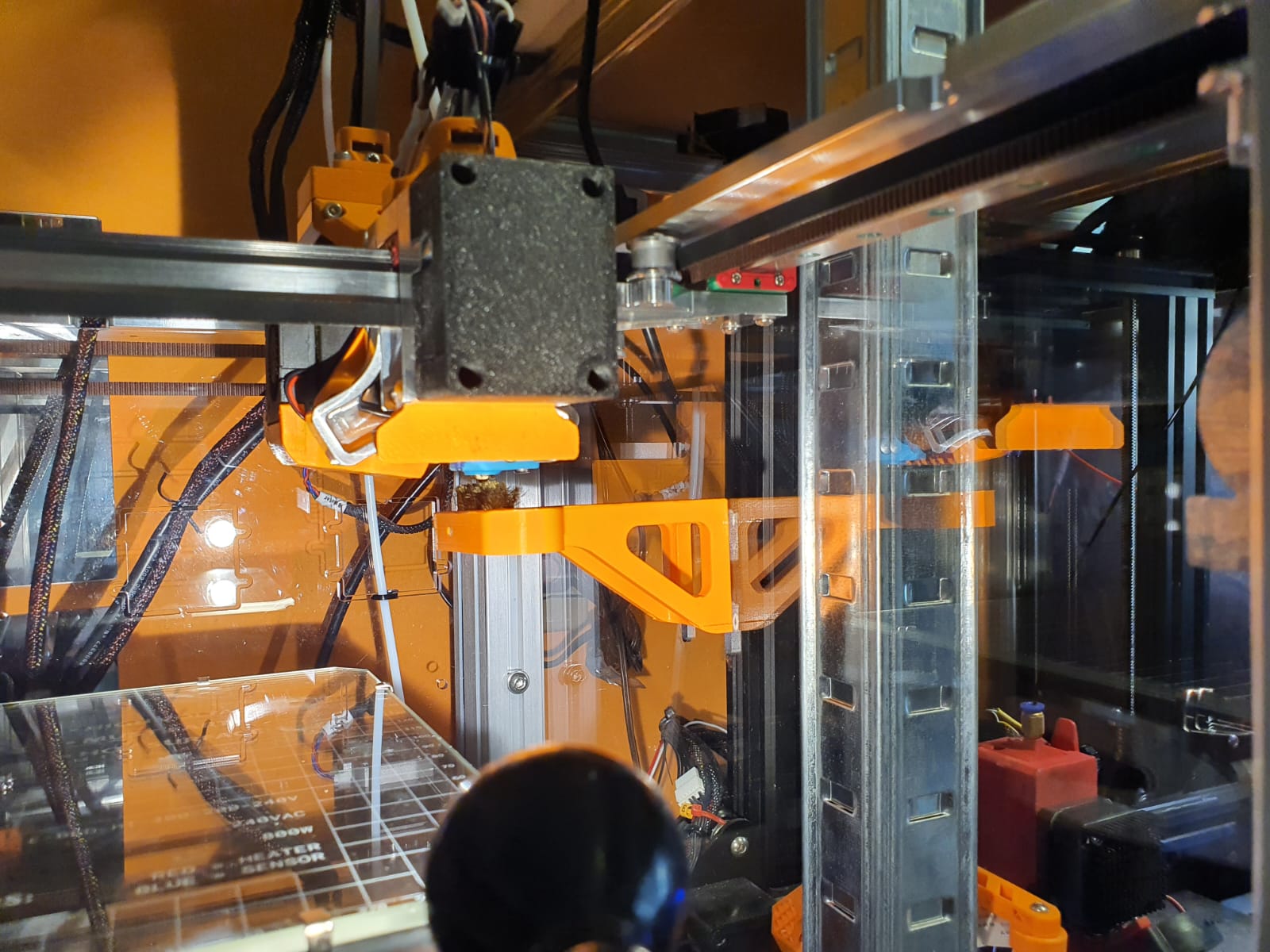
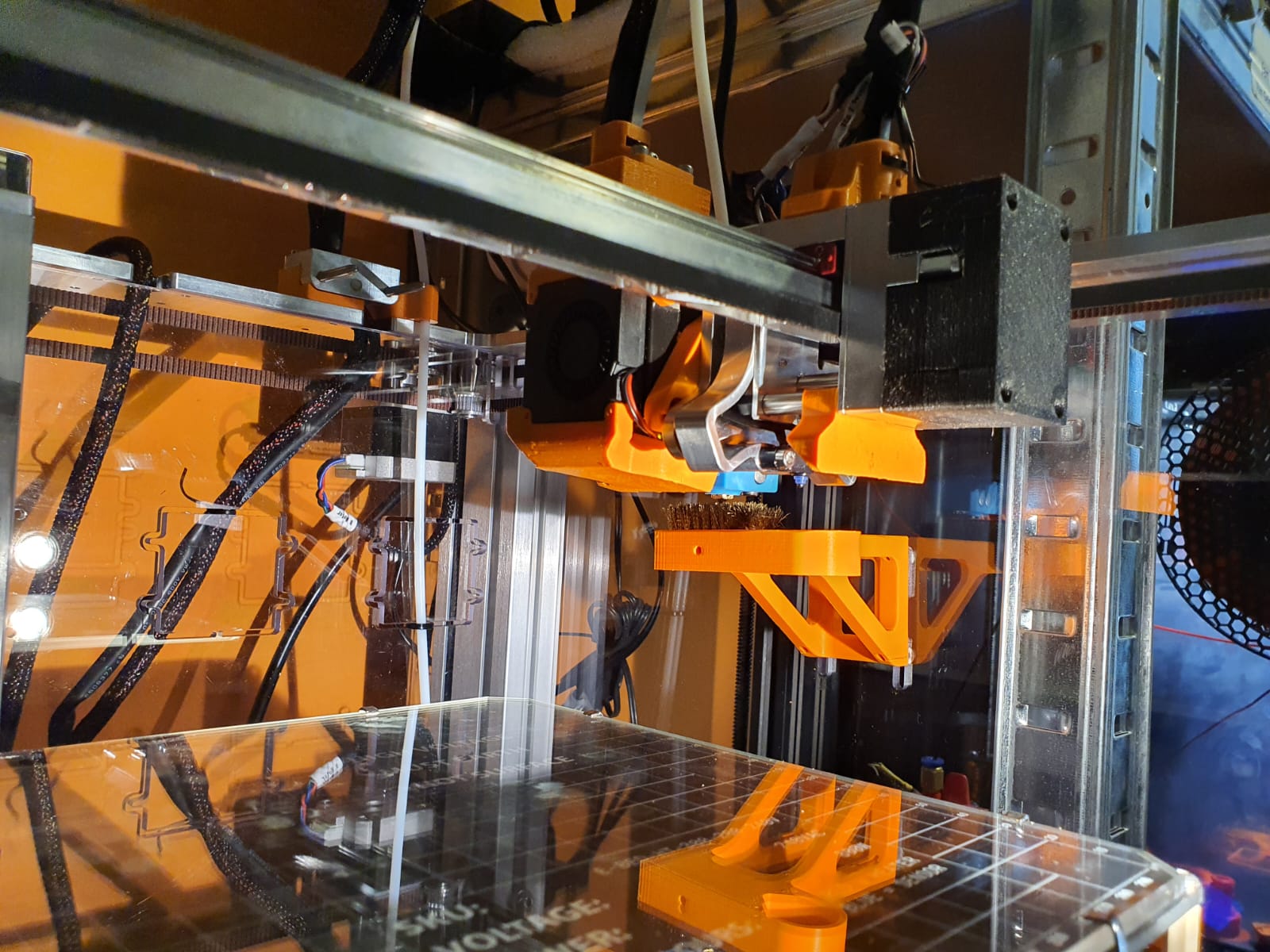
Tool T2 and T3 (3rd and 4th from left) are about 1.5 mm apart in the standard build, which means that T2’s tool fan can draw almost no air. With the new custom adapter, the right tool T3 moves 3 mm to the right, allowing the left tool T2 to once again draw air with the clear fan and cool T2’s heatsink from the Hymera Direct Drive extruder.
With this custom adapter, the respective tool moves up 3 mm, giving you an extra 3 mm of space compared to the left tool.
This makes just enough room for the tool fan of the left adjacent tool to cool the heatsink.
So place this adapter in the 2nd and 4th places with Tool 1 and 3.
This will save the first (T0) and 3rd tool (T2) in terms of cooling!
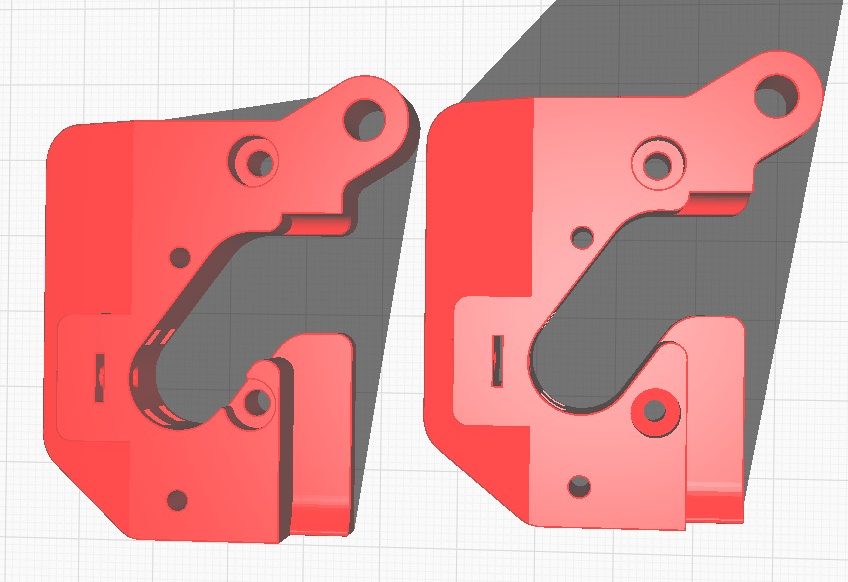
On the left the original version, on the right my version modified in Autodesk Fusion 360 for the tools at position T1 and T3 (2nd and 4th)
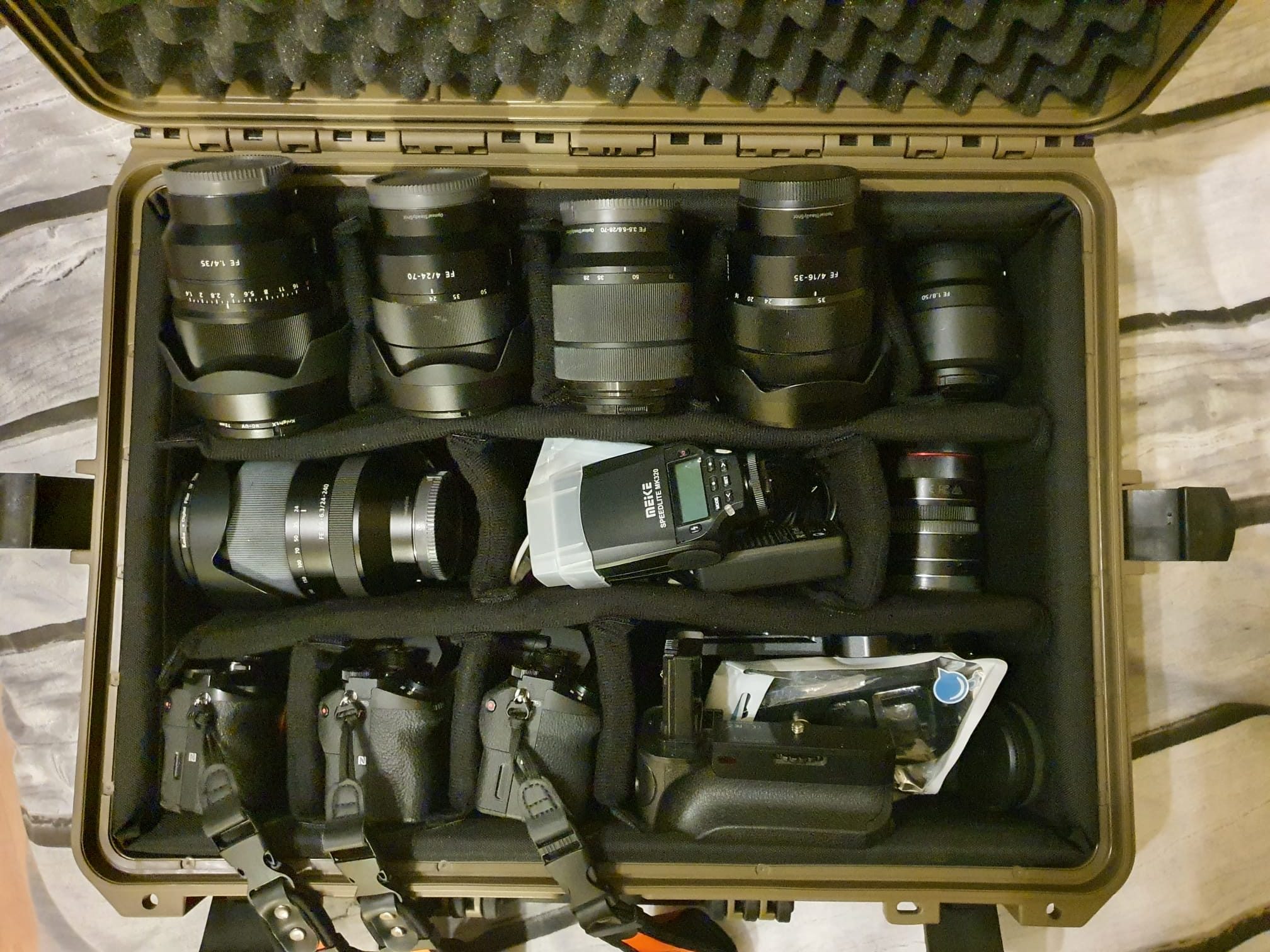
Every now and then I still use my Sony A7-RII , A7II en A7I set and accompanying lenses for outdoor shooting.
But mostly for city use I take the small bag with the Canon RP and the short zoom lens.
It’s just a bit easier to handle.
And for sports work and fast recordings I still stick to the M3/4 format cameras from Olympus , with the pro lenses attached. Also very nice for 4k video!



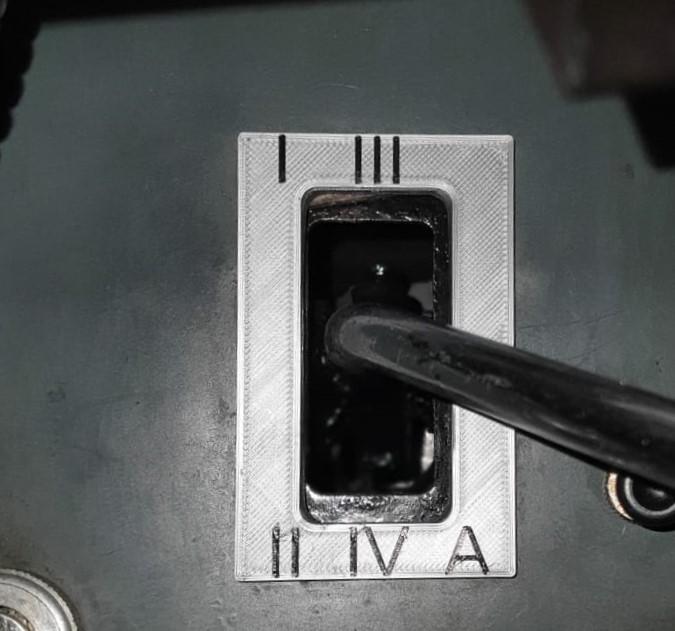 · via the TA’s original shift rods – by converting the selector/levier in the cab – by doing a conversion on the gearbox with new shift rods ‘outside out’ from the control levers at the bottom of the shift tower to the original 4-banger controls.